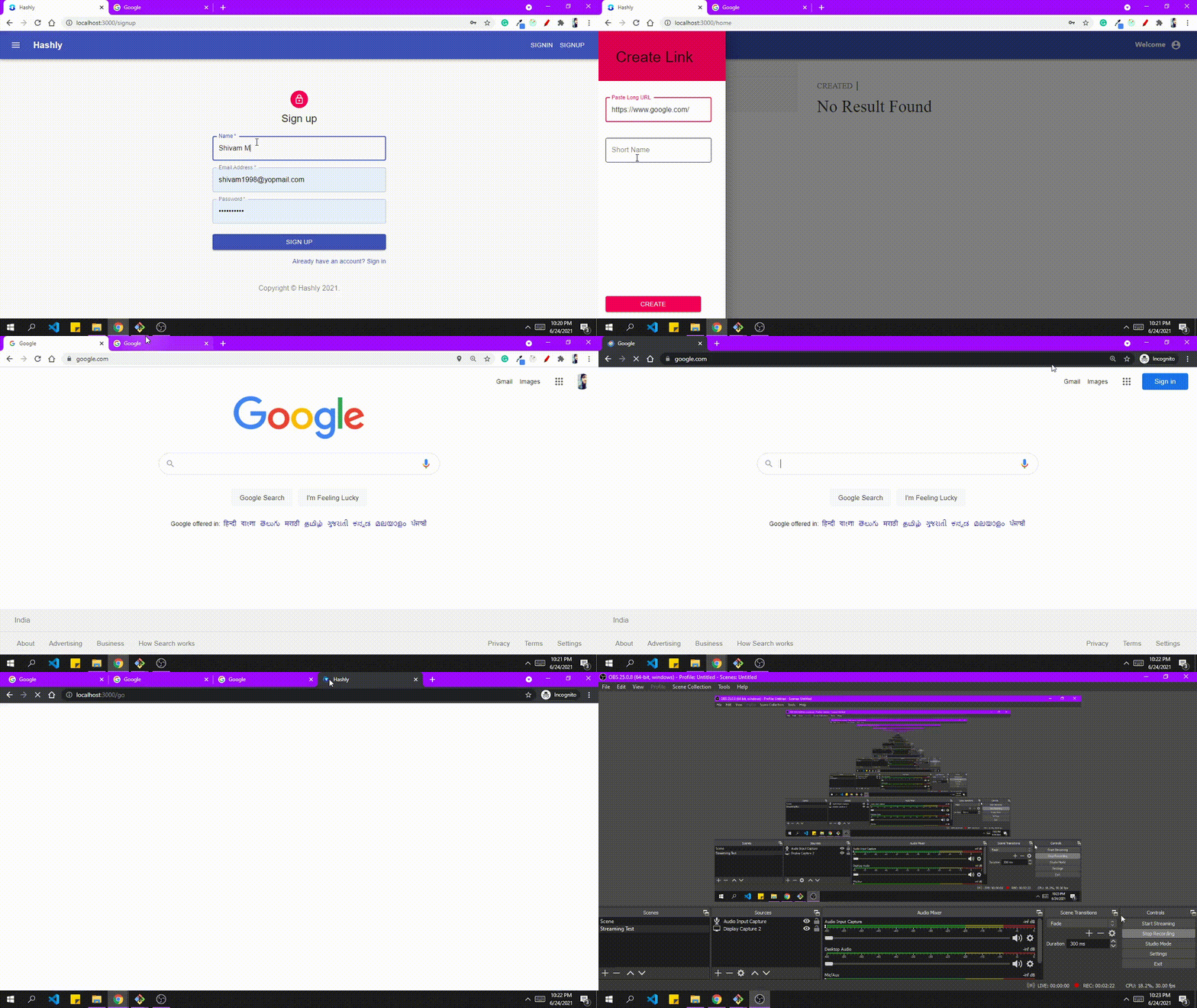
An URL shortening service written in express
- User registration and login.
- Shorten URLs.
- Update and Delete shortened URLs.
- Graph representation of number of clicks.
- URL Analytics.
- Page Views.
- Unique Visitors
These instructions will get you a copy of the project up and running on your local machine for development and testing purposes.
- NodeJS
- Node Package Manager(NPM)
- Git
- Mongodb
A step by step series of examples that tell you have to get a development environment running
- Download ZIP file or clone the repository to create your own copy.
git clone https://github.com/geekcodershivam/hashly.git
- Move to the hashly repository
cd ./hashly
- Install all project dependency packages via NPM
npm install
- Set up Mongodb Atlas
- If you don't have any idea about mongodb atlas you can check out from here.
- Make .env file
 PORT=5000
 MOGOURI=" Your Mongodb url"
 JWT_SEC='keys'
- Start the server.
nodemon
- Move to the client folder
cd ./hashly/client
- Install all project dependency packages via NPM
npm install
- Runs the app .
npm start
And see it working on http://localhost:3000
| Request | End Point | Details |
|---|---|---|
| POST | /signup | Register User |
| POST | /signin | for signin |
| POST | /createurl | Create Url |
| GET | /urls | Fetch all details of urls |
| GET | /sh/:slug? | Redirect to Original url |