Welcome to the README file for the MyBudget App. This document provides an overview of the app, its features, installation instructions, and usage guidelines.
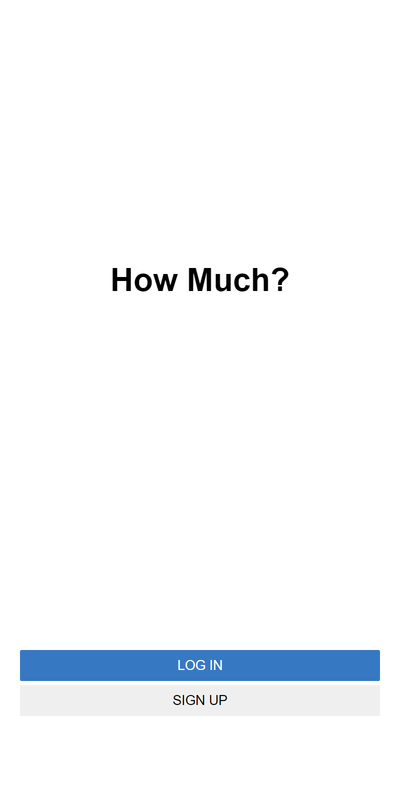
- 📖 About the Project
- 💻 Getting Started
- 🚀 Live Demo
- 👥 Authors
- 🔭 Future Features
- 🤝 Contributing
- ⭐️ Show your support
- 🙏 Acknowledgements
- 📝 License
How Much? is a user-friendly and intuitive budgeting tool designed to help you manage your finances effectively. Whether you're looking to track your expenses, set savings goals, or gain insights into your spending patterns, this app has you covered.
Backend
Database
- Easily input and categorize your expenses to keep a detailed record of your spending habits.
- Your financial data is kept secure and private, as the app employs encryption and authentication measures.
- All data will be stored in a databes managed with PostgreSQL
- Using RoR to structure the project.
- Unit tests for important classes and methods using a testing framework (e.g., RSpec).
- Use a linter (e.g., RuboCop) to enforce a consistent coding style and identify potential issues.
If you would like to get a local copy up and running, please follow these steps.
In order to run this project you need to have ruby and ruby on rails installed in your computer. You can check that by running ruby -v in your console
If you do not have ruby installed in your computer, you can follow this tutorial (for Windows)
For installing ruby on MacOS you can run the following commands:
brew install rbenv ruby-build
# Add rbenv to bash so that it loads every time you open a terminal
echo 'if which rbenv > /dev/null; then eval "$(rbenv init -)"; fi' >> ~/.bash_profile
source ~/.bash_profile

# Install Ruby
rbenv install 3.0.1
rbenv global 3.0.1
ruby -v
For installing RoR you need to run
gem install railsClone this repository to your desired folder:
cd my folder
git clone  https://github.com/hernandanielzamora/How-Much.git
In order to fully make use of all the features you must run:
bundle install
To run the project locally, you should run:
rails s
To run tests, you can use the following command:
rspec spec
To deploy this project locally, you can run:
rails s
You can check How Much? in action here
Video Presentation
👥 Author: Hernán Zamora
- GitHub: @hernandanielzamora
- Twitter: @HernanZamora14
- LinkedIn: Linkedin
- Enable Visual Reports
- Add budget creation
- Add saving goals
Contributions, issues, and feature requests are welcome!
Feel free to check the issues page.
If you like this project please express your appreciation on LinkedIn.
I would like to give credit to Gregoire Vella
He created the design which I followed
This project is MIT licensed.