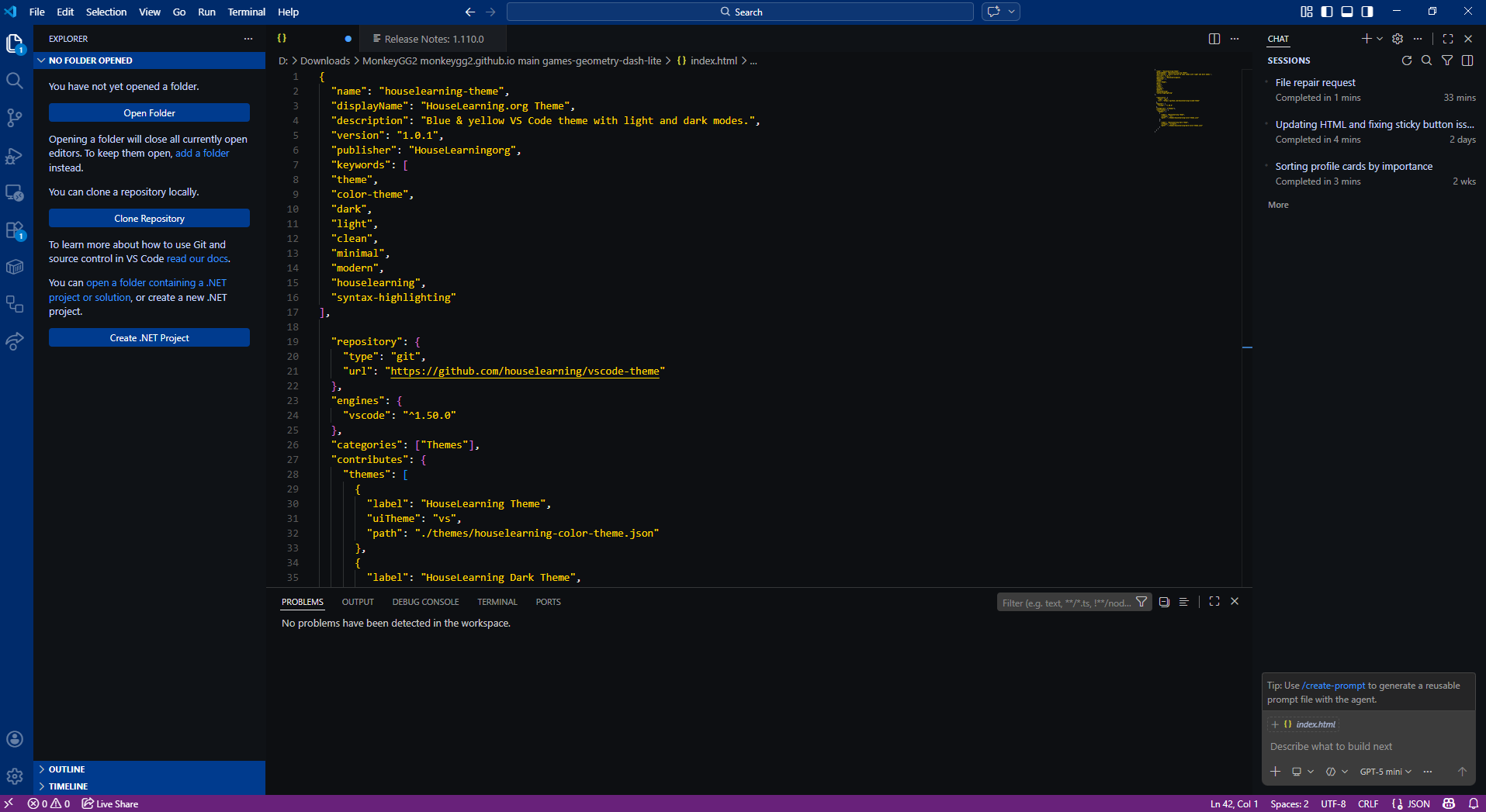
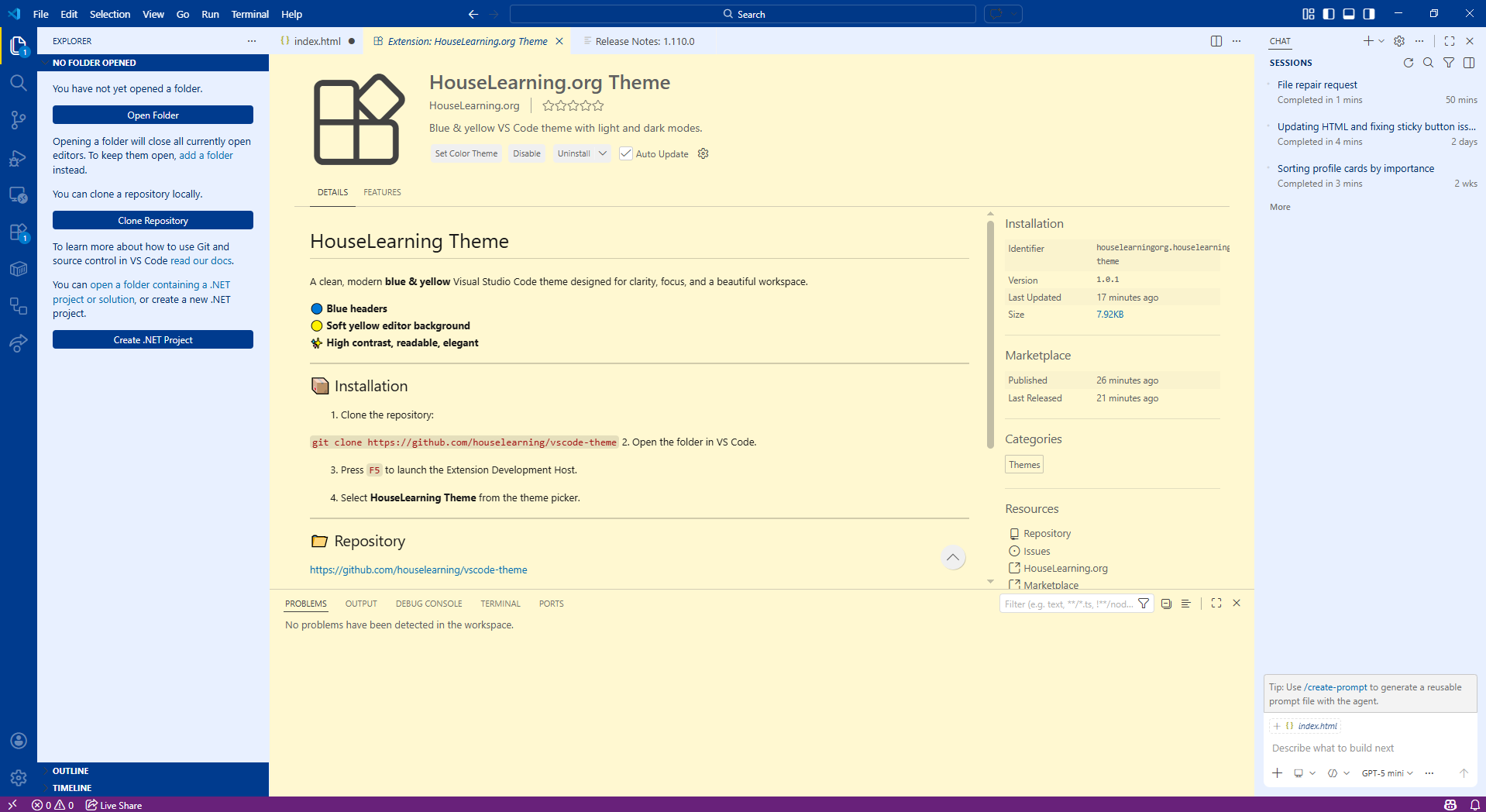
A clean, modern blue & yellow Visual Studio Code theme designed for clarity, focus, and a beautiful workspace.
🔵 Blue headers
🟡 Soft yellow editor background
✨ High contrast, readable, elegant
-
Clone the repository:
git clone https://github.com/houselearning/vscode-theme -
Open the folder in VS Code.
-
Press
F5to launch the Extension Development Host. -
Select HouseLearning Theme from the theme picker.
https://github.com/houselearning/vscode-theme
- Blue UI chrome for structure and clarity
- Soft yellow editor background for comfort
- Clean, readable syntax colors
- Minimalist, modern, HouseLearning‑style aesthetic
Enjoy the theme!