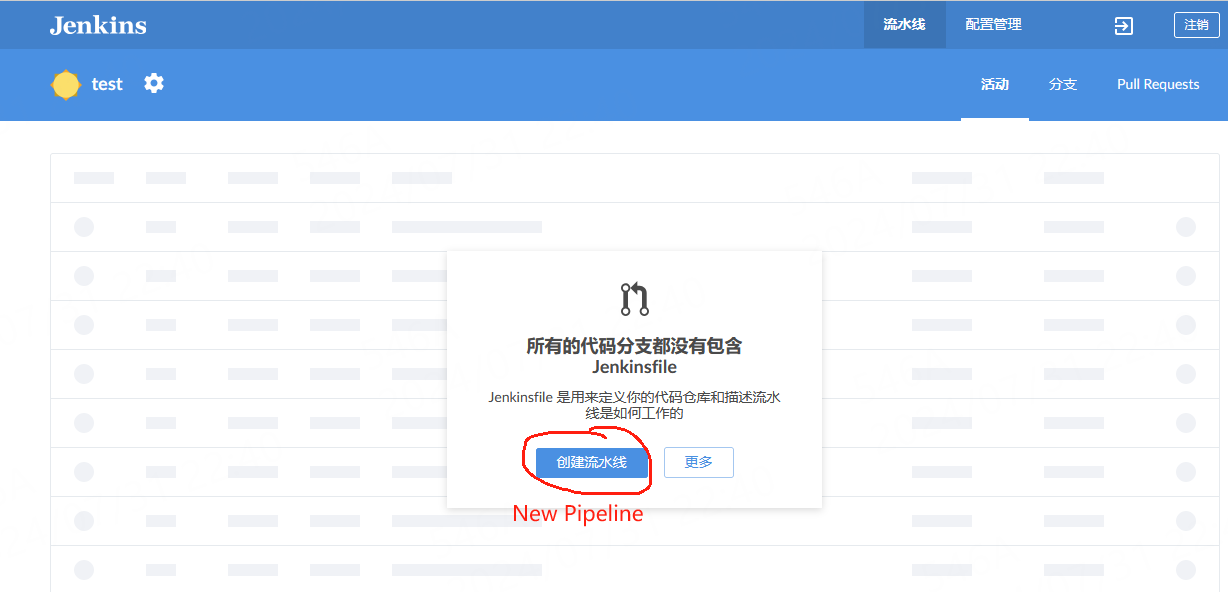
[JENKINS-73536] when I invoke the pipeline editor, it prompts me with the message "You need to register this public SSH key with your Git server to continue". #5347

Description

When I create a new pipeline using the Blue Ocean plugin, even after I have properly configured the key pair and set up password-free login, as soon as I invoke the pipeline editor, it prompts me with the message "You need to register this public SSH key with your Git server to continue".


Originally reported by okkiidogii, imported from: when I invoke the pipeline editor, it prompts me with the message "You need to register this public SSH key with your Git server to continue".
- status: Open
- priority: Blocker
- component(s): blueocean-pipeline-editor-plugin
- label(s): plugin
- resolution: Unresolved
- votes: 0
- watchers: 4
- imported: 2025-12-01
Raw content of original issue
When I create a new pipeline using the Blue Ocean plugin, even after I have properly configured the key pair and set up password-free login, as soon as I invoke the pipeline editor, it prompts me with the message "You need to register this public SSH key with your Git server to continue".
environment
all version (jenkins 2.3 to 2.4)<br/>
all version (gitlab 16 to 17)<br/>
Blue Ocean Version 1.27.14 <br/>
Blue Ocean Pipeline Editor Version 1.27.14