A powerful, self-hosted email marketing platform built with Laravel. Take full control of your customer relationships with privacy-first Local AI Marketing Agents, automated campaigns, and a verified B2B leads database.
- Self-Hosted - Complete data sovereignty. Your data stays on your servers.
- Local AI Agents - Privacy-first AI marketing agents powered by Ollama
- Visual Campaign Builder - Create beautiful email campaigns with an intuitive drag-and-drop interface
- Automated Campaigns - Set up drip sequences, behavior-triggered emails, and more
- Verified B2B Leads Database - Access lifetime verified B2B leads
- Multi-Channel - WhatsApp & Instagram integrations included
- No Monthly Fees - One-time purchase, lifetime access
| Dashboard | Campaigns | Subscribers |
|---|---|---|
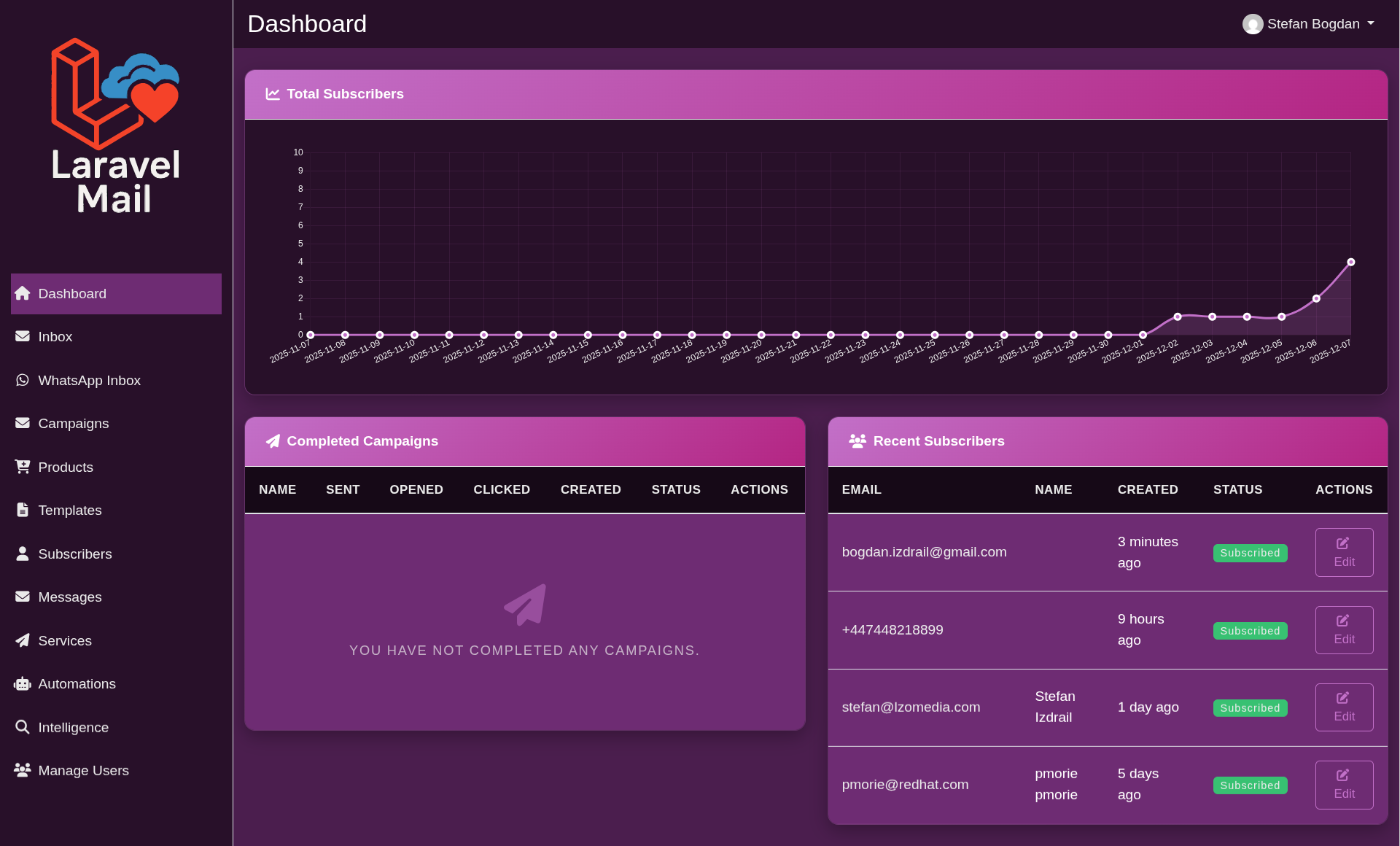 |
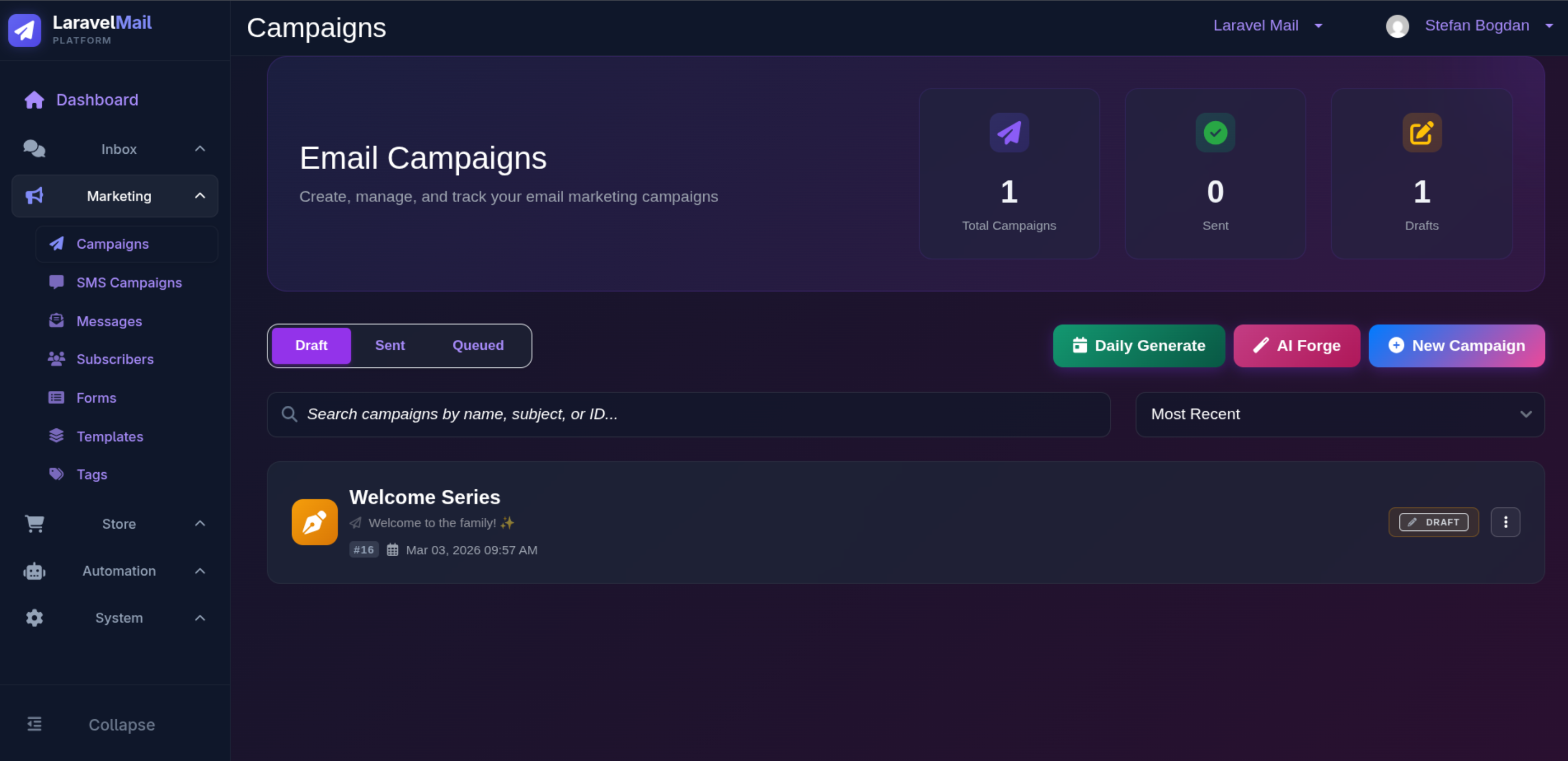 |
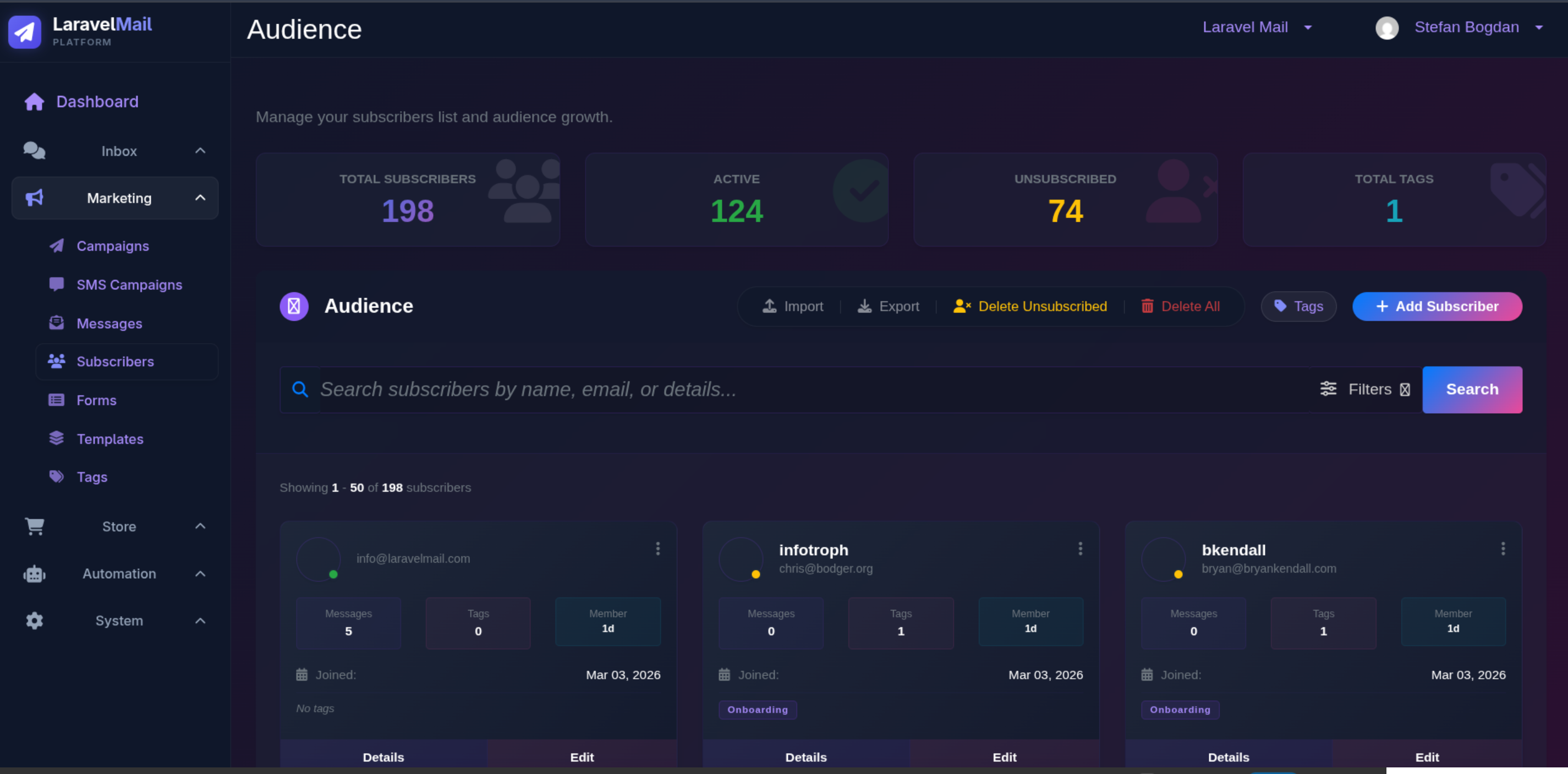 |
| Automation | Email Templates | AI Marketing |
|---|---|---|
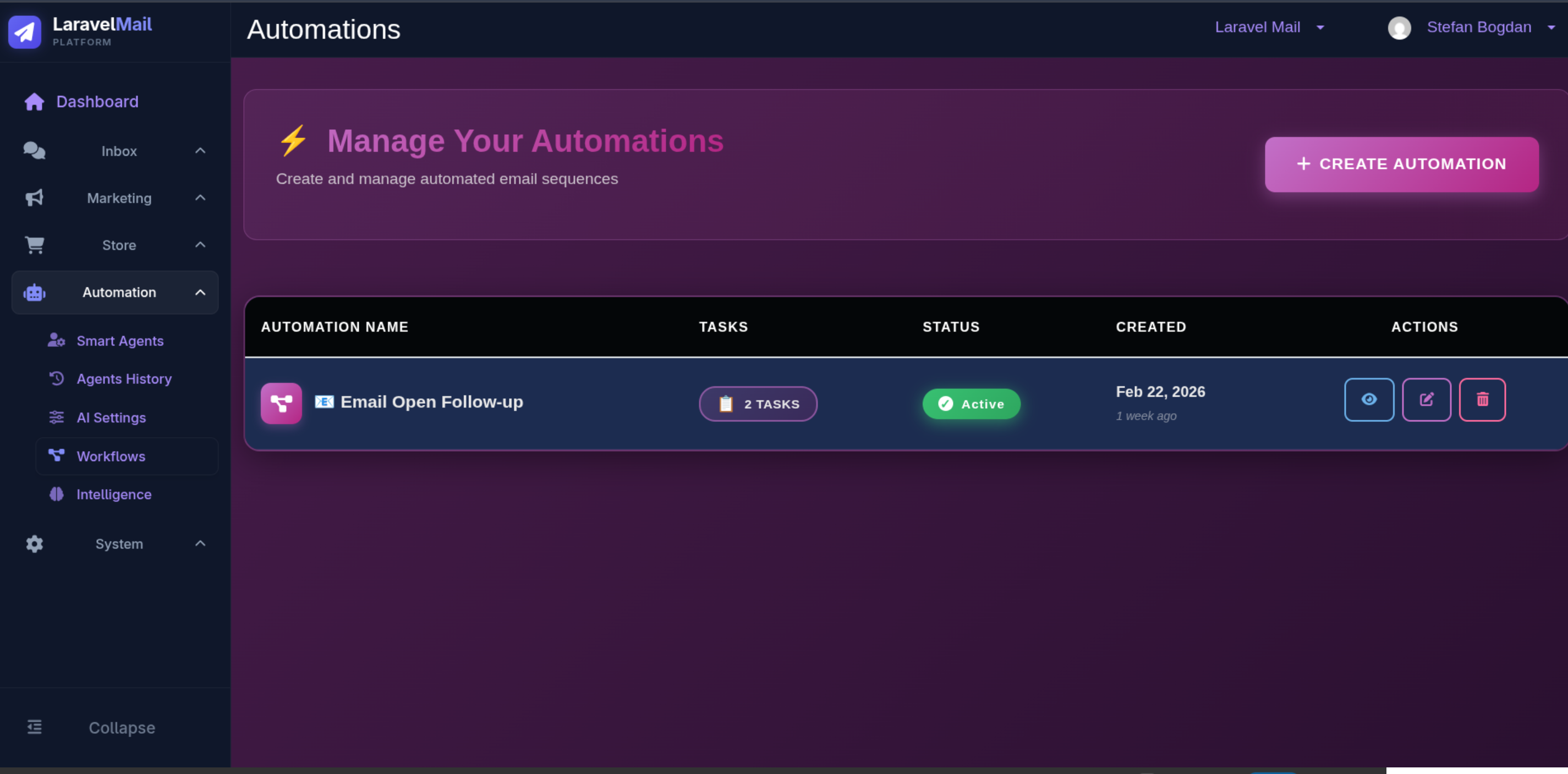 |
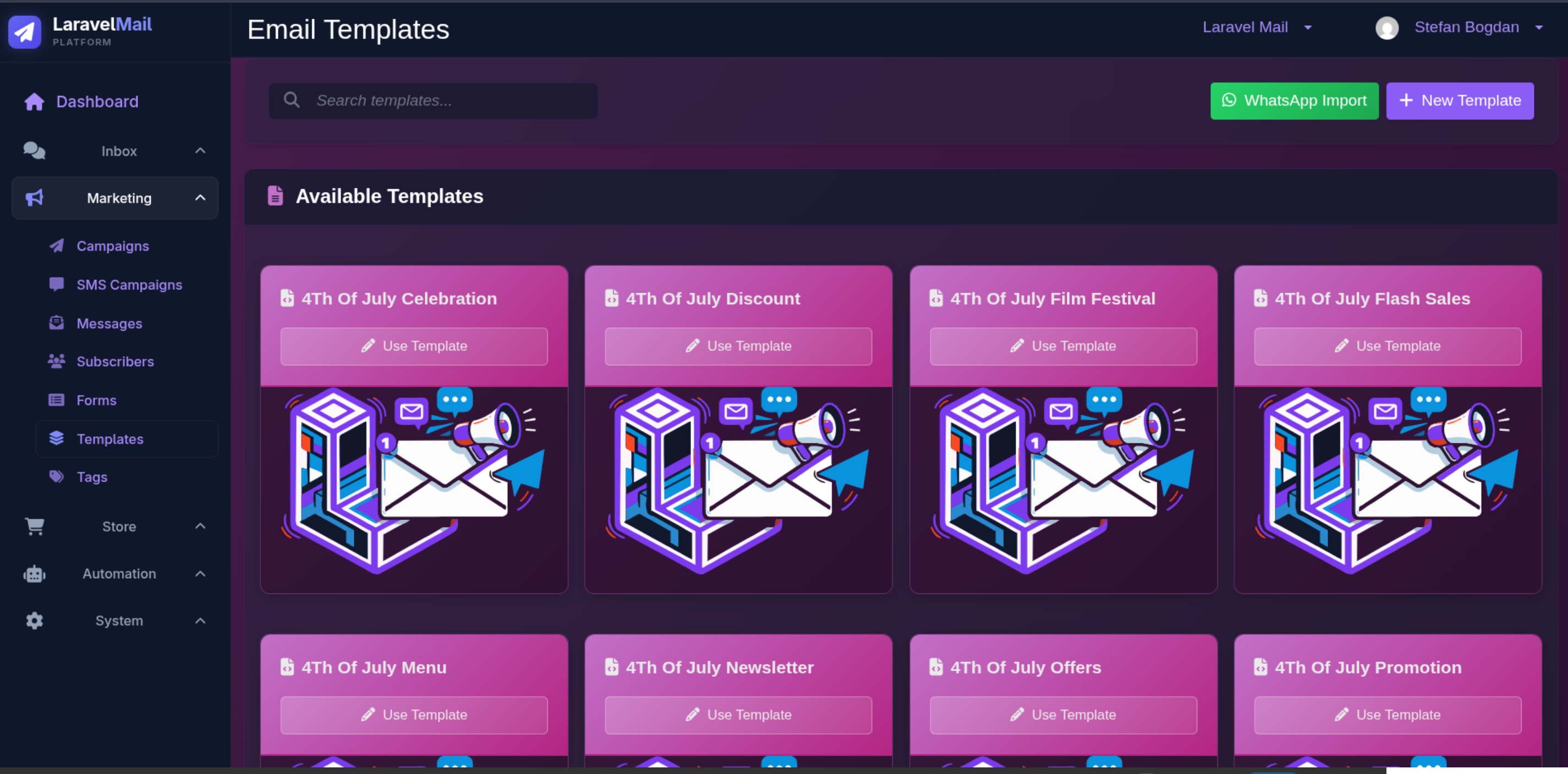 |
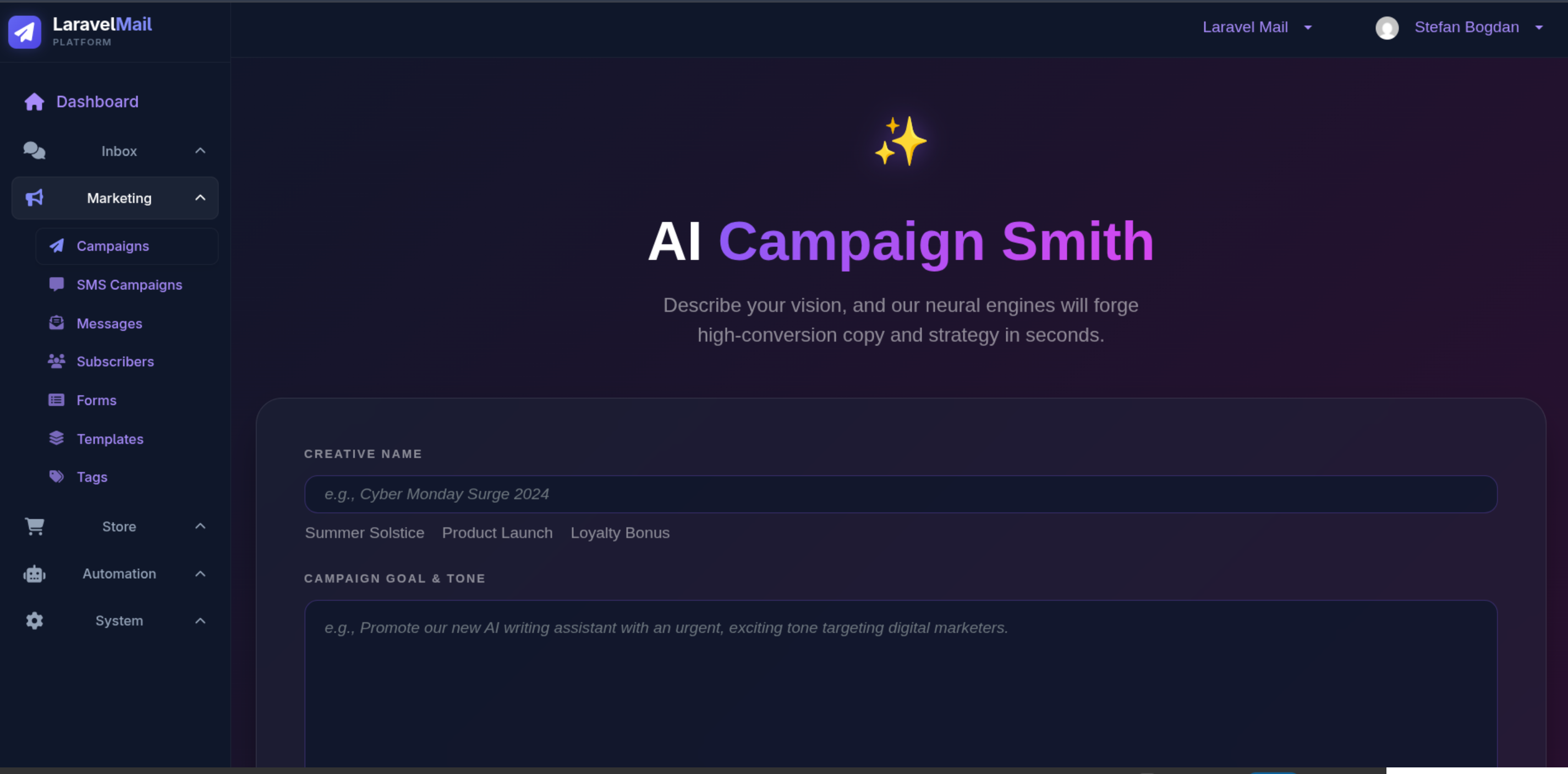 |
- Frontend: Astro with Preact
- Styling: Tailwind CSS
- Deployment: Cloudflare Pages
- Analytics: Google Tag Manager, Hotjar
- Node.js 18+
- npm or pnpm
# Install dependencies
npm install

# Start development server
npm run dev| Command | Description |
|---|---|
npm run dev |
Start development server |
npm run build |
Build for production |
npm run preview |
Preview production build |
npm run astro |
Run Astro CLI |
Create a .env file in the root directory with required environment variables (see documentation for available options).
├── src/
│   ├── assets/          # Static assets (images, fonts)
│   ├── components/      # Reusable UI components
│   ├── chat/            # Chat functionality
│   ├── content/         # Content collections
│   ├── layouts/         # Page layouts
│   ├── pages/           # Route pages
│   ├── scripts/         # Build scripts
│   ├── styles/          # Global styles
│   └── typings.ts       # TypeScript definitions
├── public/              # Public static files
├── astro.config.mjs     # Astro configuration
├── tailwind.config.mjs  # Tailwind configuration
└── wrangler.jsonc       # Cloudflare Pages configuration
This project is configured for deployment on Cloudflare Pages. To deploy:
# Build the project
npm run build

# Deploy using wrangler
npx wrangler pages deploy dist
Or connect your repository to Cloudflare Pages for automatic deployments.
For full documentation, visit laravelmail.com
MIT License - See LICENSE file for details.
- Website: https://laravelmail.com
- Contact: https://laravelmail.com/contact