Real-Time Opinion Polling Platform
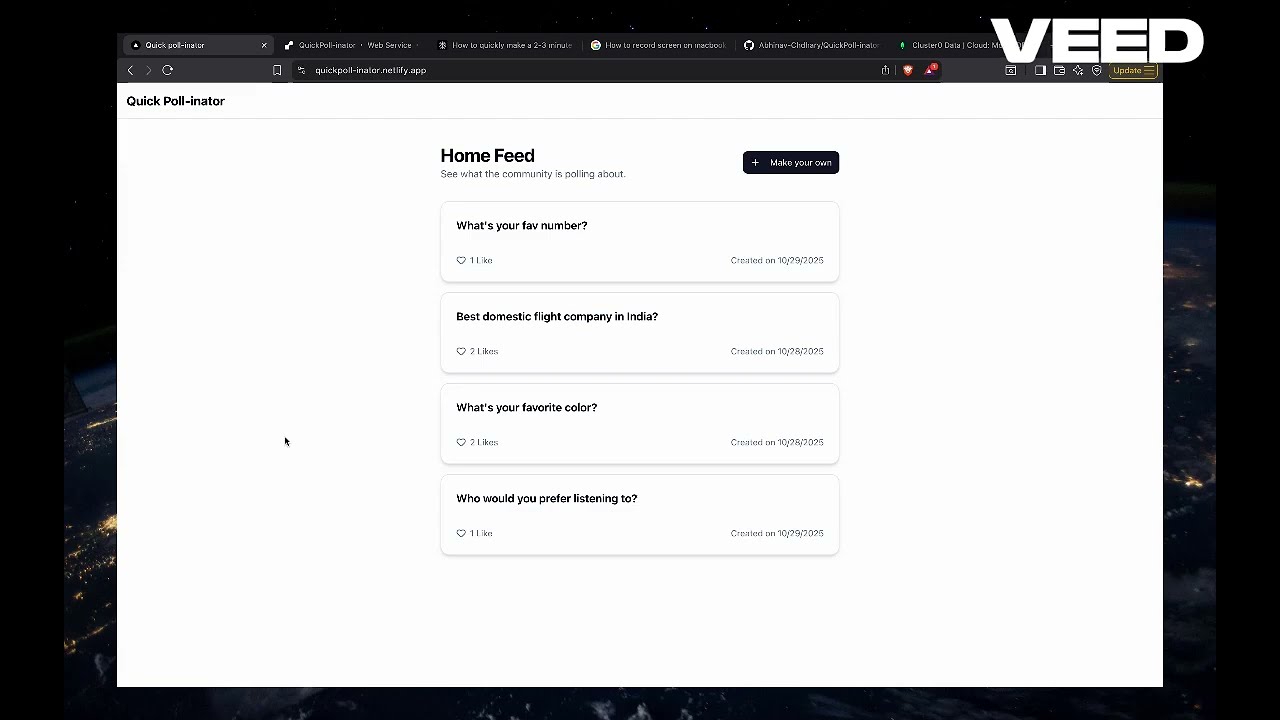
https://quickpoll-inator.netlify.app/
NEXT_PUBLIC_API_URL— Base HTTP(S) URL of the API.- Example (local):
http://127.0.0.1:8000 - Example (prod):
https://your-api.example.com
- Example (local):
NEXT_PUBLIC_WS_URL— WebSocket URL for realtime updates.- Example (local):
ws://127.0.0.1:8000/ws - Example (prod):
wss://your-api.example.com/ws
- Example (local):
Where to set:
- Local dev: create
.env.localinquick-poll-inator/ - Netlify: Site settings → Environment variables
MONGO_URI— MongoDB connection string (required)- Example:
mongodb+srv://<user>:<pass>@cluster0.abcde.mongodb.net/
- Example:
DB_NAME— MongoDB database name- Example:
quickpoll
- Example:
FRONTEND_URL— Allowed origin for CORS- Example (local):
http://localhost:3000 - Example (prod):
https://quickpoll-inator.netlify.app
- Example (local):
Where to set:
- Create
backend/.envwith the above keys. The app loads it viapython-dotenv.
This repo has two apps:
quick-poll-inator/— Next.js frontendbackend/— FastAPI backend
- Python 3.10+ (with
pip) - Node.js 18+ (LTS recommended) and npm
Path: backend/
-
Create and activate a virtual environment
macOS/Linux:
python3 -m venv venv
source venv/bin/activate
Windows (PowerShell):
python -m venv venv .\venv\Scripts\Activate.ps1 -
Install dependencies
pip install -r requirements.txt
-
Start the API server (hot-reload)
uvicorn main:app --reload --host 0.0.0.0 --port 8000
- API base URL:
http://localhost:8000/ - API docs (Swagger):
http://localhost:8000/docs
- API base URL:
Notes:
- CORS is open for local development in
backend/main.py. .envexists atbackend/.env(currently empty). Add environment variables here if/when needed.
Path: quick-poll-inator/
-
Install dependencies
npm install
-
Start the dev server
npm run dev
- App URL:
http://localhost:3000/
- App URL:
Optional:
- If the frontend needs to call the backend, ensure it targets
http://localhost:8000. If you introduce an env var, you can add something likeNEXT_PUBLIC_API_BASE=http://localhost:8000to a.env.localinquick-poll-inator/and consume it in your API client.
- Start the backend first on port 8000.
- Start the frontend on port 3000 in a separate terminal.
Ports used by default:
- Backend:
8000 - Frontend:
3000
If these ports are busy, change the port in the respective start command (--port for uvicorn or -p for Next.js, e.g. next dev -p 3001).