A Music player made with React and Node.js
Listen to your favorite artists and bands, discover songs on other people playlists and bring them to yours!
- Requirements
- Getting Started
- Dependencies
- Contents and Branches Naming Strategy
- Screenshots
- File Structure
- Technology used
This project runs with some specific technologies that require a previous installation to work with it:
| Function | Technology | Required |
|---|---|---|
| Code editor | VS Code | True* |
| Mongo DataBase | MongoDB | True |
| MongoDB Visual Interface | Visual BD Helper | True |
| PHP Myadmin | PHP MyAdmin | True |
| Package manager for PHP | Composer | True |
| Cloud file manager | Cloudinary | True |
*You can choose between dozens of possibilities, VSCode is only a recommendation
It's required to create .env files to store your environment and sensitive information.
For the client .env is necessary to add the Firebase configuration and credentials, your Cloudinary path and credentials, and your access path to both Server.
For main server .env is necessary to add the Firebase Admin credentials, your Mongo Database connection information and the path to the Client.
For the secondary server .env it is required to have the data related to the Laravel configuration and to the SQL Database connection.
-
Clone the repository
$ git clone https://github.com/AdrianSerranoRojas/Music-Player-Musikfy.git -
Installing
$ node install -
Start
-
Open terminals for client
$ node client -
Open terminal for NodeJs server (don't forget to initialise MongoDB)
$node server -
And last but not least open terminal for Laravel server (and remember to start your server package)
$ node stats
- Axios
- Bootstrap
- Bootstrap-icons
- Cloudinary
- CORS
- Clsx
- Dotenv
- Emotion-react
- Emotion-Styled
- Express
- Express-fileupload
- Firebase
- Firebase-admin
- FSextra
- Formik
- Helmet
- Jsmediatags
- Loglevel
- Mongoose
- Morgan
- Mui-Icons
- Mui-Material
- Mui-Styles
- Nodemon
- React
- React-Router-DOM
- React-Beautiful-dnd
- React-Bootstrap
- React-Dom
- React-Dropzone
- React-H5-audioPlayer
- React-Icons
- React-MusicPlayer
- React-Redux
- React-Select
- Reduxjs-toolkit
- Sass
- StyledComponents
- Validator
- Yup
This project has a naming strategy for its different elements to facilitate and unify the work between its Collaborators. These conventions are presented below.
Branches were created for different category main components and have been cleaned up. The category word tries to be descriptive and define the content of the branch: Playlist , UITheme, MusicPlayer. By this rule this is a real case of the Branch name that you can find in this same project: origin/MusicPlayer.
Structural element names have a strict policy to be simple, clear and descriptive. This element includes React components and pages as well as all the main elements of Servers, and normally have to be written with camelCase convention. The exception to this are React components, who are written using PascalCase convention.
Style elements, that includes all scss files and classes have the same rules: lowercase. The names need to be descriptive but short.
-
Log in with your email or a Google Account with total security.
-
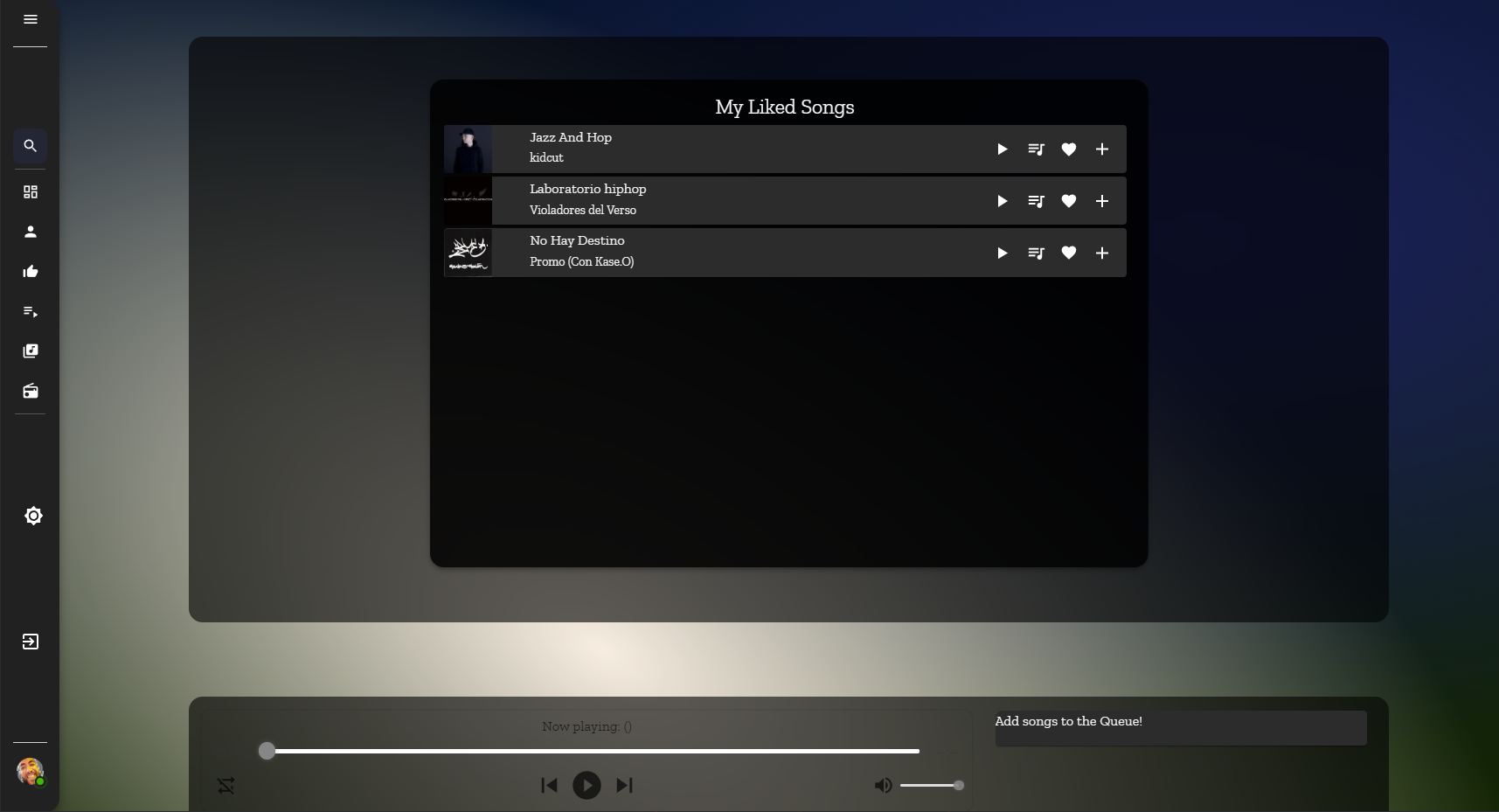
Save your most loved songs: you can find all of them on your Liked Songs section!
[
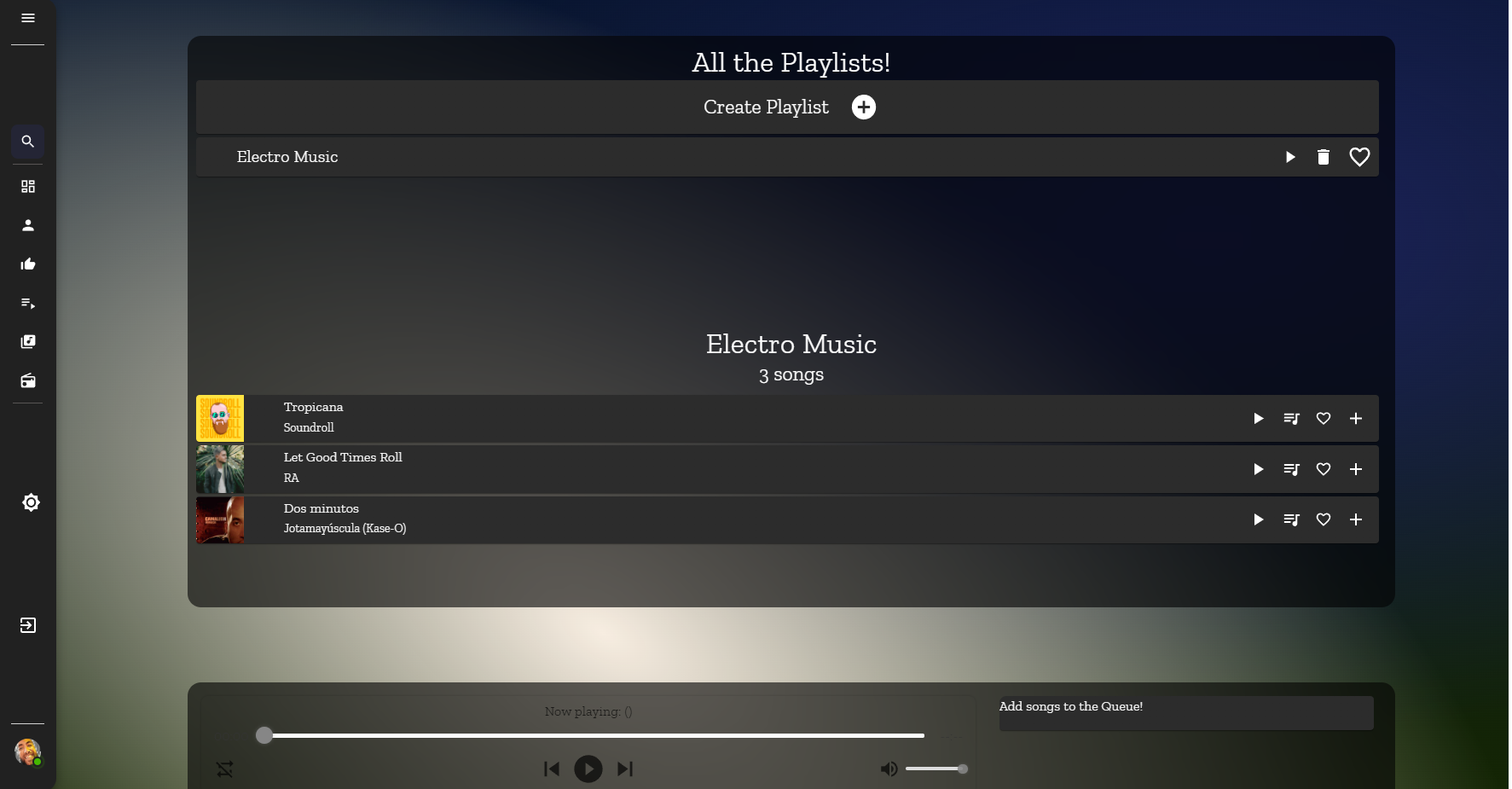
- Create your personal Playlist and add as many tracks as you want.
[
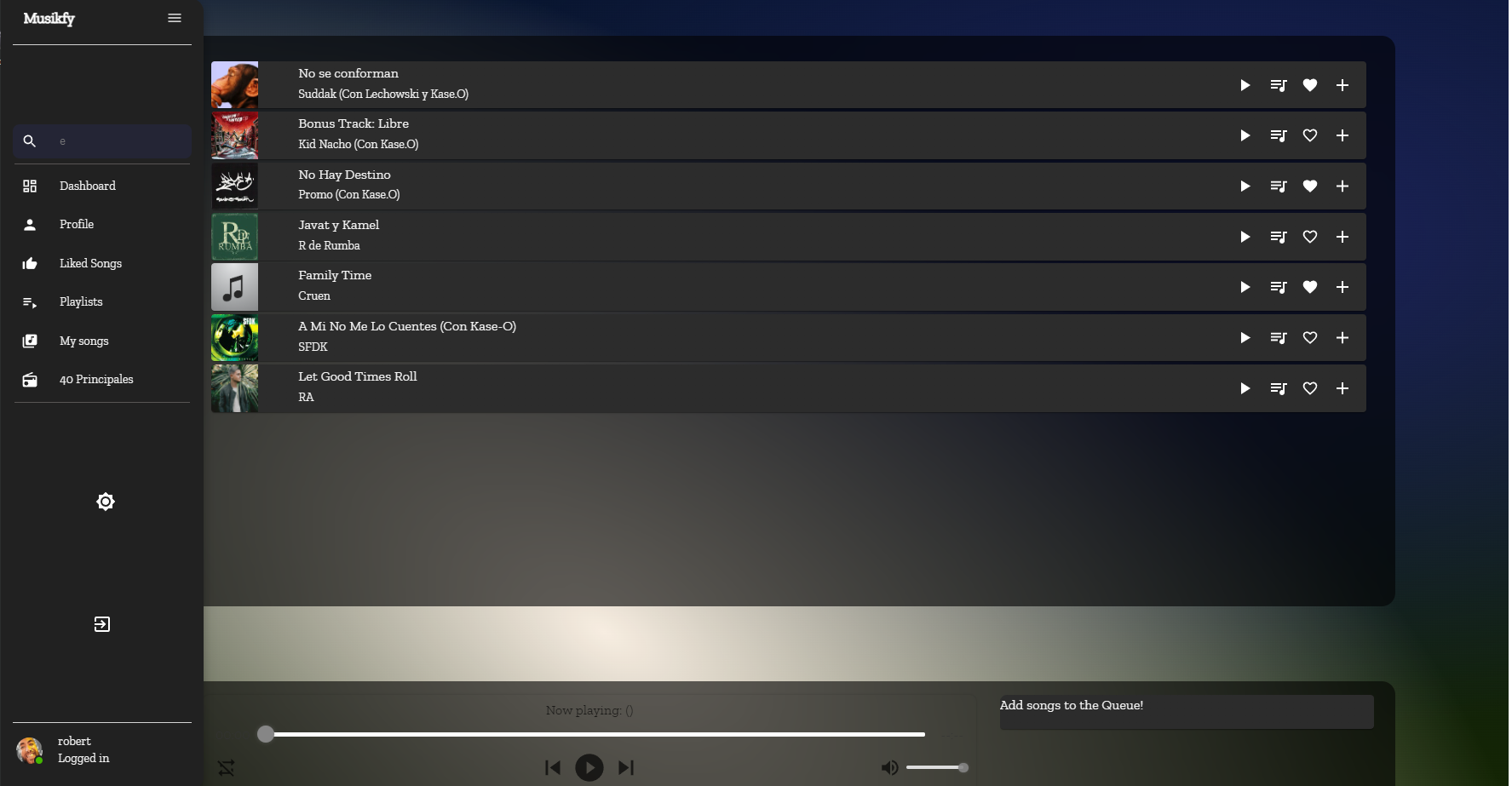
- You don't remember the title of that song? Search by song name, playlist or band!
[
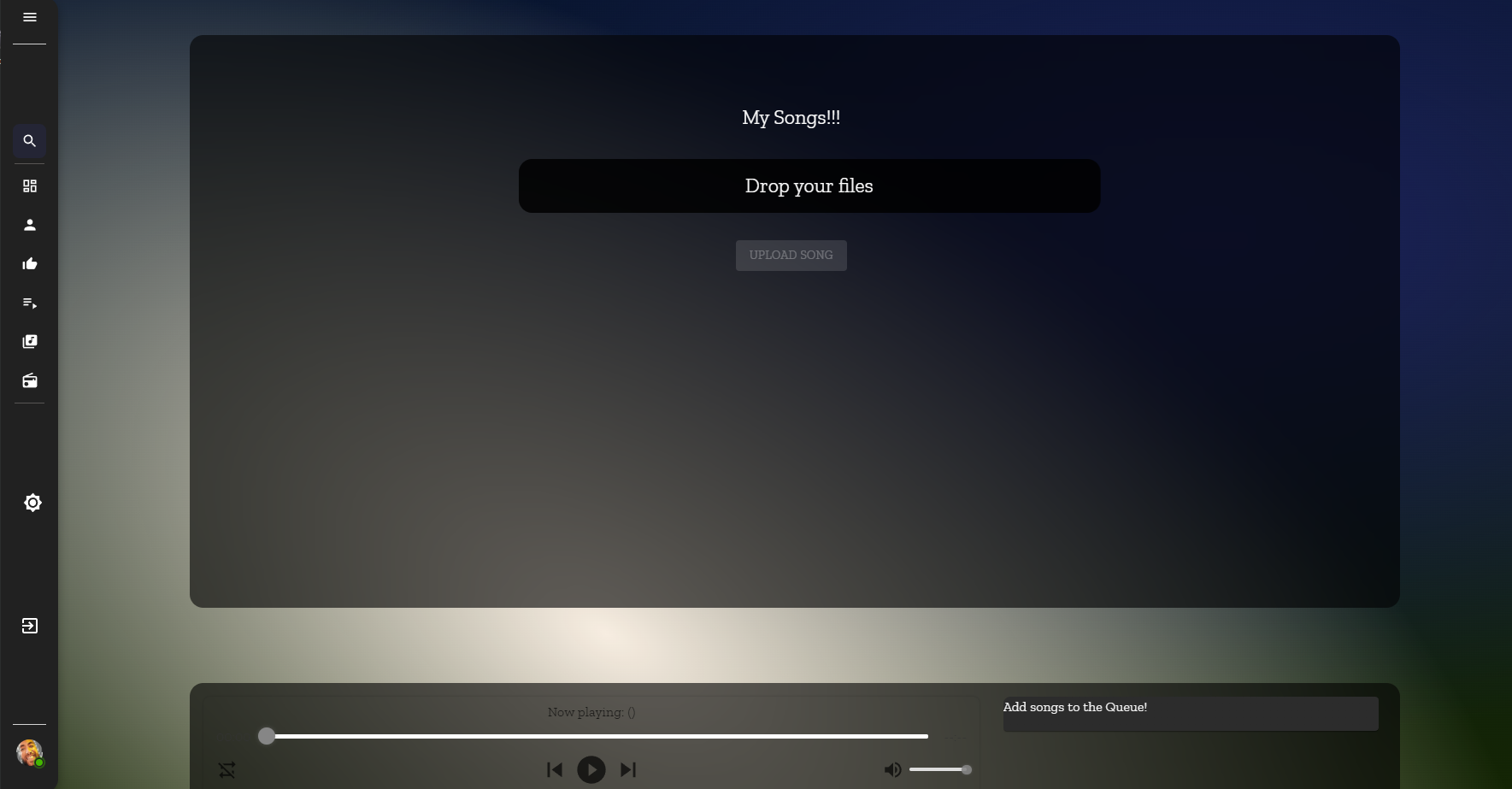
- Upload your own songs, only for your ears to enjoy.
- Are you an artist? Share your music with the world!
[
Front-end


Back-end


