

Create customizable inputs clonables.
Works with Android and iOS.
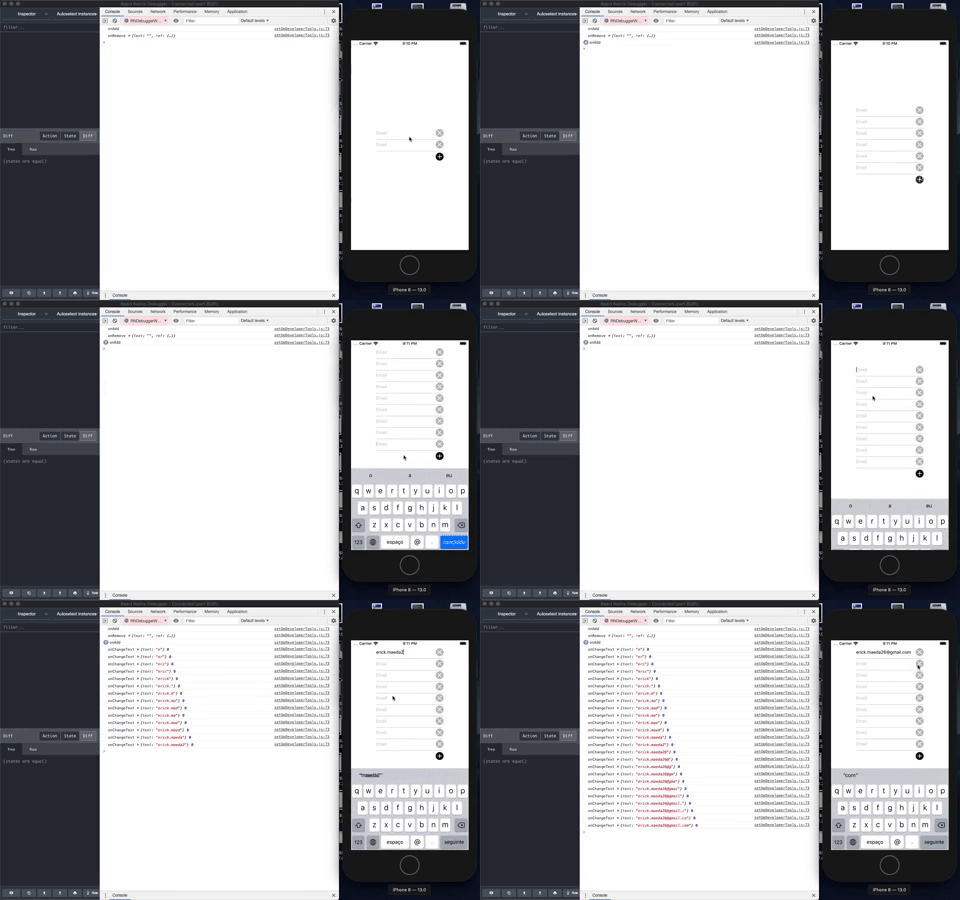
foo@bar:~$ npm install --save react-native-input-clonableimport MultipleTextInput from 'react-native-input-clonable';
// Your code here
<MultipleTextInput
autoCapitalize={'none'}
textInputPlaceholder='Email'
textInputKeyboardType='email-address'
textInputs={[{ text: 'first@gmail.com' }, { text: 'second@gmail.com' }]}
onAdd={() => console.log("onAdd")}
onRemove={(index) => console.log("onRemove", index)}
onChangeText={(input, index) => console.log("onChangeText", input, index)}
maxTextInput={10}
inputStyle={{ fontSize: 14, width: 190 }}
/>| prop | type | default | obs |
|---|---|---|---|
| autoCapitalize | string |
none | |
| textInputPlaceholder | string |
null |
|
| textInputKeyboardType | string |
null |
|
| textInputs | array |
[{text: ""}] |
Initial array of inputs. It should be in format {text: "Your input"} |
| onAdd | function |
() => {} |
Function invoked when a input was added |
| onRemove | function |
(index) => {} |
Function invoked when a input has been removed. The callback function comes with index parameter |
| onChangeText | function |
(input, index) => {} |
Function invoked on some input change text. The callback function comes with input and index parameters |
| maxTextInput | int |
3 |
|
| inputStyle | object |
{} |
|
| addIcon | element |
Add Icon Image | |
| removeIcon | element |
Remove Icon Image | |
| enableAddButton | bool |
true |
Enable user to add new inputs. If not reached the maxTextInput value |