DutyBot is a fully interactive discord bot that allows you to keep track of who is on duty and who is not. This is done from a panel where the users on duty are shown, with two buttons that allow entry and exit from duty. It uses the latest features in discord such as timestamps so you don't have to waste your time with useless cacola!
This bot was designed, initially, for the GTA V RP Servers but can be used for other purposes as well.
- Entering and exiting the duty
- Viewing users in duty
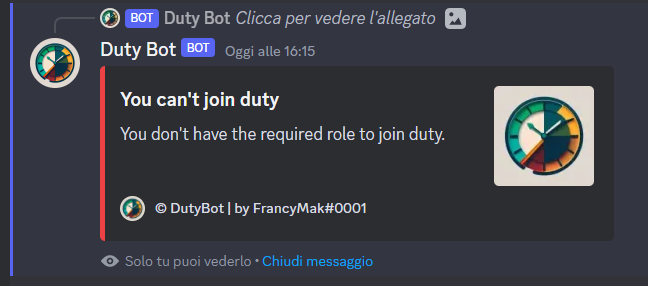
- Authorize only certain roles to enter and exit the duty
- Forced management of entering and exiting the duty
- Manipulation of time spent in duty
- Viewing time spent in duty
- Adding and removing a role when entering and exiting the duty
- Ability to set up a Manager role that can manage the duty
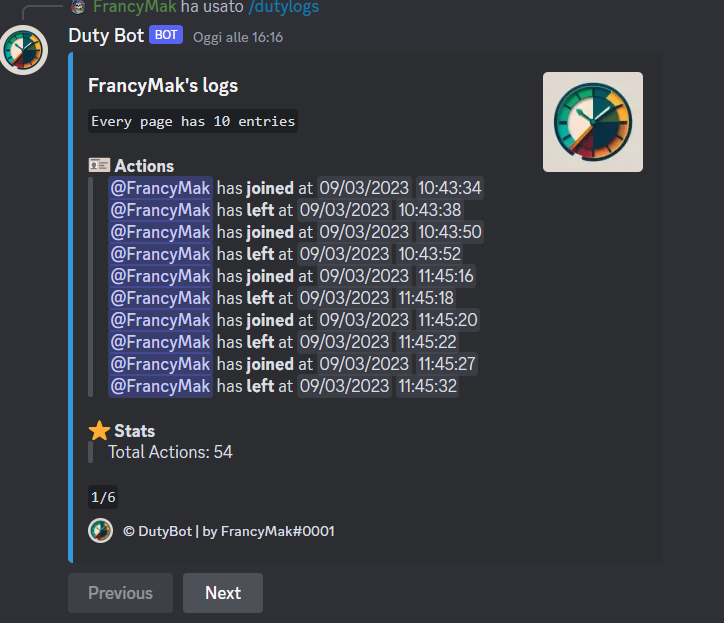
- Log of entering and leaving the duty for each user
- Exporting the log in .csv, .json and .txt format
First you need to invite the bot to your server. To do this you need to go to this link and select the server where you want to invite the bot. Once this is done, the bot will send a message in the system channel.
Now the bot needs configuration, which can be done in two ways:
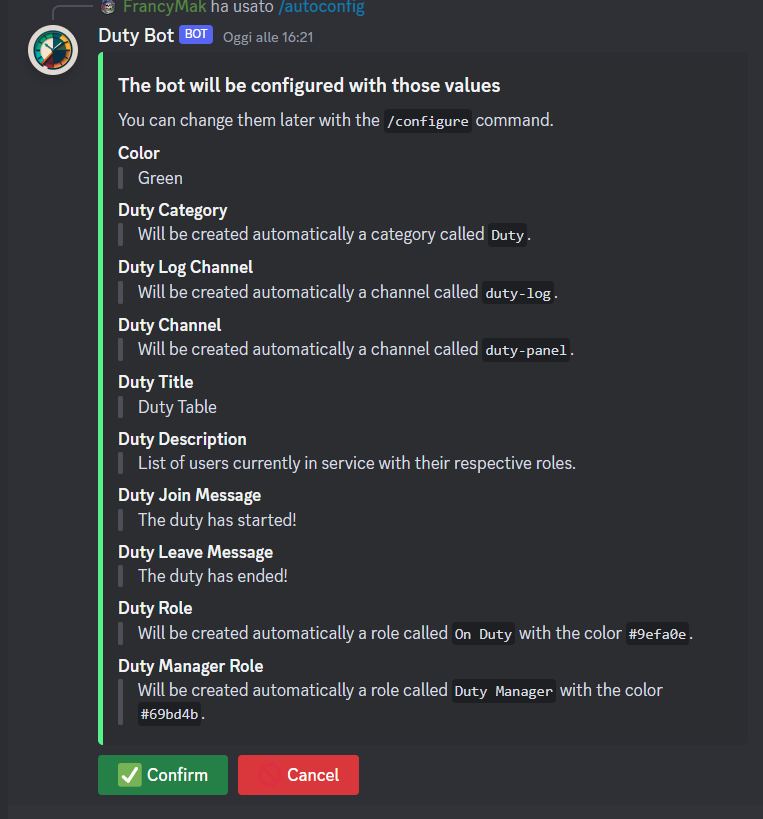
- Automatic: via the command
/autoconfigthe bot will explain what it will do and you simply have to confirm its actions, of course with/settingsyou can always change the bot's settings. - Manual: through the command
/settingsthe bot will show you a panel where you can configure the bot to your liking.
The commands are divided into three categories:
- User: these are the commands that can be executed by all users.
- Manager: are the commands that can be executed only by users with the Manager role.
- Admin: are the commands that can be executed only by users with the Admin role.
/help: shows information about the bot./myhours: shows the time spent in duty.
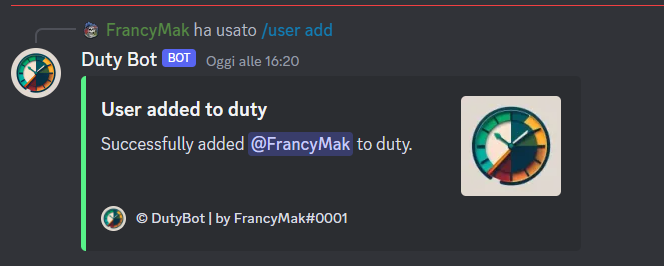
/user add <@user>: adds a user to the list of users on duty./user remove <@user>: removes a user from the list of users on duty./user dutytime <@user>: shows the time spent on duty of a user./time add <@user> <time>: adds a time to a user's time spent on duty (in seconds)./time remove <@user> <time>: removes a time to the time spent in duty of a user (in seconds)./time set <@user> <time>: sets the time spent in duty of a user (in seconds)./time reset <@user>: resets the time spent in duty of a user./log <@user>: shows the log of a user's entry and exit from duty.
/autoconfig: starts the automatic configuration of the bot./settings: shows the bot's configuration panel./export <csv|json>: exports the log of entry and exit from the duty of all users.
- Make the bot multi-language
- Add the ability to have multiple duty roles and be able to manage them separately.
- Decide which role to enter and exit the duty with.
- Create APIs to integrate the bot into other projects.