





Profile Viewer is a web application designed to provide a social networking experience where users can connect, share, and interact with each other. It offers a range of features that make it easy to create and manage user profiles, connect with friends, share updates, and engage in real-time chat conversations.
Table of Contents
Key features:
- User Registration and Login: Users can create an account and securely log in to access the application.
- User Profile Management: Users can create and update their profiles, adding personal information, profile pictures, and other details.
- Search and Follow: Users can search for other people and follow them to stay updated on their activities.
- Status Updates: Users can post and view status updates, allowing them to share their thoughts and experiences with their friends.
- Commenting and Reacting: Users can comment on, like, and dislike the statuses posted by their friends, fostering engagement and interaction.
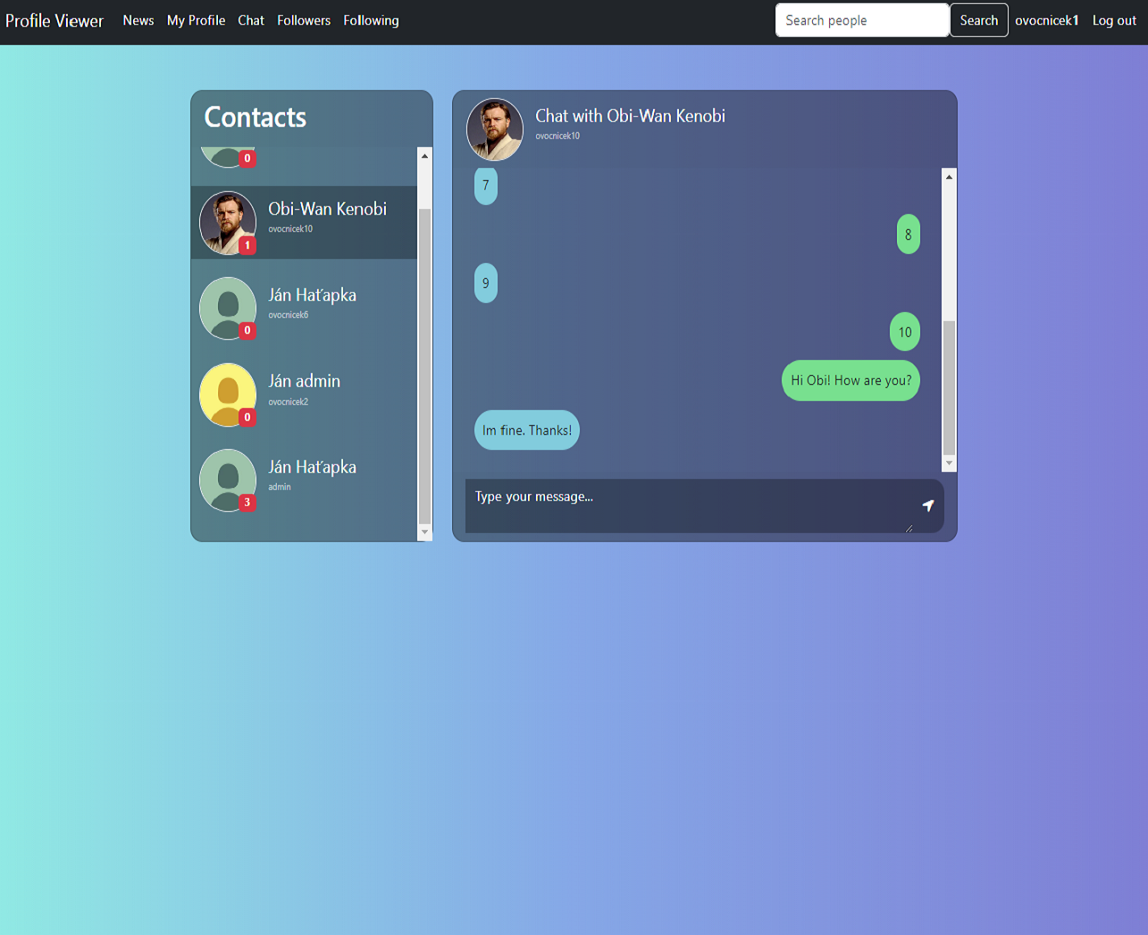
- Real-time Chat: When users follow each other, they gain access to a real-time chat feature, enabling private conversations.






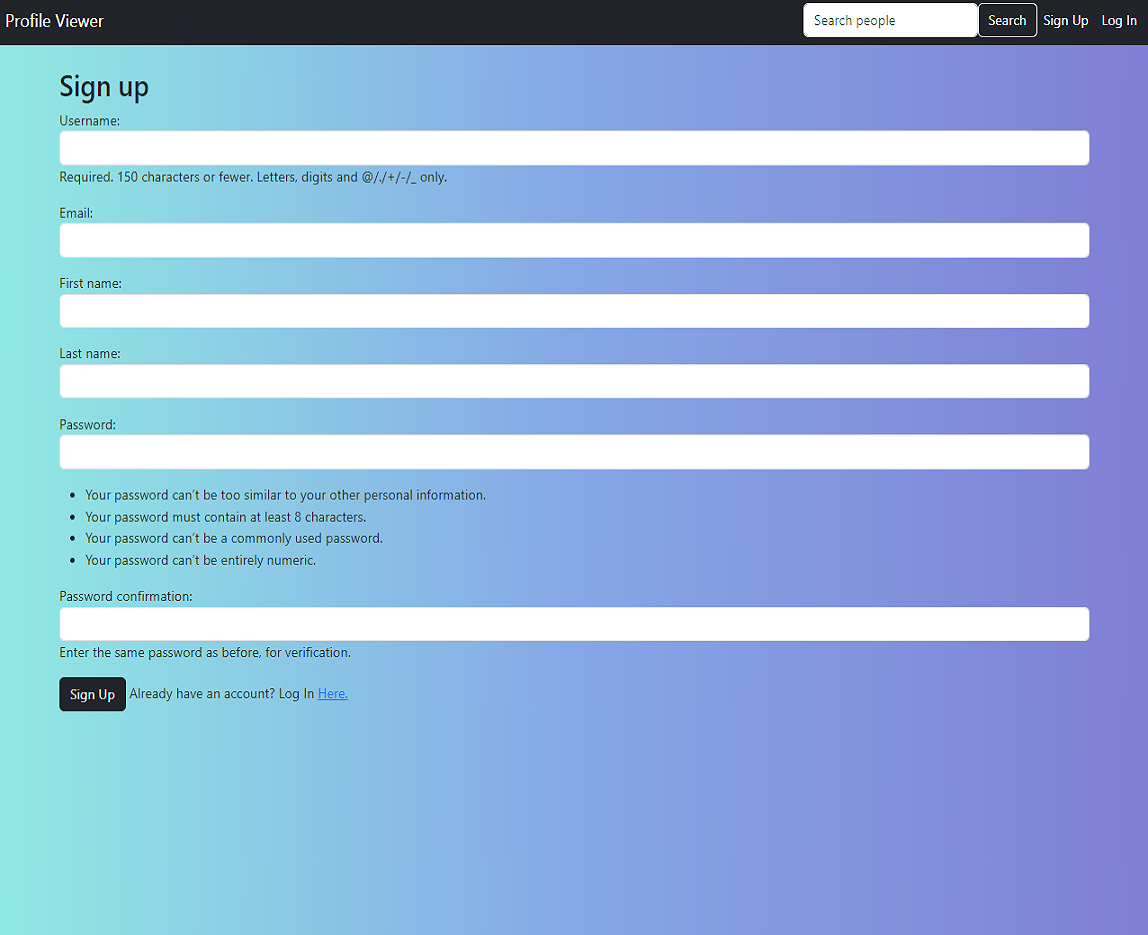
Register: Users can create an account with their email, username and password.
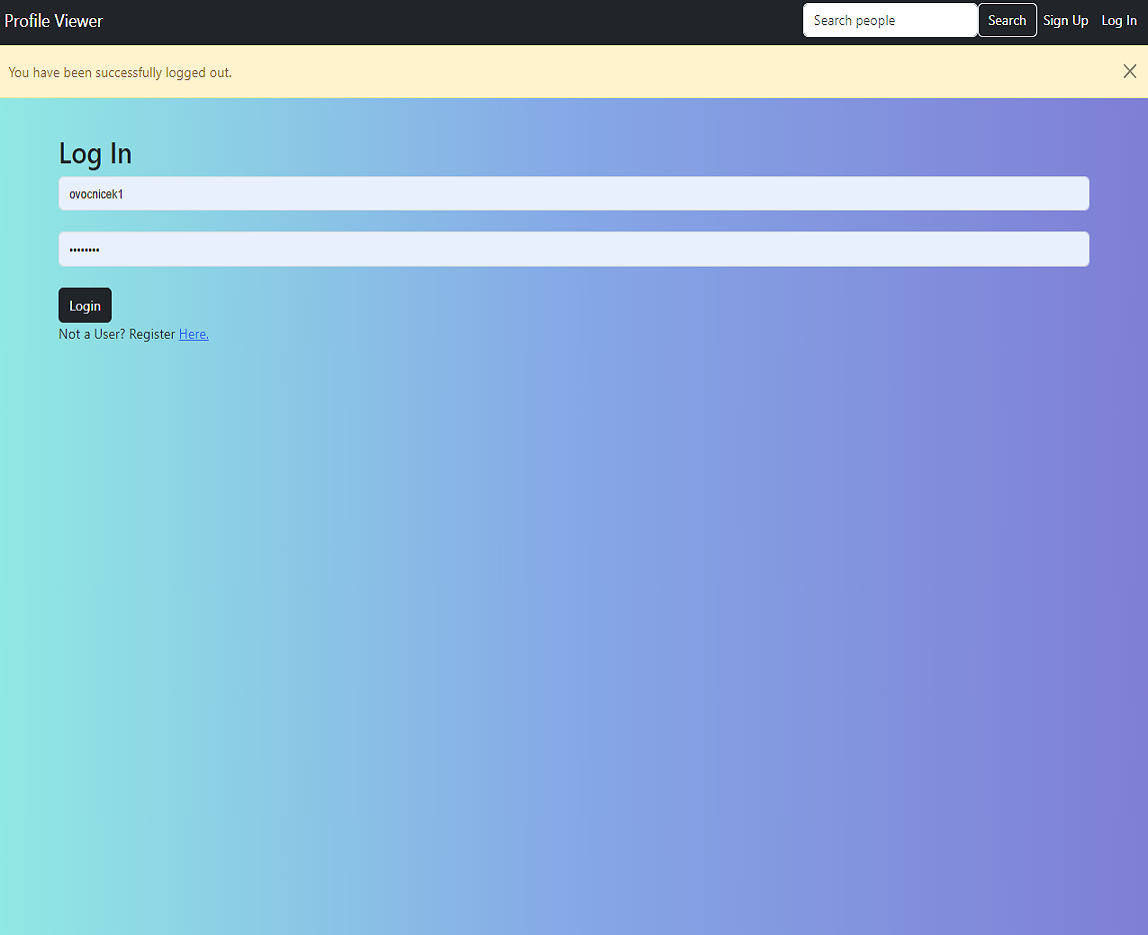
Log in view:
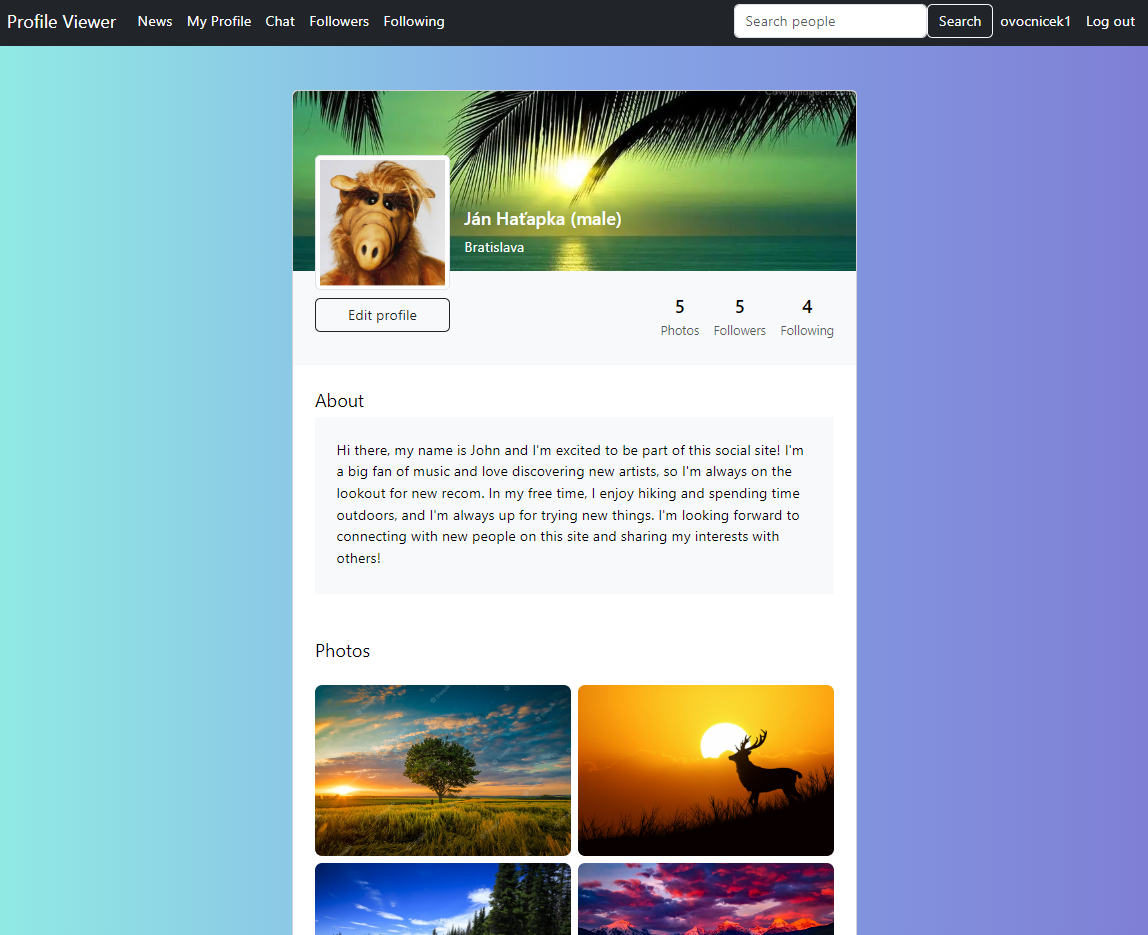
View Own Profile: Users can view their own profile, which displays their personal information and uploaded photos.
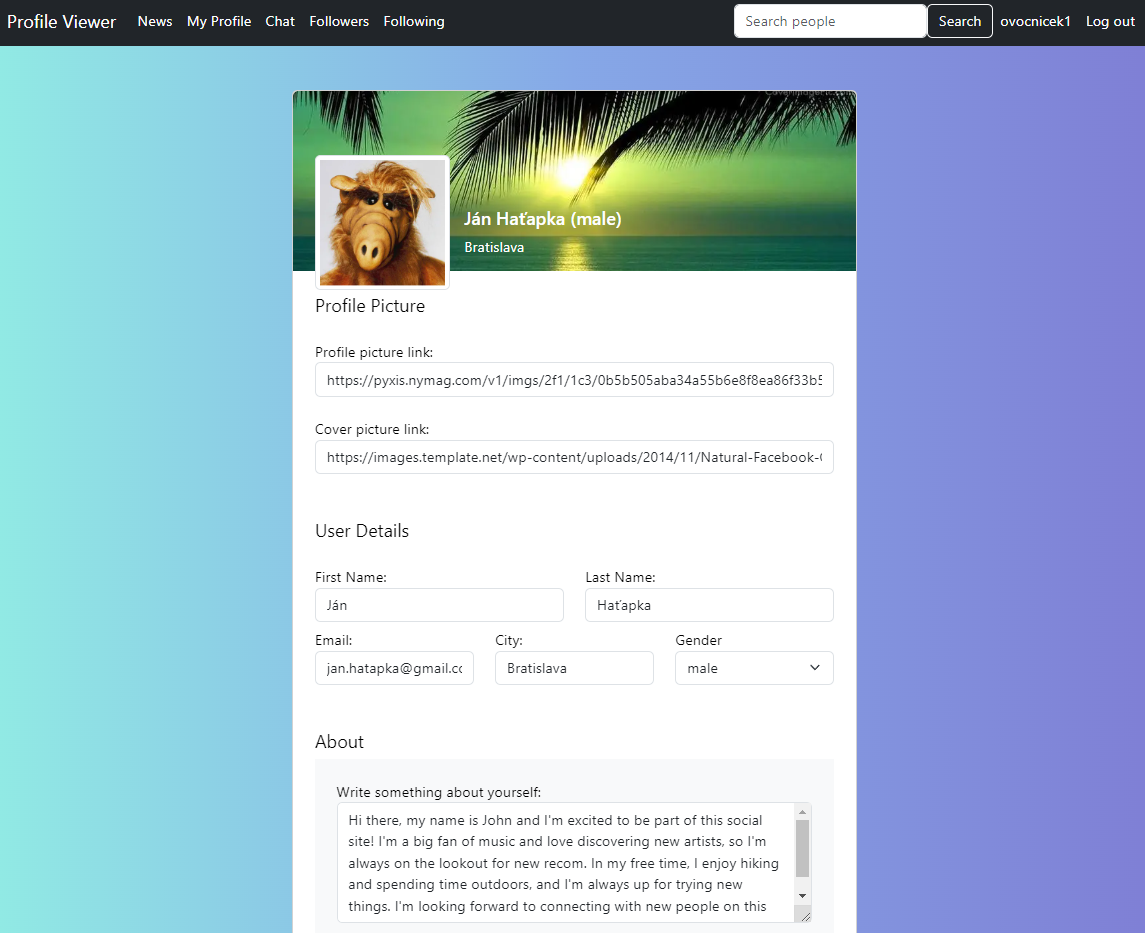
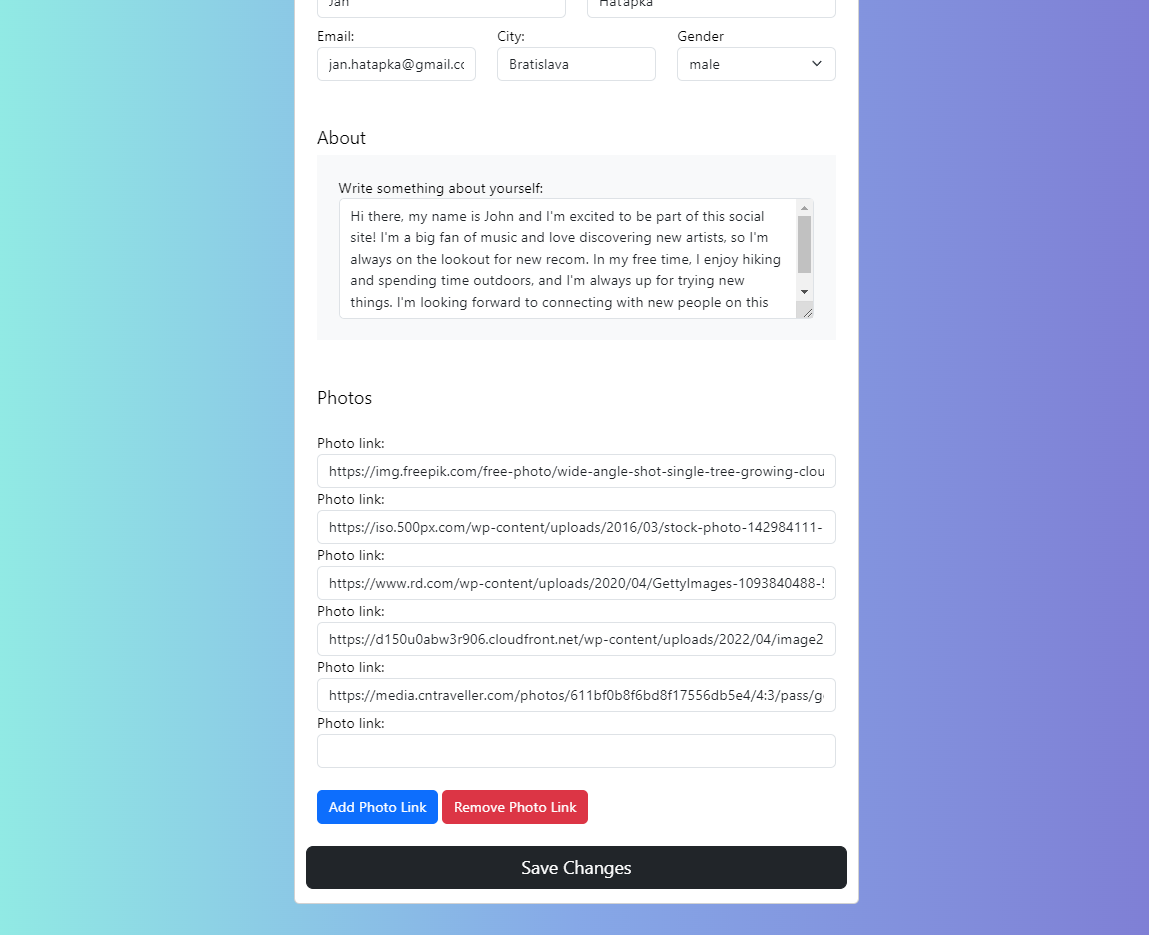
Update Profile: Users can edit and update their profile information, such as name, bio, and profile picture.
Add Photos: Users can upload and add photos to their profile to showcase their experiences or interests.
Search Friends: Users can search for friends by their name or username to find and connect with them.
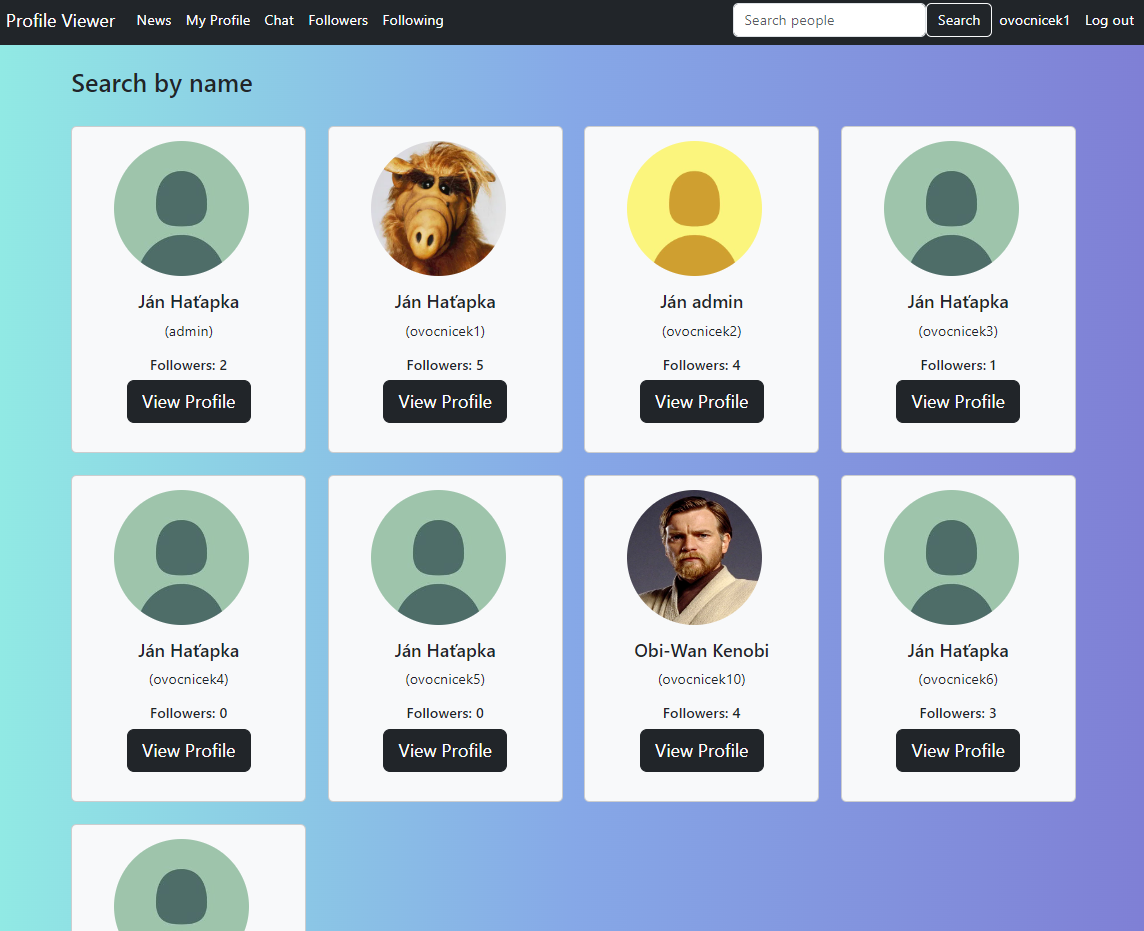
Follow Friends: Users can choose to follow their friends to stay updated on their activities and status updates.

Followers/Following view: Users can manage followers/following lists.

Friends' Statuses and Reactions: When users follow each other, they can see their friends' statuses and react to them by liking or commenting.

Real-time Chat: Users who follow each other can engage in real-time chat conversations with their friends.
To get a local copy up and running follow these simple example steps.
List of requirements:
- Django==4.1.6
Below is an example of how to install and set up this app.
- Clone the repo
git clone https://github.com/Johnny-FTW/Django-Profile-Viewer.git
- Install project dependencies
pip install -r requirements.txt
- Then simply apply the migrations
python manage.py migrate
- You can now run the development server
python manage.py runserver
Contributions to Profile Viewer are welcome! If you have any ideas for improvements, bug fixes, or new features, feel free to submit a pull request. Be sure to follow the contribution guidelines outlined in the repository.
If you encounter any issues while using Profile Viewer or have any suggestions, please create an issue on the GitHub repository. We appreciate your feedback and will do our best to address it promptly.
Distributed under the MIT License. See LICENSE for more information.
- Jan Hatapka - Linkedin - mail: jan.hatapka@gmail.com
Project Link: https://github.com/Johnny-FTW/Django-Profile-Viewer