Mod2 Overlook Hotel
- Abstract
- Technologies
- Code Architecture
- Illustrations
- Install + Setup
- Contributors
- Wins
- Challenges + Improvements
- Project Specs
The Overlook hotel booking app allows you to log in to your profile with a username and password to see your past, current and future bookings as well as make new bookings for available rooms within the hotel.
- Javascript
- eslint
- node
- Atom
- WebPack
- API
- mocha/chai
- Sass
- Dayjs
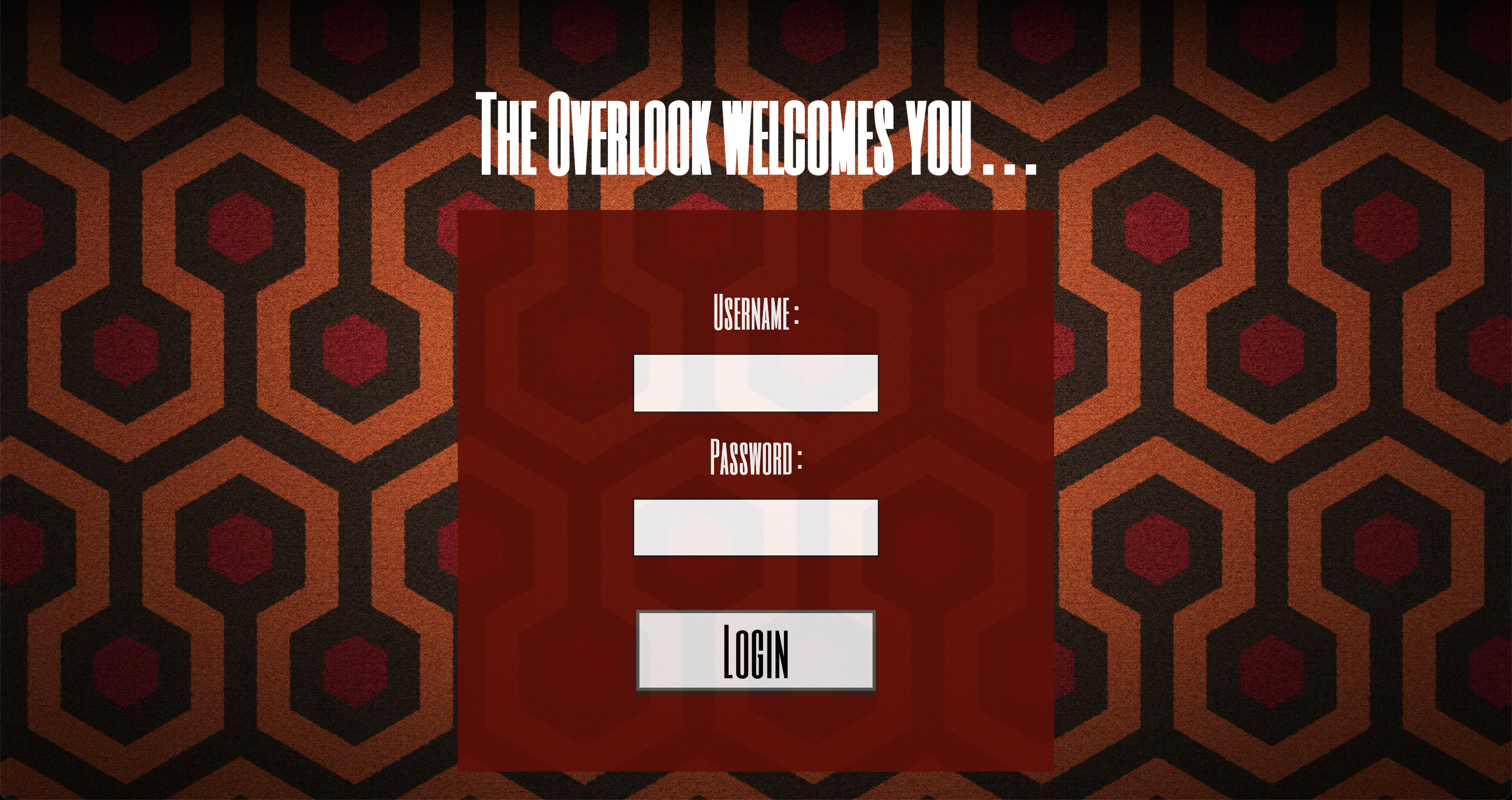
At the login screen a user can enter their username and password to log into their profile.
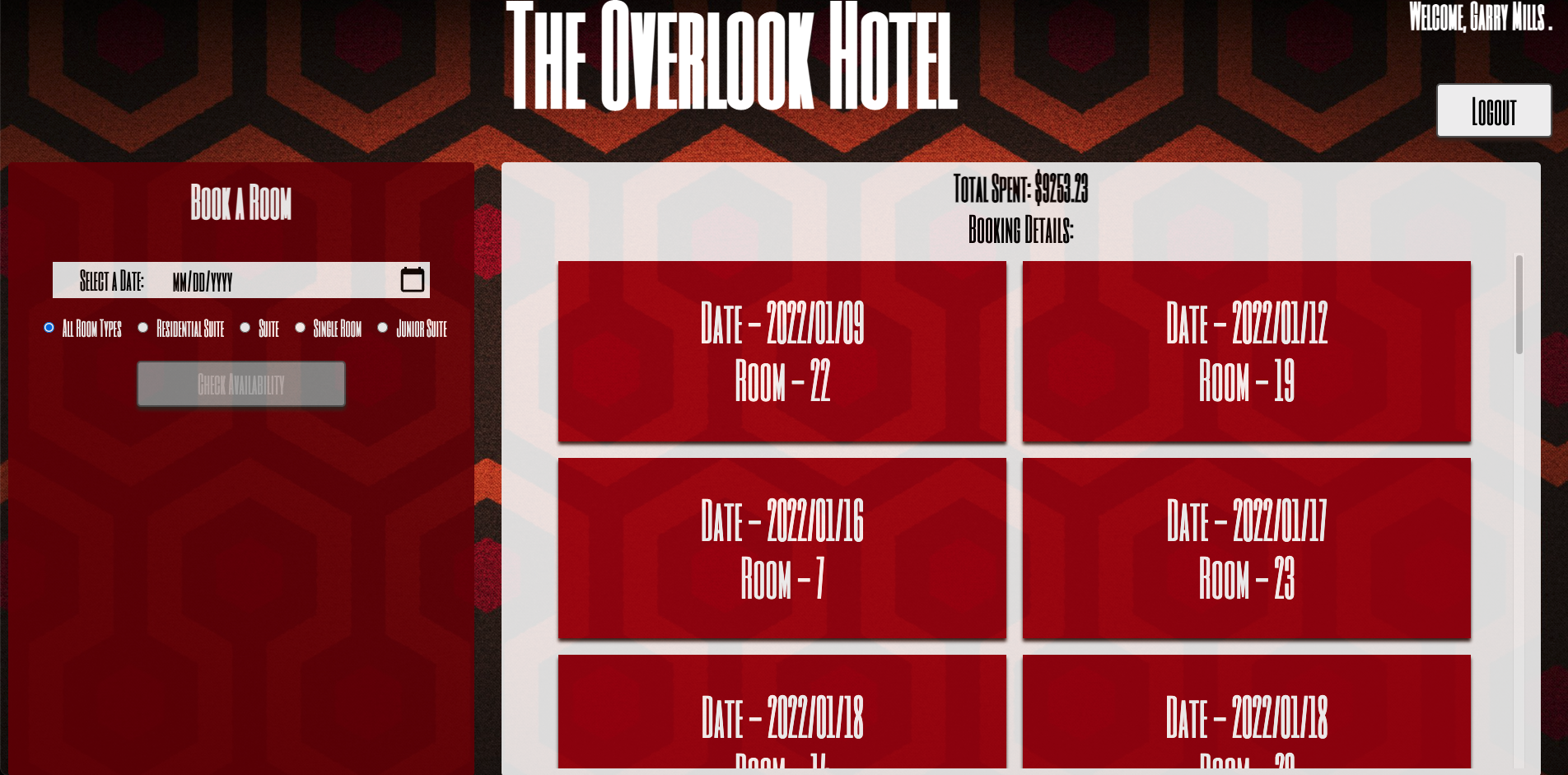
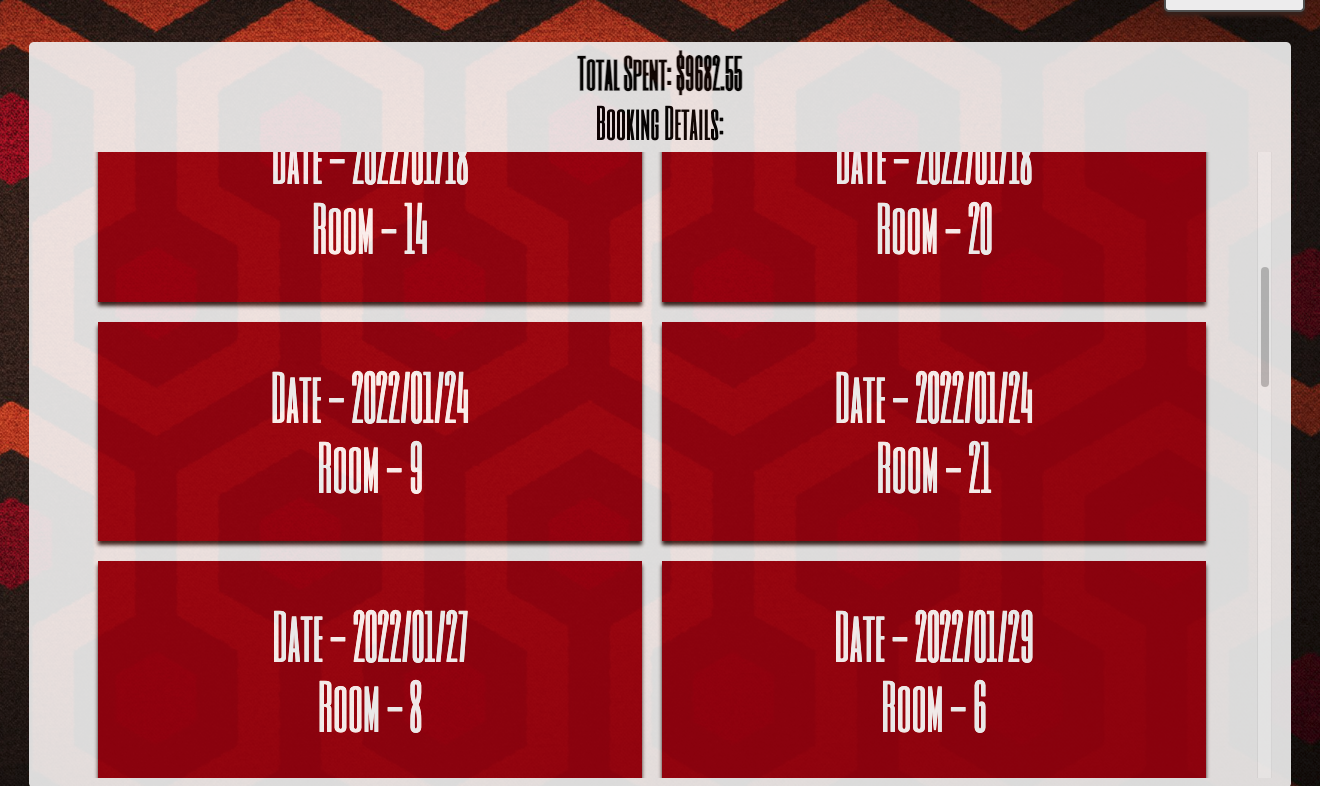
The customer's past, present and future bookings are displayed chronologically on the right-hand side of the dashboard. New bookings can be made in the book a room section.
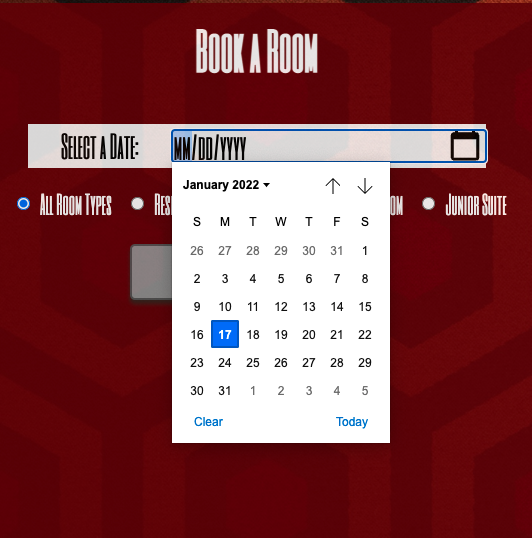
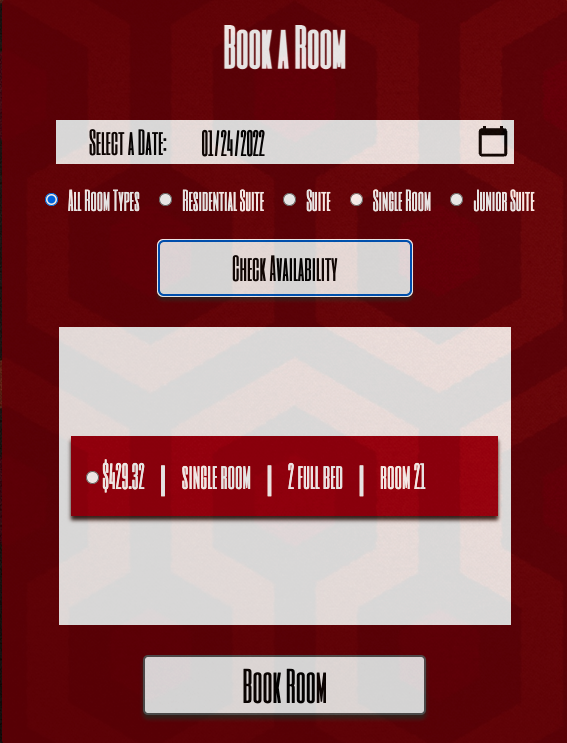
The calendar dropdown allows for an easy and convenient way to select a date. Additional options below the date field allow a customer to look for the availability of a specific room type.
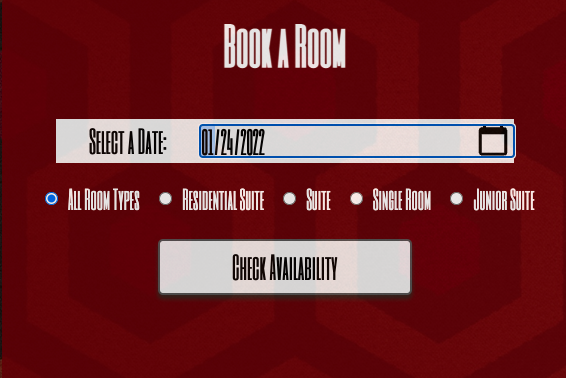
Available rooms will display once the check availability button is clicked.
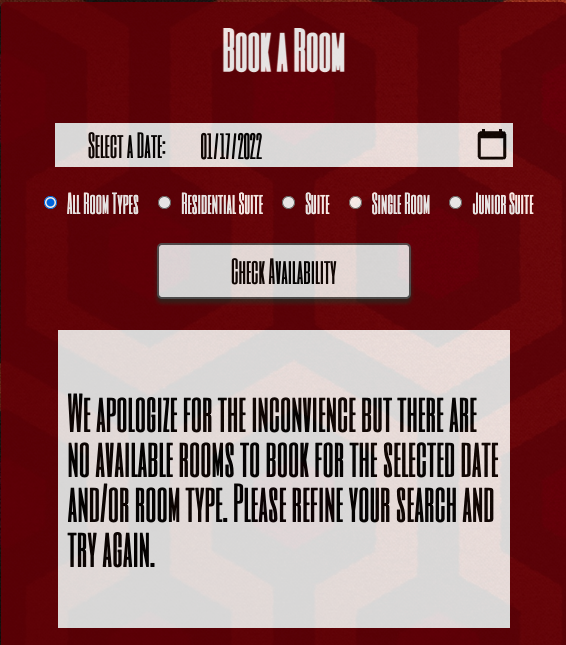
If no rooms are available a message will display notifying the customer to modify their search criteria.
Once a new room to book has been found, the Book Room button can be selected to book the room and add it to the booking details section.
- clone remote repository to your machine
- clone local server
- npm install
- npm i dayjs
- run local server in browser for display
- utilizing helper functions to display information in an orderly fashion
- Getting the APIs to work.
- Improvements: Build out manager view.
- The project spec & rubric can be found here