 (forked from richardpowellus/HBBWASpaManager
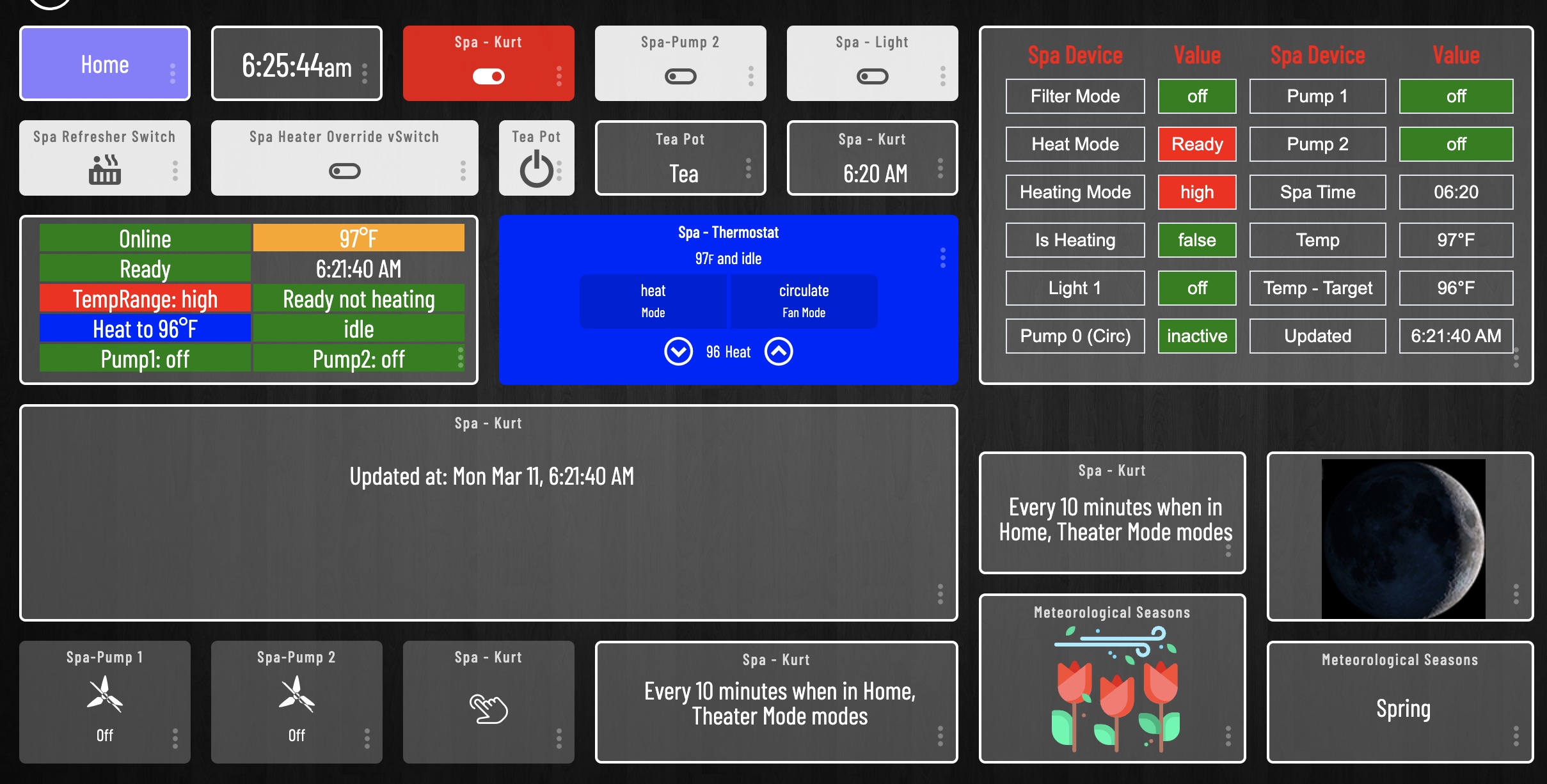
- Dashboard and Tiles shown above have been customized by Tile Master by BPTWorld apps
 Change-log & Version Release Features
 Hubitat Community Support Thread
- View real-time spa temperature
- Set spa heating SetPoint temperature
- Turn on/off lights, pumps, mister, and aux devices
- Set & automate High/Low & Rest/Ready modes to reduce energy usage
- Set spa's internal clock to hubitat local time
- Control spa using Hubitat's Rules/WebCore
- Spa equipped with a one of the following:
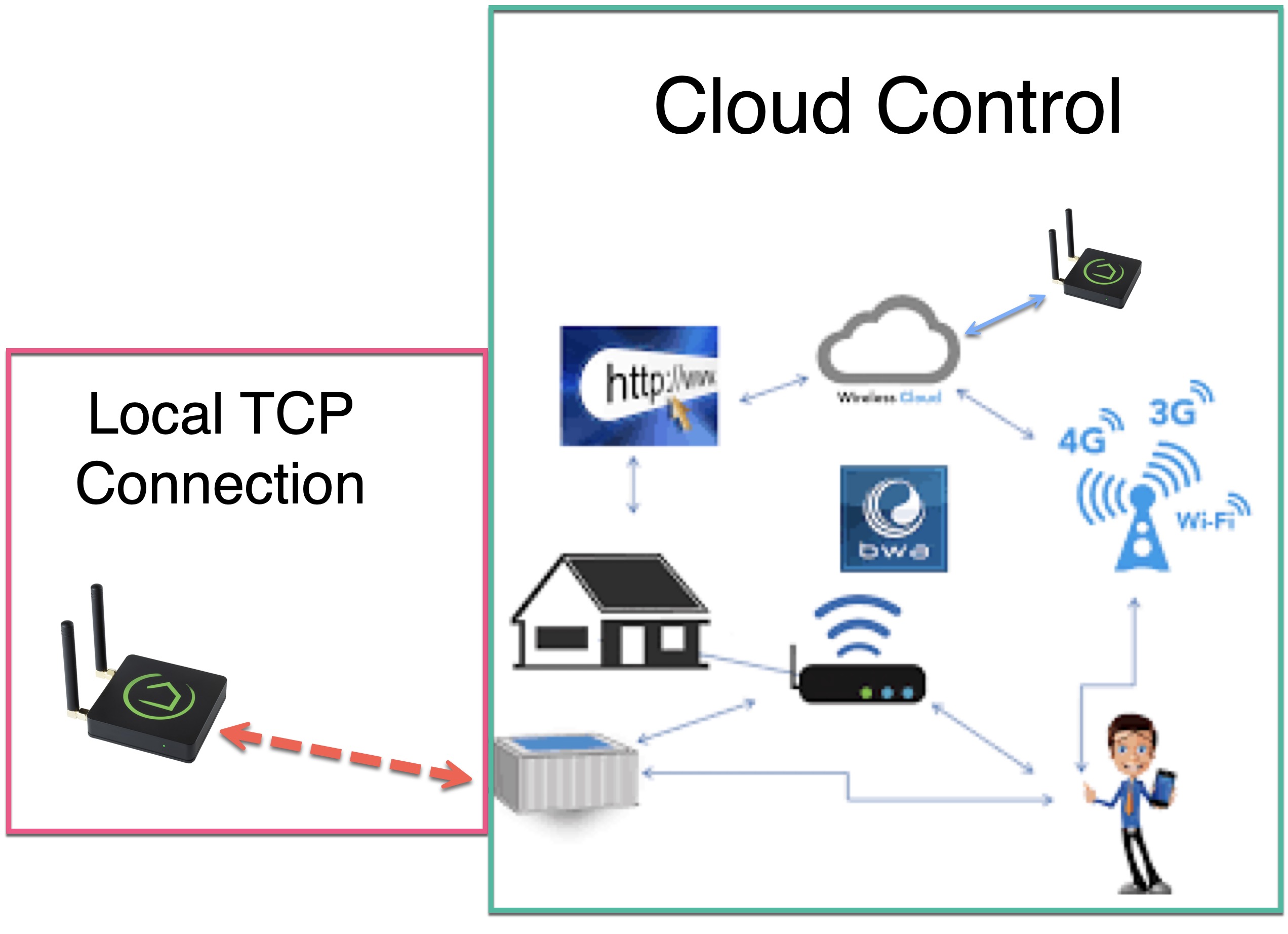
- Balboa Cloud Spa Controller
- Elfin EW11 RS485
- The EW11 device is a better low-cost option, IMHO, is economical, stable, and configurable via the EW11 WebPage.
- Requires some basic technical expertise to install on the spa circuit board plug-n-play connector.
- Hubitat Hub
- Hubitat Package Manager
- Connect the spa to use these steps:
- BWA Cloud Spa Controller
- Create a userid and password and verify BWA Cloud connectivity using BWA Spa Control iOS/Android App
- Install Hubitat Package Manager (HPM) on your Hubitat Hub:
- Search HPM for * BWA Spa Manager - Cloud Control, Install and Configure the App
- Separate devices will be created according to your spa's custom configuration/features to control temperature, pumps, lights, rest/ready states, mister, etc.
- Install Hubitat Package Manager (HPM) on your Hubitat Hub:
- Select Install and search for * BWA Spa Manager - Local Control
- Install the device and exit HPM
- Manually create a Virtual Device by selecting '+ Add device' in the Hubitat devices view.
- Select 'Balboa Hot Tub Local Driver.'
- Name the created device and input your spa's static ip address in the device's preferences.
- Select 'Refresh' in the device command section to populate your hot tub's various sensor states.
- Installing via HPM is highly recommended. Search for BWA Spa Manager and select the WA Spa Manager - Local App version.
- If you try to upgrade a previous version via HPM and notice that your hub has multiple versions of the device drivers or libraries listed below, use HPM to uninstall the app.
- If HPM displays an error with removing this app, use HPM's 'Package Manager Settings' option and then select ' Un-Match a Package to make HPM remove any of its cached information of the previous versions of this app.
- Check the hub's driver code and library code views for residual files listed below. If they exist, manually delete ALL/ANY of the application's drivers, app, and library files that might still be installed. This will allow HPM to install as a fresh new install.
- Perform a new install via HPM. Search for BWA Spa Manager and select the Local version to install. HPM will automatically launch the Application and create the required spa control devices.