Easily Install Termux GUI Desktop





- 📚 Quick Setup: Easy-to-follow installation process.
- 🖥️ Desktop Styles: Supports XFCE, LXQt, and OPENBOX with beautiful themes.
- 🍷 Windows App Support: Run Windows apps using Wine (x86_64 on ARM64 devices).
- 🦾 Hardware Acceleration: Enhances performance for supported hardware.
- 🖇️ GUI Access: Supports Termux:X11 and VNC.
- 📦 Package Management: Compatible with both APT and PACMAN.
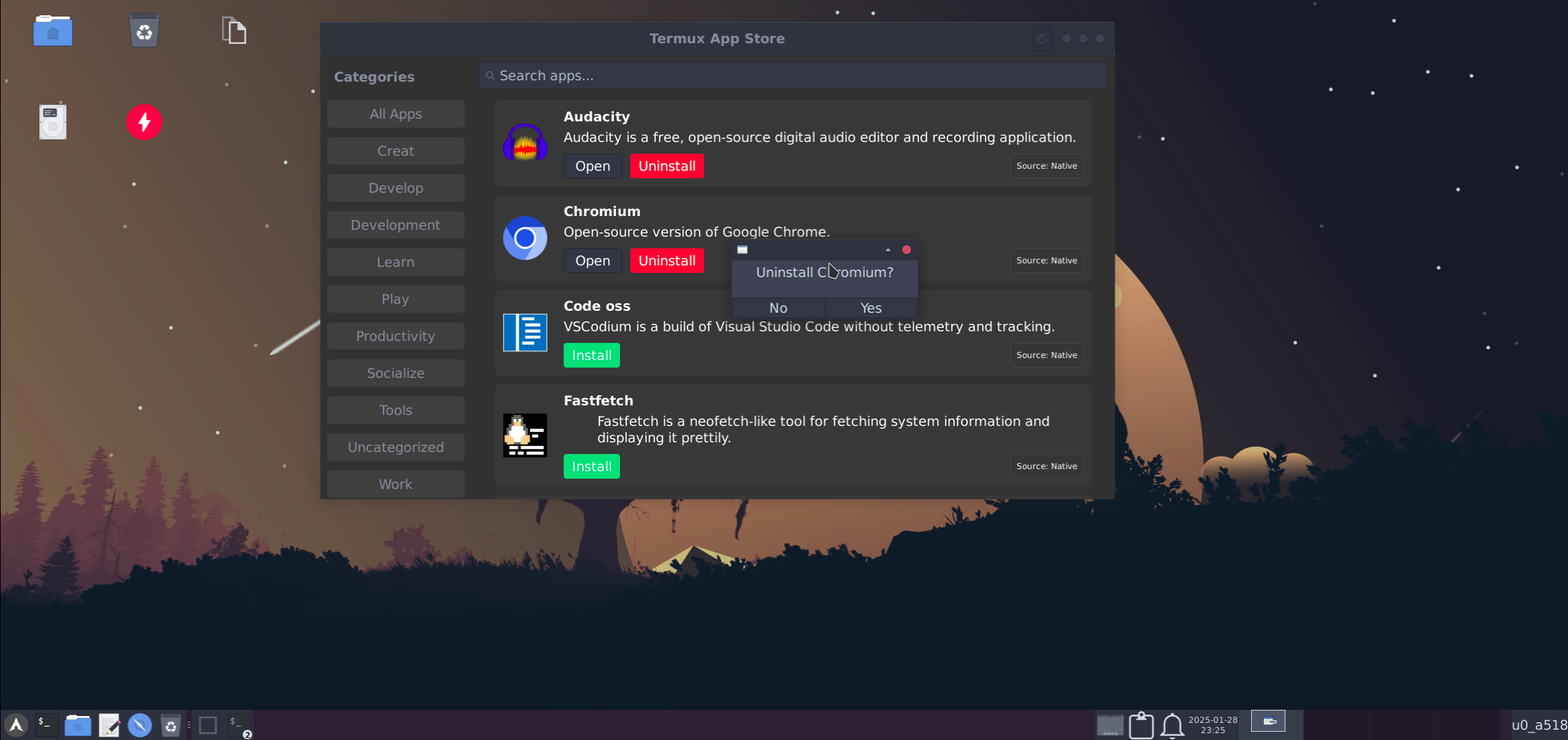
- 🛍️ App Store: A appstore to install apps from termux and suppoted proot-distro.
- 🧩 One-Click App Installation:
- Browsers: Firefox, Chromium
- Code Editors: VS Code, Geany
- Image Editors: GIMP, Inkscape
- And more...
- 📦 Additional Apps: Install apps like LibreOffice not available by default in Termux.
- 🎨 Customizations: Extensive configuration options to suit user preferences.
-
Android 8+ device
-
Termux (download from GitHub or F-Droid)
NOTE: This Only Works On Termux From Github Or Fdroid
Avoid using Termux from Google Play due to API limitations.
-
Minimum 2GB of RAM (3GB recommended)
-
1.5-2GB of Internet data
-
3-4GB of free storage
-
VNC Client RealVNC or NetHunter Kex (Optional)
- Learn more about hardware acceleration.
- Check out distro container usage.
Full Installation YouTube Video Guide:- Here
Note: Fresh installations are recommended for best results.
Note: If you are in android 12 or higher then first disable Phantom Process Killer Guide:- Here
curl -Lf https://raw.githubusercontent.com/sabamdarif/termux-desktop/main/setup-termux-desktop -o setup-termux-desktop && chmod +x setup-termux-desktop && ./setup-termux-desktop- Commands for starting and stopping Termux:X11 and VNC sessions are provided below.
tx11start [options]Options:
--nogpu: Disable GPU acceleration.--legacy: Enable legacy drawing.--nodbus: Disable DBus.- Combine options for specific configurations (e.g.,
tx11start --nogpu --legacy). --help: To show help.
Example:
tx11startto star Termux:11 with gpu accelerationtx11start --nogputo star Termux:11 without gpu accelerationtx11start --nogpu --legacyto star Termux:11 without gpu acceleration and -legacy-drawingtx11start --nodbusto star Termux:11 without dbustx11start --nodbus --nogputo star Termux:11 without gpu acceleration and dbustx11start --nodbus --nogpu --legacyto star Termux:11 without gpu acceleration and dbus and with -legacy-drawingtx11start --nodbus --legacyto star Termux:11 without dbus and use -legacy-drawing (nodbus and gpu)tx11start --legacyto star Termux:11 with -legacy-drawing (with dbus and gpu)tx11start --debug --OTHER-PARAMETERSTo see log of that commmandtx11start --debug --nogpu To See tx11start --nogpu's log
tx11stop [-f]Options:
-f: Force stop.--help: To show help.
vncstart [options]Options:
--nogpu: Disable GPU acceleration.--help: To show help.
vncstop [-f]Options:
-f: Force stop.--help: To show help.
gui [options]Options:
--start: Start GUI (usevncortx11as arguments).--stop: Stop GUI.--kill: Stop all GUI sessions.--help: To show help.
Example:
gui --start / gui -lto start Termux guigui --stop / gui -sto stop gui
gui -l / --startvncto start VNCgui -l / --starttx11to start Termux:X11gui -s / --stopvncto stop VNCgui -s / --stoptx11to stop Termux:X11gui -k / --kill / -killto kill both vncserver and Termux:x11 At Once
setup-termux-desktop [options]Options:
--change style: Change desktop style.--change hw: Modify hardware acceleration settings.--reset: Reset all changes.--remove: Uninstall Termux Desktop.--local-configStart the installation from pre made config file--help: To show help.
Example:
setup-termux-desktop --change styleTo Change Desktop Stylesetup-termux-desktop --change hwTo Change Hardware Acceleration Methodsetup-termux-desktop --change pdTo Change Installed Proot-Distrosetup-termux-desktop --change autostartTo change autostart behavioursetup-termux-desktop --change displayTo change termux:x11 display port
setup-termux-desktop --reinstall icons / themes /configTo Reinstall Icons / Themes / Configsetup-termux-desktop --reinstall icons,themes,..etcTo Reinstall Them At Once
setup-termux-desktop --resetTo Reset All Changes Made By This Script Without Uninstalling The Packages
setup-termux-desktop --remove / -rTo Remove Termux Desktop
setup-termux-desktop --local-config / -configStart the installation from pre made config file
-
setup-termux-desktop --debug(At The Start) To generate a log file for any of the above commandsetup-termux-desktop --debug --installTo create a log of whole installation process
| XFCE | LXQT |
|---|---|
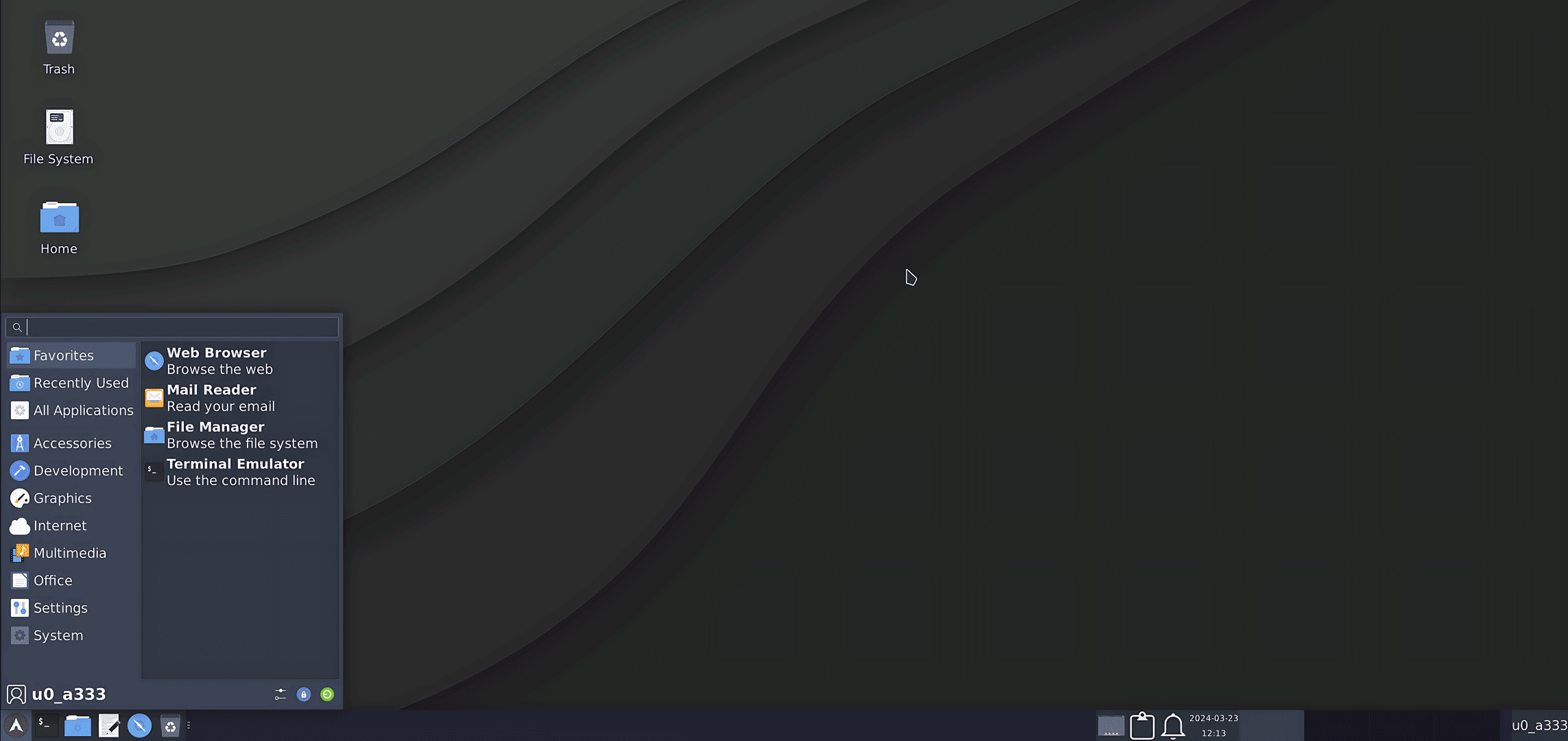 |
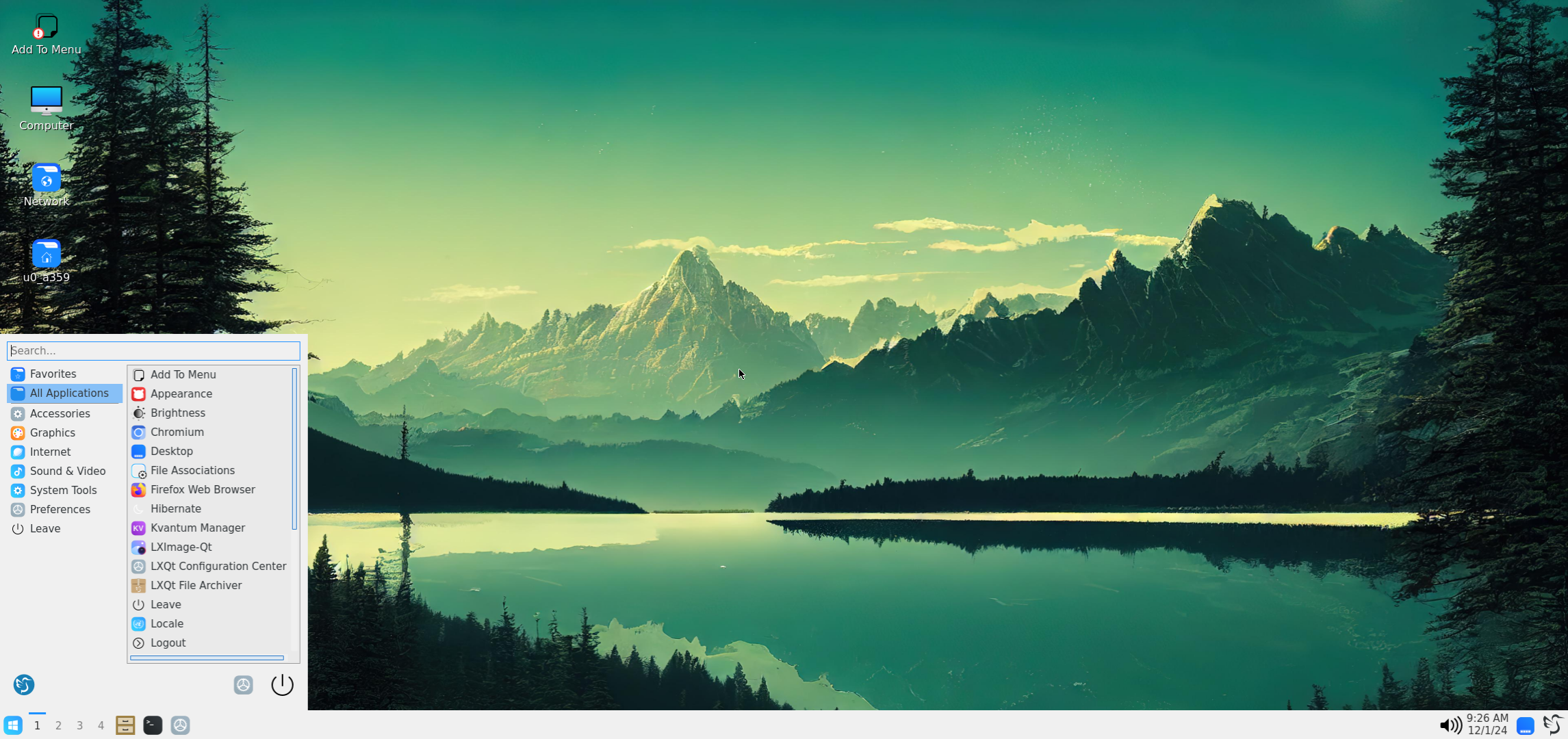 |
| OPENBOX | MATE |
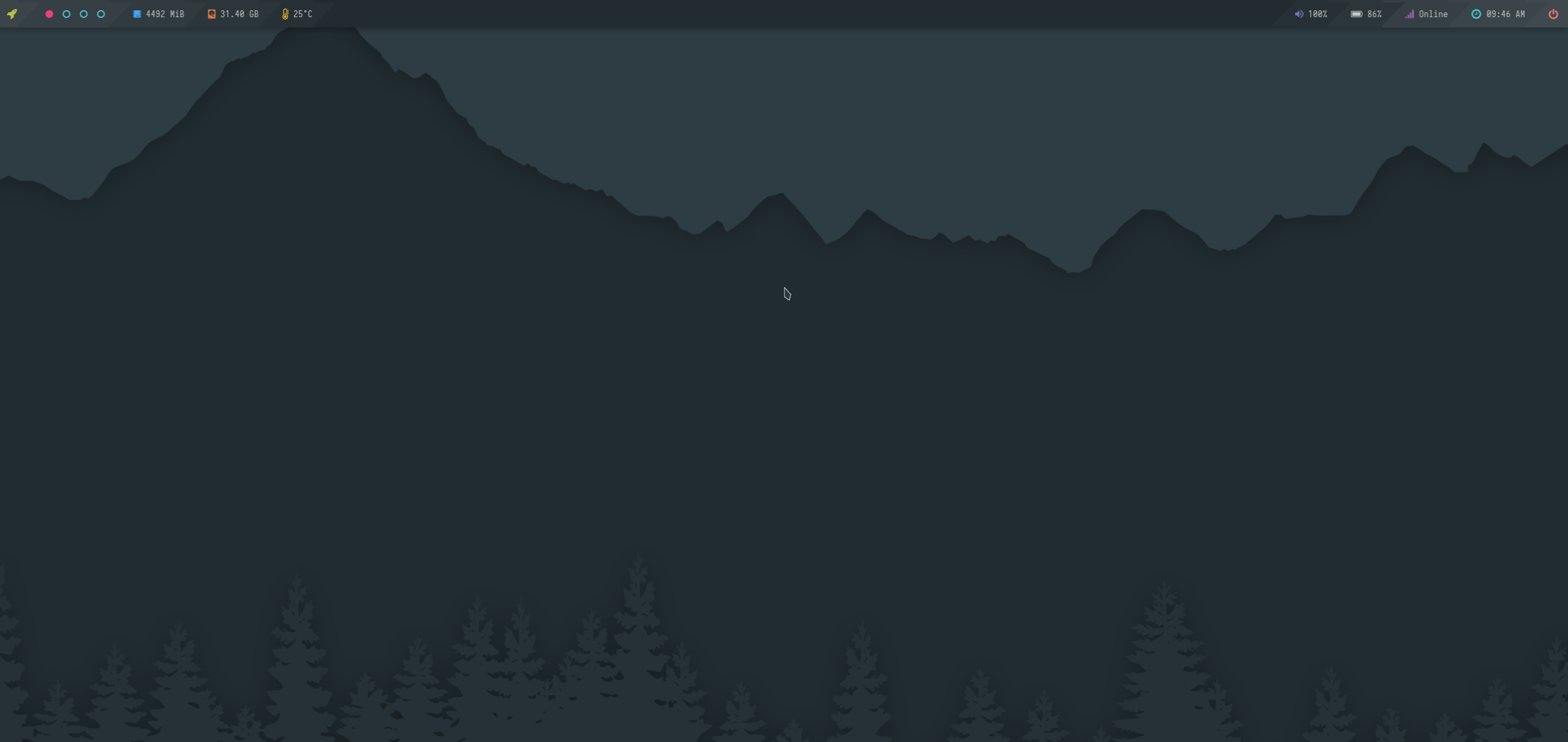 |
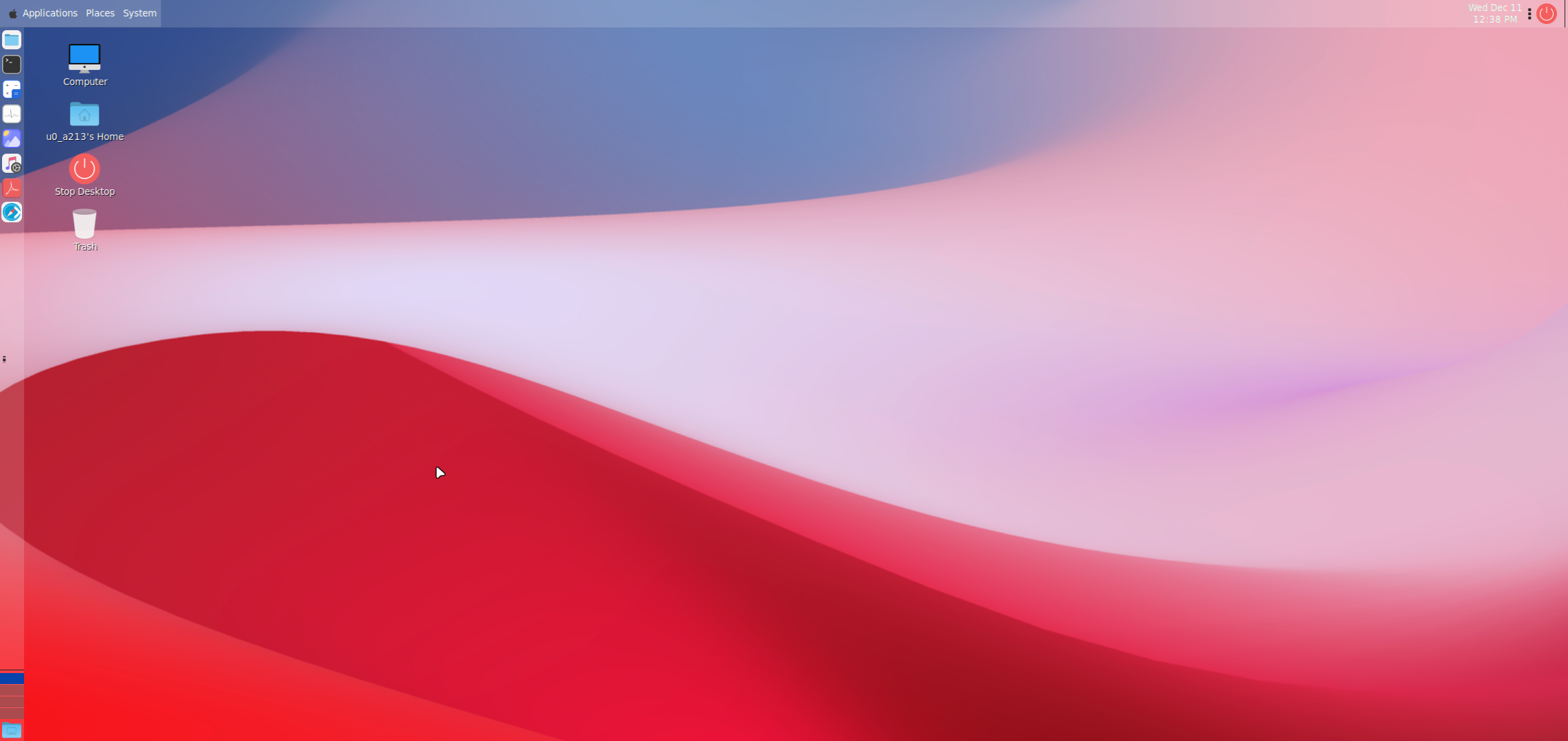 |
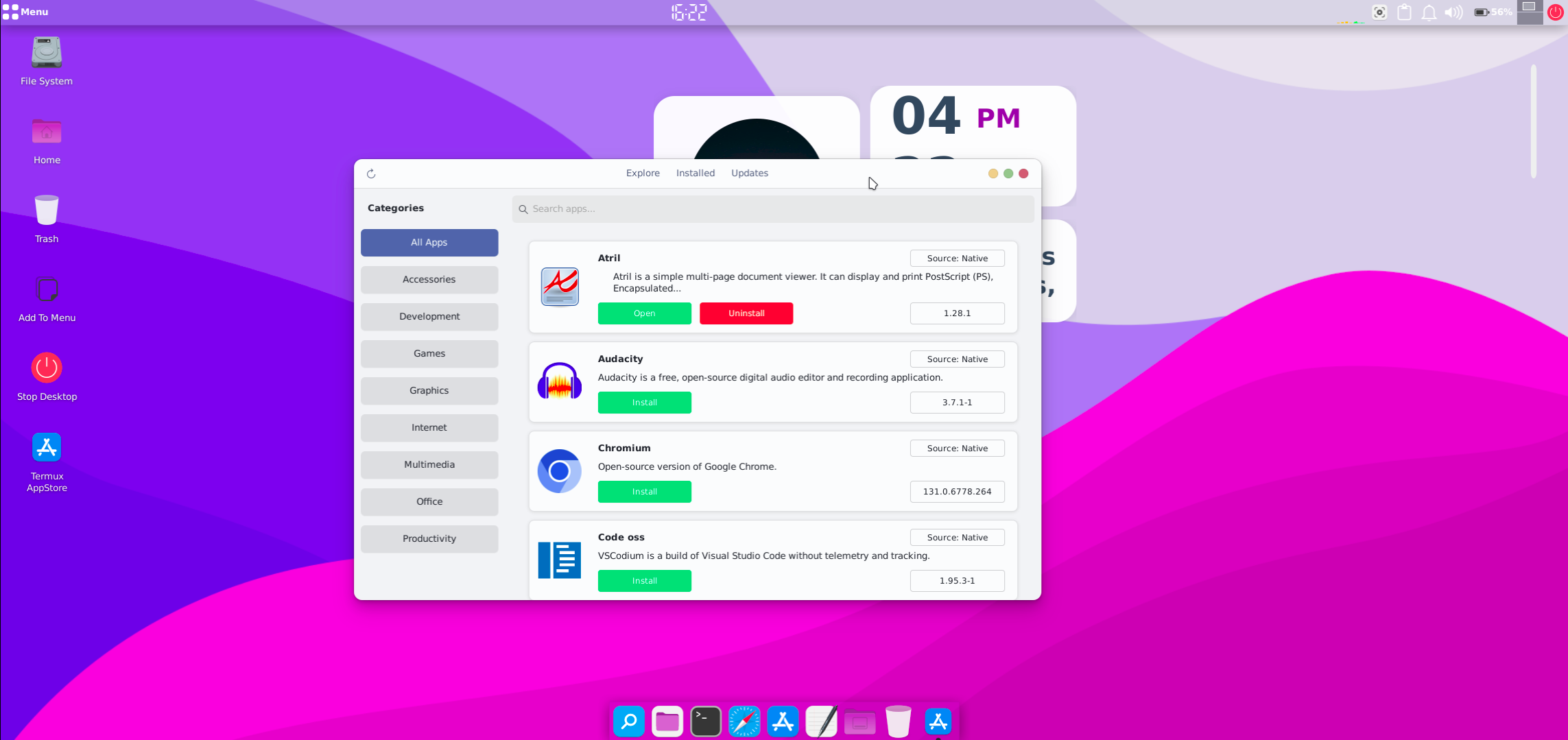
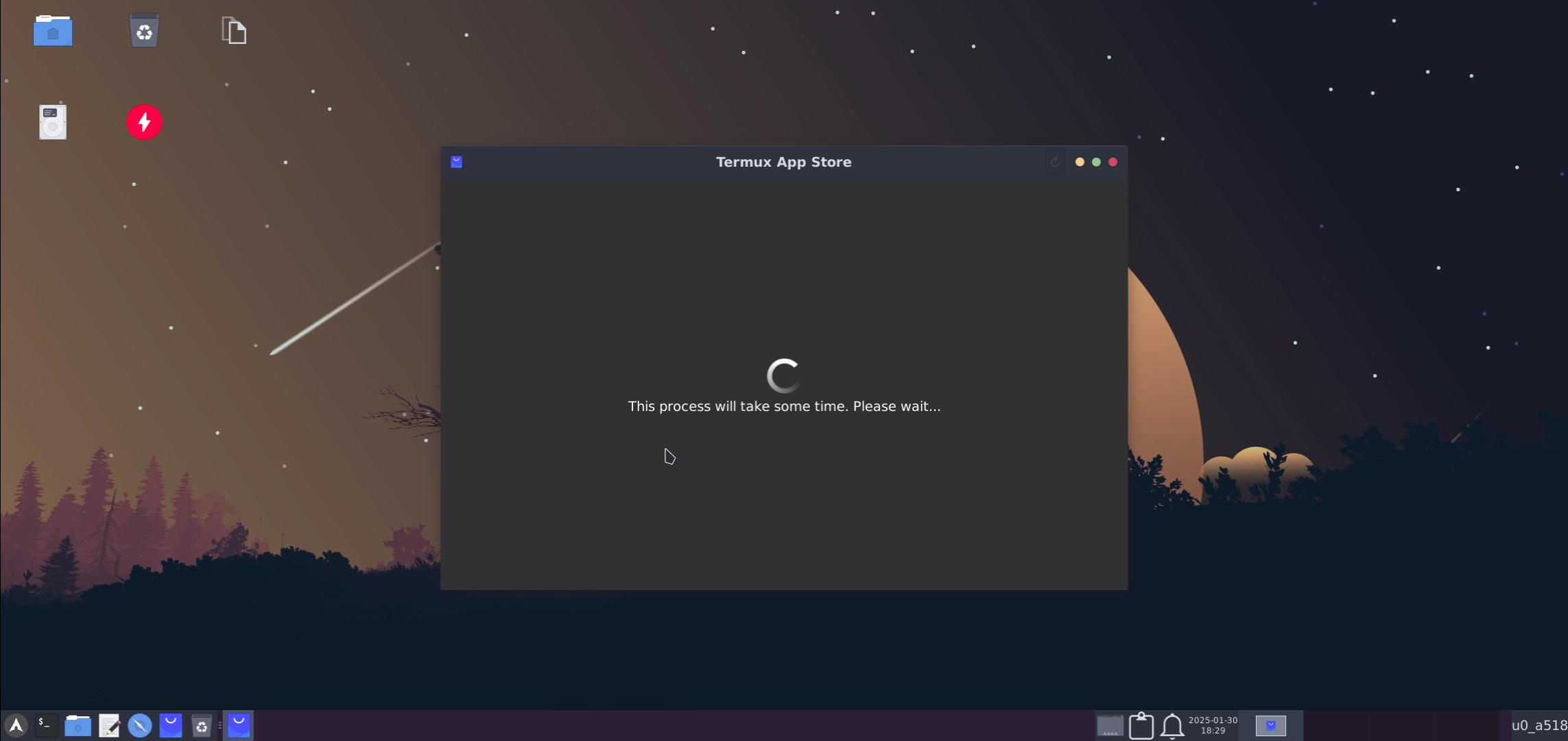
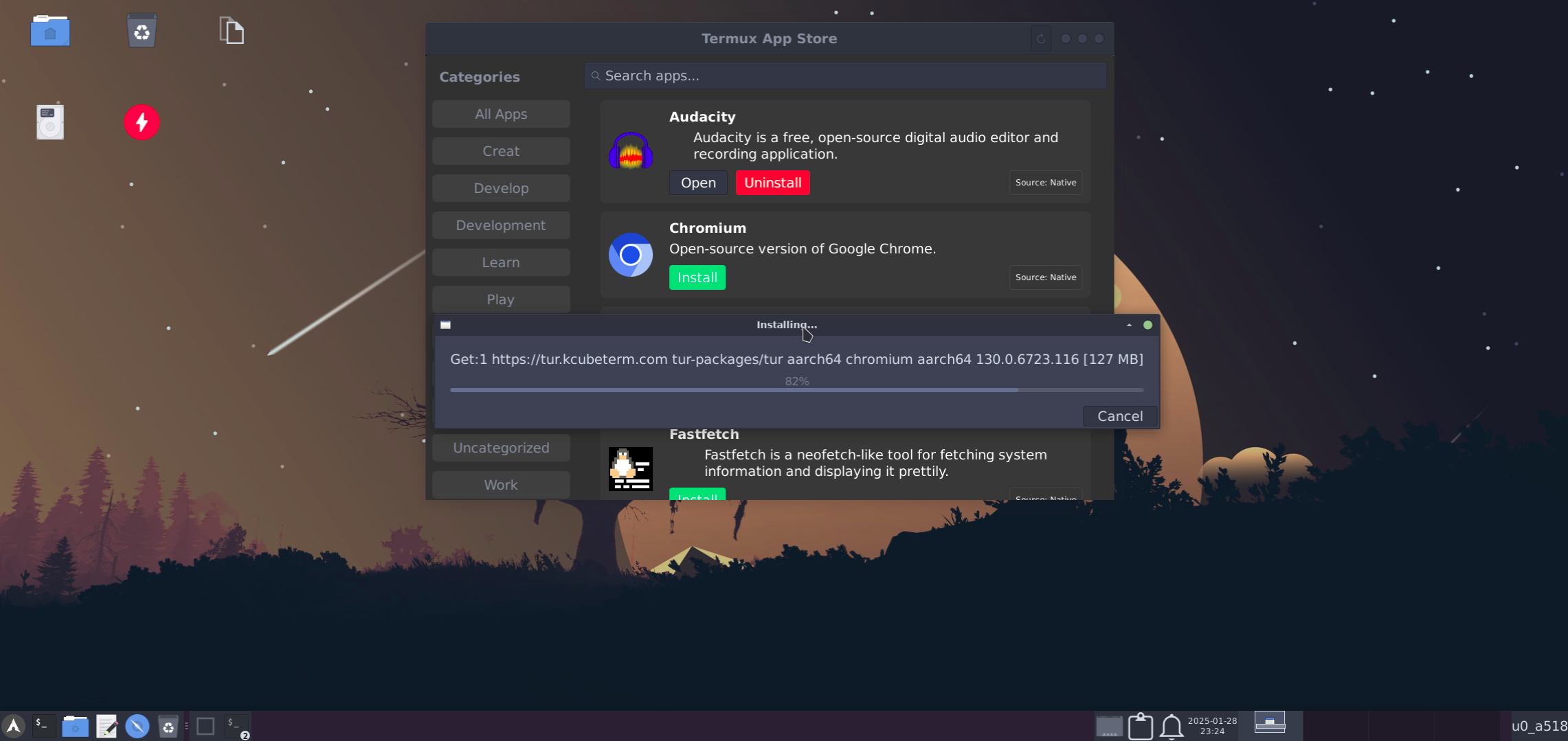
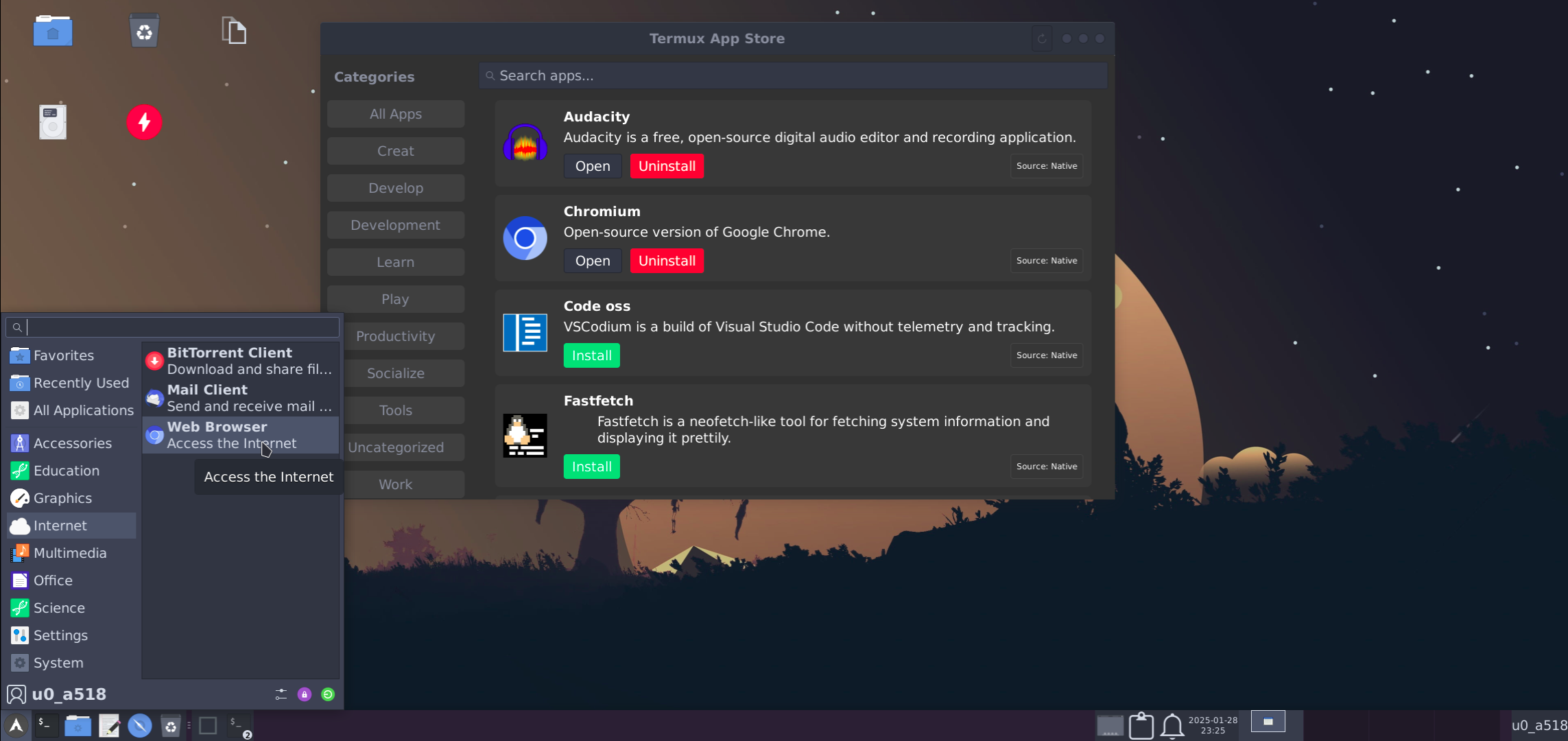
Appstore UI:
| Loading | Installing |
|---|---|
 |
 |
| Installed | Prompt |
 |
 |
Run Windows applications seamlessly. Learn more here.
Install additional apps like LibreOffice. Details here.
Enhance performance with GPU acceleration. Learn more here.
Special thanks to:
- LinuxDroidMaster/Termux-Desktops
- phoenixbyrd/Termux_XFCE
- Yisus7u7/termux-desktop-xfce
- adi1090x/termux-desktop
- Generator/termux-motd
- virgl-angle-termux
- myTermux
If you enjoy this project, consider giving it a star! 🌟
Join the conversation: Telegram Chat.