DEPLOY CLOUDFORMATION USING AWS CODEPIPELINE
1- Create codepipeline with existing service role
2- Create service role (codepipeline is not in the service list, choose ec2 and create role and then edit its trust relationship to codepipeline)
3- Create inline policy with custom_codepipeline_policy.json
4- Also allow to use github connection (apply this to same policy)
{
"Effect": "Allow",
"Action": "codestar-connections:UseConnection",
"Resource": "arn:aws:codestar-name"
},
5- Create cloudformation role and give AmazonS3FullAccess
6- While creating codepipeline, in Deploy Stage select AWS Cloudformation, create new one and add newly created cloudformation role.
7- Codepipeline will build and deploy when you push something to your repository
CREATE SNS WITH PARAMETER
1- Create sns_parameter_example.json and sns_parameter.json
2- Create new codepipeline
3- Choose sns_parameter.json file for parameter
4- Edit service role and add new github connection to allowed resource
5- Edit cloudformation service role and add snsfullaccess
RUN CLOUDFORMATION using AWS CLI
1- Upload s3cft.yml file to s3 bucket
2- Run command on Command Prompt
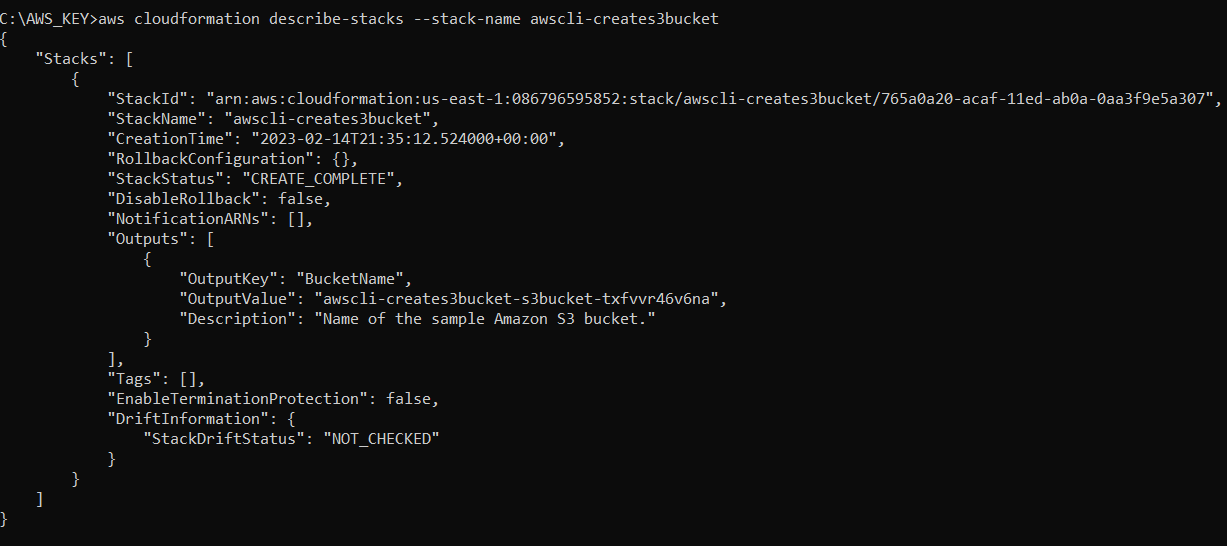
aws cloudformation create-stack --stack-name awscli-creates3bucket --template-url https://cli-bucket-anil.s3.amazonaws.com/s3cft.yml
...