


A developer portfolio reimagined as a fully functional IDE. This project is built to look, feel, and behave like Visual Studio Code, providing an immersive experience for visitors to explore your work.
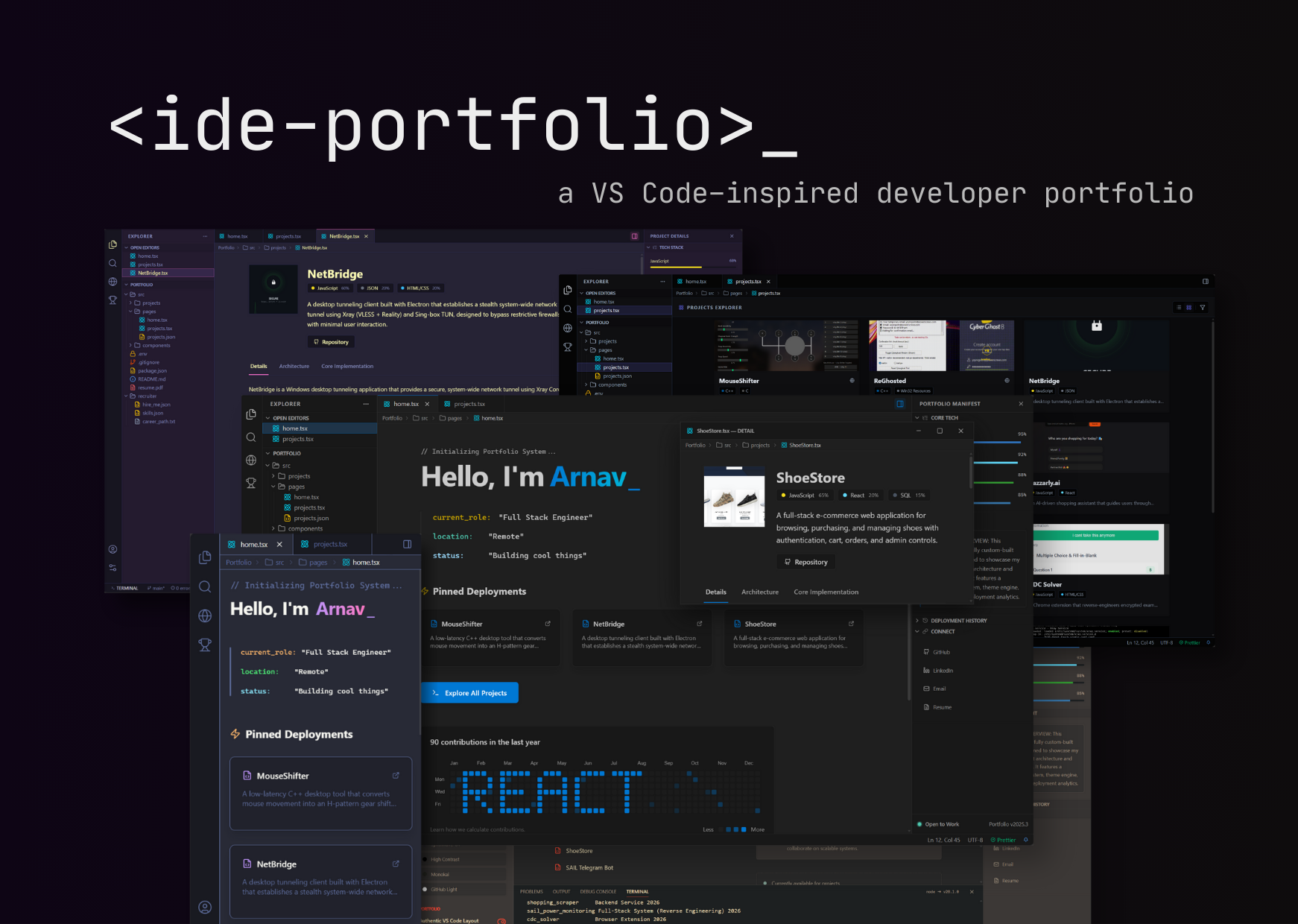
- Virtual File System: Browse projects and files just like in a real editor.
- Integrated Terminal: A functional shell with commands (
ls,cat,open) and Gemini AI integration for natural language queries. - Command Palette: Quick navigation and actions via
Ctrl/Cmd + P. - Theme System: Switch between modern dark themes (Dracula, Monokai, GitHub Dark, etc.).
- Window Management: Draggable, resizable windows (tabs can be detached!).
- Contribution Map: A beautiful, canvas-based commit graph visualization.
- Type-Safe: Built with 100% TypeScript for robustness.
- Core: React 18, Vite
- Styling: Tailwind CSS (v4)
- Icons: Lucide React
- AI: Google Gemini API (Flash 1.5)
- Effects: Framer Motion, HTML5 Canvas
git clone https://github.com/arnofrxdd/ide-portfolio.git
cd ide-portfolio
npm installCreate a .env file in the root directory:
VITE_GEMINI_API_KEY=your_gemini_api_key_hereGet your key from Google AI Studio.
npm run dev| Command | Description |
|---|---|
help |
Show available commands |
ls |
List all projects |
cat <project> |
View project details |
open <project> |
Open full project view |
clear |
Clear terminal |
[query] |
Ask AI anything! |
See CONTRIBUTING.md for a detailed guide on:
- Adding new projects
- Adding custom files
- Creating new commands
- Modifying themes
MIT © Arnav