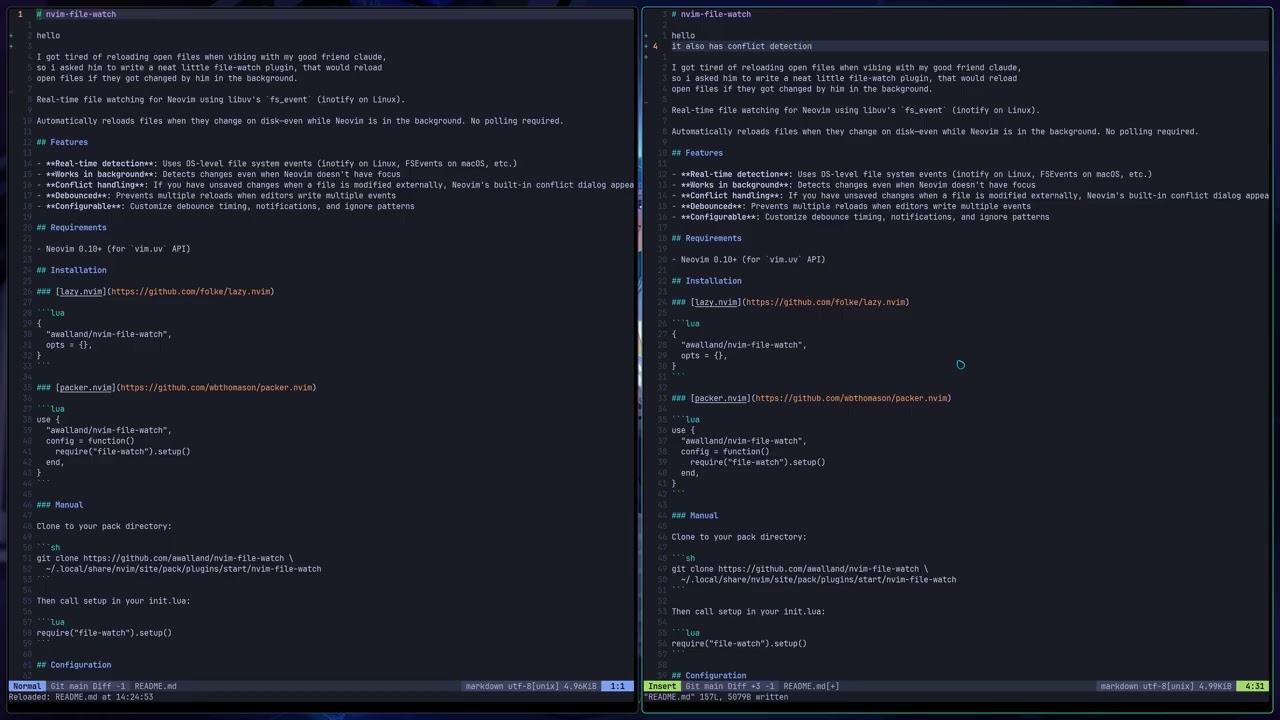
I got tired of reloading open files when vibing with my good friend claude, so i asked him to write a neat little file-watch plugin for neovim, that would reload open files if they got changed by him in the background.
I have only tested this on my linux machine, i have no idea if it works anywhere else.
Real-time file watching for Neovim using libuv's fs_event (inotify on Linux).
Automatically reloads files when they change on disk—even while Neovim is in the background. No polling required.
- Real-time detection: Uses OS-level file system events (inotify on Linux, FSEvents on macOS, etc.)
- Works in background: Detects changes even when Neovim doesn't have focus
- Conflict handling: If you have unsaved changes when a file is modified externally, Neovim's built-in conflict dialog appears
- Debounced: Prevents multiple reloads when editors write multiple events
- Configurable: Customize debounce timing, notifications, and ignore patterns
- Neovim 0.10+ (for
vim.uvAPI)
{
  "awalland/nvim-file-watch",
  opts = {},
}use {
"awalland/nvim-file-watch",
config = function()
require("file-watch").setup()
end,
}Clone to your pack directory:
git clone https://github.com/awalland/nvim-file-watch \
  ~/.local/share/nvim/site/pack/plugins/start/nvim-file-watch
Then call setup in your init.lua:
require("file-watch").setup()require("file-watch").setup({
debounce_ms = 100,
notify = true,
notify_level = vim.log.levels.INFO,
ignore_patterns = { "%.git/", "%.swp$", "~$", "4913$" },
auto_enable = true,
})- Type:
number - Default:
100
Delay in milliseconds before reloading a file after a change is detected. Many editors (including Neovim itself) trigger multiple file system events when saving a file. The debounce prevents multiple reloads from these rapid successive events. Increase this value if you notice duplicate reload notifications.
- Type:
boolean - Default:
true
Whether to show notifications when files are reloaded, deleted, or when watching is enabled/disabled. Set to false for silent operation.
- Type:
number - Default:
vim.log.levels.INFO
The notification level used for reload messages. Valid values are:
vim.log.levels.DEBUGvim.log.levels.INFOvim.log.levels.WARNvim.log.levels.ERROR
This affects how notifications are styled and whether they appear based on your vim.notify configuration.
- Type:
string[] - Default:
{ "%.git/", "%.swp$", "~$", "4913$" }
List of Lua patterns for file paths that should not be watched. Files matching any of these patterns will be ignored. The default patterns exclude:
%.git/— Git internal files%.swp$— Vim swap files~$— Backup files ending with tilde4913$— Vim's test file used to check write permissions
Note: These are Lua patterns, not glob patterns. Use %. to match a literal dot.
- Type:
boolean - Default:
true
When true, file watching starts automatically when setup() is called and new files are watched as they're opened. Set to false if you want to manually control when watching is active using :FileWatchEnable.
| Command | Description |
|---|---|
:FileWatchEnable |
Enable file watching for all buffers |
:FileWatchDisable |
Disable file watching |
:FileWatchToggle |
Toggle file watching on/off |
:FileWatchStatus |
Show which files are being watched |
local fw = require("file-watch")

fw.enable()       -- Enable watching
fw.disable()      -- Disable watching
fw.toggle()       -- Toggle on/off
fw.status()       -- Returns status table
fw.print_status() -- Prints status to messages- When a file is opened in a buffer, we create a
vim.uv.new_fs_event()watcher on that file path - The OS notifies us immediately when the file changes on disk
- We debounce the event (default 100ms) to handle editors that write multiple events
- We call
:checktimeon that buffer to trigger Neovim's reload mechanism - If the buffer has unsaved changes, Neovim shows its built-in conflict dialog
This approach is much more efficient than polling with timers, and works even when Neovim is completely in the background.
Neovim's autoread option only triggers when certain events happen (like FocusGained or BufEnter). If Neovim is sitting in the background, it won't detect changes until you switch back to it.
This plugin uses actual file system events to detect changes immediately, regardless of Neovim's focus state.
MIT