
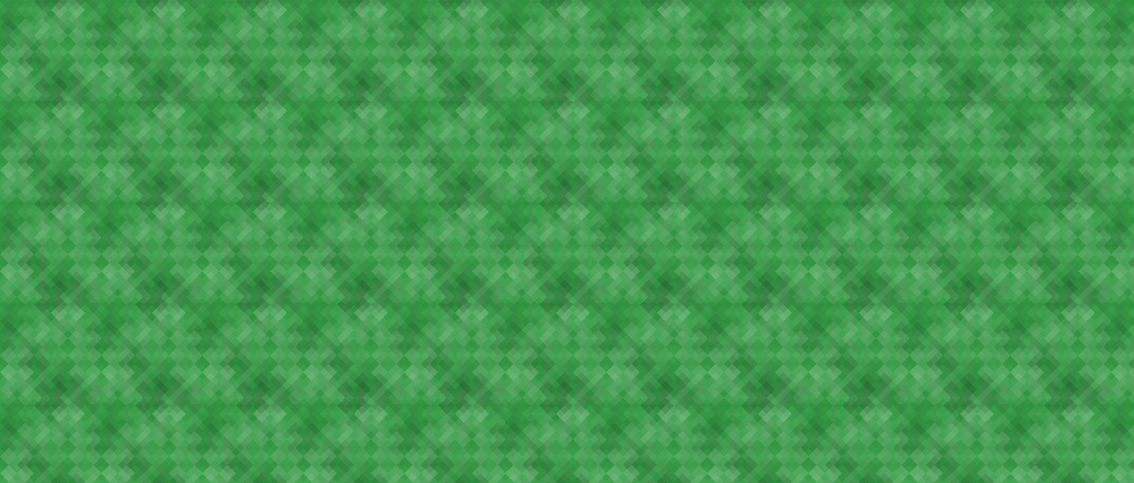
Generate beautiful SVG patterns from a string. This is a Python-port of Jason Long's Ruby library.
GeoPatterns requires Python 3.11 or newer and is installable via pip:
$ pip install geopatternsCreate a new pattern by initializing GeoPattern() with a string. The string
is hashed, and the hash decides the pattern, the background color and the size
of the shapes.
>>> from geopatterns import GeoPattern
>>> pattern = GeoPattern('A string for your consideration.')
To use a specific pattern, or a subset of the available patterns:
>>> GeoPattern('A string for your consideration.', patterns='sine_waves')
>>> GeoPattern('A string for your consideration.', patterns=['sine_waves', 'xes'])
To pick a base color (its hue and saturation still shift with the string), or to use an exact color:
>>> GeoPattern('A string for your consideration.', base_color='#fc0')
>>> GeoPattern('A string for your consideration.', color='#fc0')
Available patterns are:
chevronsconcentric_circlesdiamondshexagonsmosaic_squaresnested_squaresoctagonsoverlapping_circlesoverlapping_ringsplaidplus_signssine_wavessquarestessellationtrianglesxes
generator= still works but is deprecated, use patterns=. The old bricks,
rings and sinewaves generators are gone. Upstream replaced them with
octagons, concentric_circles and sine_waves, and passing the old names to
generator= draws those instead, with a warning.
Get the SVG string:
>>> print(pattern.svg_string)
<svg xmlns="http://www.w3.org/2000/svg" ...
Get the Base64-encoded string (as bytes):
>>> print(pattern.base64_string)
b'PHN2ZyB4bWxucz0iaHR0cDov...
In the case of the Base64-encoded string, you can use it in CSS as follows:
body {
  background-image: url('data:image/svg+xml;base64,PHN2ZyB4bWxucz...zdmc+');
}
You can use cairosvg to save the SVG string as a PNG image. First, install cairosvg:
pip install cairosvg
And then run:
>>> import cairosvg
>>> from geopatterns import GeoPattern
>>> pattern = GeoPattern('A string for your consideration.', patterns='xes')
>>> cairosvg.svg2png(bytestring=pattern.svg_string, write_to="output.png")
If you just want to visualize the pattern, you can use cairosvg with PIL:
>>> from io import BytesIO
>>> import matplotlib.pyplot as plt
>>> from PIL import Image
>>> import cairosvg
>>> from geopatterns import GeoPattern
>>> pattern = GeoPattern('A string for your consideration.', patterns='xes')
>>> png = cairosvg.svg2png(bytestring=pattern.svg_string)
>>> image = Image.open(BytesIO(png))
>>> plt.imshow(image)
>>> plt.show()For the same string and options, the SVG matches what geo_pattern 1.5.0 produces. The tests check this against upstream's fixtures and against hashes generated from its Ruby code.
$ uv run pytesttests/fixtures/hashes.json comes from upstream. To regenerate it, check out
geo_pattern, install its color gem, and run:
$ ruby -I<upstream>/lib tests/ruby/generate_hashes.rb <upstream> > tests/fixtures/hashes.json