A simple stopwatch app to display wear OS features
- Android folder 👍
- Quick setup
- Android WearOS Emulator keeps crashing.
- App quits on a swipe left gesture????
Community Support Plugin: https://pub.dev/packages/wear
- Requires Big Buttons
- Scaffold renders in a rectangle but is clipped by the wearables shape
- Cant horizontal page views, cant swipe left
- Same as android, is a plus point
- Could be creative with a carousel
- Horizontal swipes
- Rotating bezel around the watch
- Clock Flicks
- Bottom to Top swipe(for notifications, only on home) https://pub.dev/packages/wearable_rotary
-
Connect mobile app with wear os
-
Communicate data/messages
-
"Capabilities" (new features) https://pub.dev/packages/flutter_wear_os_connectivity
-
Pair with an emulator:https://developer.android.com/training/wearables/get-started/creating#pair
- When a Wear app has an accompanying mobile app, you must use the same key to sign both apps so they can communicate using the Data Layer APIs.
- Multi-APK delivery method.
- On devices running Wear OS, when a user installs a phone app that has an associated watch app, the user gets a watch notification about the available watch app. Tapping the notification opens the watch Play Store, giving the user the option to install the watch app.
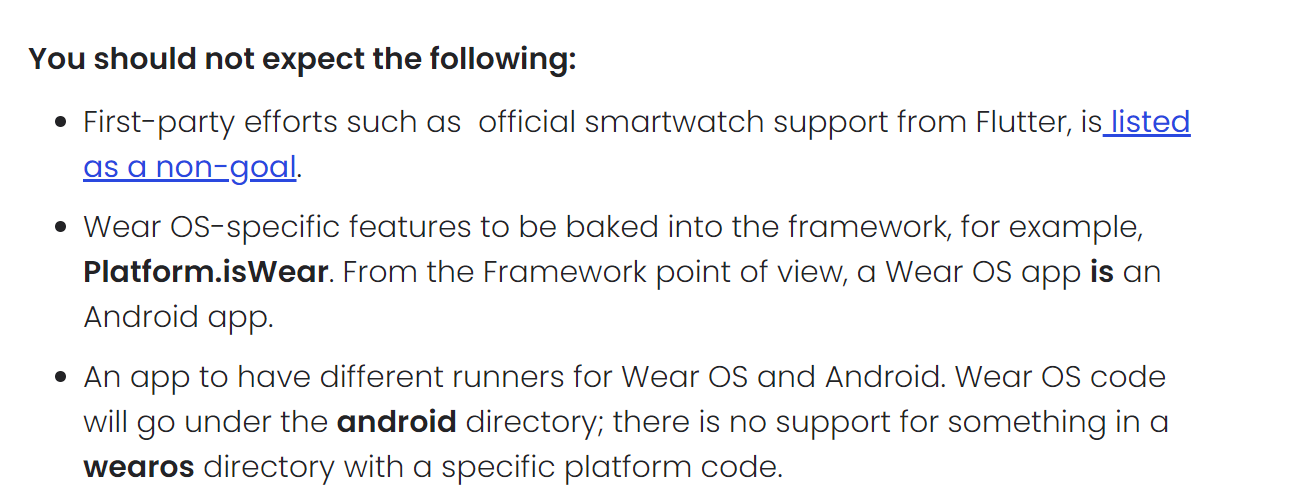
- https://verygood.ventures/blog/building-wear-os-apps-with-flutter-a-very-good-guide
- https://medium.com/flutter-community/flutter-building-wearos-app-fedf0f06d1b4
- https://developer.android.com/training/wearables/principles
- https://developer.android.com/training/wearables/wear-v-mobile
Next steps
- Create and communicate with a companion app
- Explore buttons and listeners