Create your own photomosaic using your own pictures.
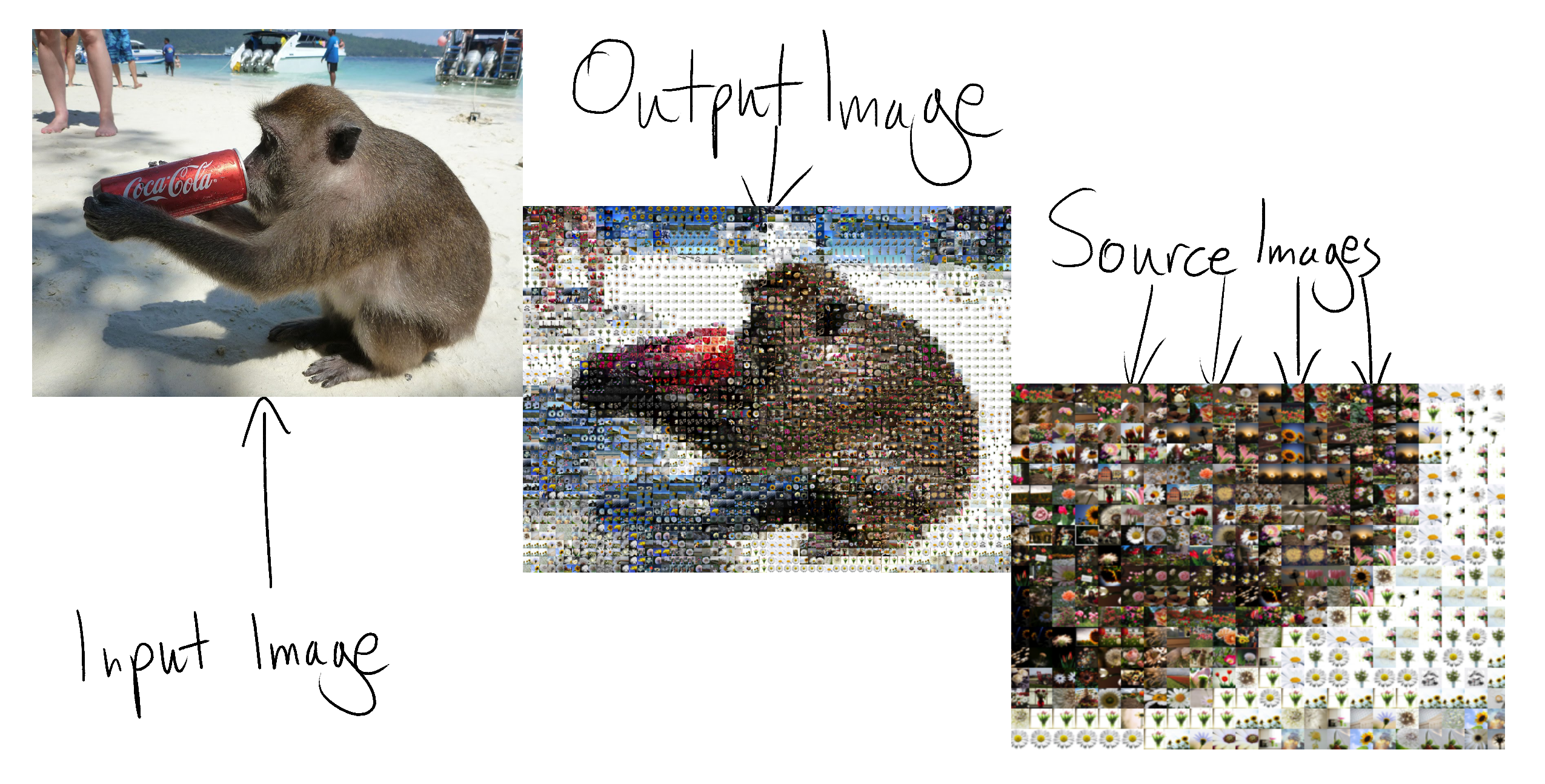
To install the modules:
- Install
virtualenvandpip virtualenv envpip install -r requirements.txt
Then whenever you need to run the code, first run:
source env/bin/activate
to load the modules.
Place all your source images in a directory, then run
python crop_into_squares.py -d <source_images_directory> to convert them into squares. Then run
python mosaic.py -i <input_image> -o <output_image> -d <source_images_directory>.
Voila! You got a photomosaic'd version of your input image.
The program uses caching to speed up the process of calculating the average RGBs of each image. For every new source image added, it appends the RGB value into a JSON file.
Currently there is no mechanism to delete the key of an image that is deleted from the source images directory. So if you have changed the images in a large amount, it is advised to delete the cache JSON file and let the program create it again.