Jquery plugin to simplify implementation of full page transitions via Ajax.
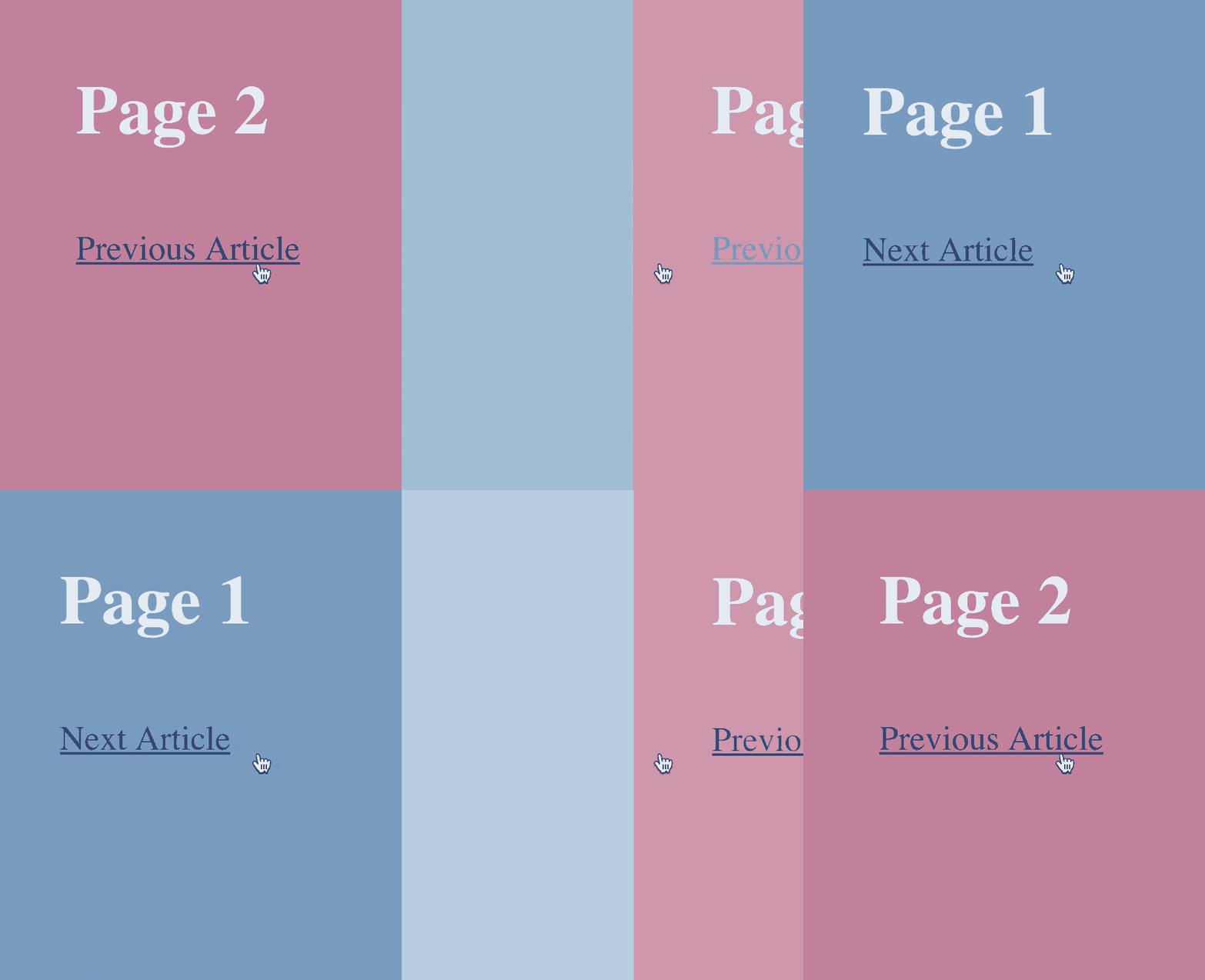
The plugin is inspired by http://tympanus.net/codrops/2013/10/30/medium-style-page-transition/
jQuery.cssPageTransitions depends on jQuery. Include them both in end of your HTML code:
<script src=“jquery.js” type=“text/javascript”></script>
<script src=“jquery.cssPageTransitions.js” type=“text/javascript”></script>
Prepare your CSS with classes for “slide-in” animations and “slide-out” animations. For example:
@keyframes next-movein {
    from { transform: translate3d(100%,0,0); opacity: 0.5; }
    to { transform: translate3d(0,0,0); opacity: 1; }
}

@keyframes next-moveout {
    from { transform: translate3d(0,0,0); opacity: 1; }
    to { transform: translate3d(-100%,0,0); opacity: 0.25; }
}

.is-movein, .is-moveout {
    top: 0;
    left: 0;
    position: absolute;
    width: 100%;
}

.is-movein {
    animation: next-movein 0.5s cubic-bezier(0.445, 0.05, 0.55, 0.95);
}

.is-moveout {
    animation: next-moveout 0.5s cubic-bezier(0.445, 0.05, 0.55, 0.95);
    animation-fill-mode: forwards;
}
then all you need to do in your code is to attach cssPageTransitions to your internal page links:
$( document ).ready(function() {
		$(‘a’).cssPageTransitions( {
			elementsOut: ‘.elemToReplace’
		});
});
This causes the targeted class element named “.elemToReplace” to transition out and the new source will be loaded to take it’s place.
These are all the available settings that can be called together with the cssPageTransitions plugin:
$(‘a’).cssPageTransitions( {
	urlAttr: ‘href’,
	onClicked: function() {},
	onLoaded: function() {},
	elementsOut: ‘article’,
	elementsIn: ‘article’,
	classOut: ‘.is-moveout’,
	classIn: ‘.is-movein’,
	alignWithPrevious: true,
	scrollDisable: true,
	updateUrl: true,
	animationEnded: function() {},
	onErrorLoading: null
});Where the url to be loaded resides, default location is in the href-attribute.
Custom function that is called when the user has clicked the link.
Custom function that is called when the new page has been loaded successfully.
Determines what element should be replaced with the newly loaded content.
Determines what elements of the newly loaded page to replace with. Enter blank for entire page.
What class to add to objects that are to be replaced (the class should contain the “fade out”-animation).
What class to add to objects that will enter the page (the class should contain the “fade in”-animation).
Auto align new elements to the top of the window. (requires classIn to have position: absolute to work properly).
Disable scrolling events while transitioning.
Update the browser displayed url. If the clicked link contained a “title”-attribute then the page title will also be set.
Custom function that is called when the animation or transition of classOut is completed.
Custom function that is called if the new page failed to load. If no custom function is defined the destination page will be called again; without ajax and transition effects.
Feel free to install via bower
bower install jquery.cssPageTransitions
All code licensed under the MIT License.