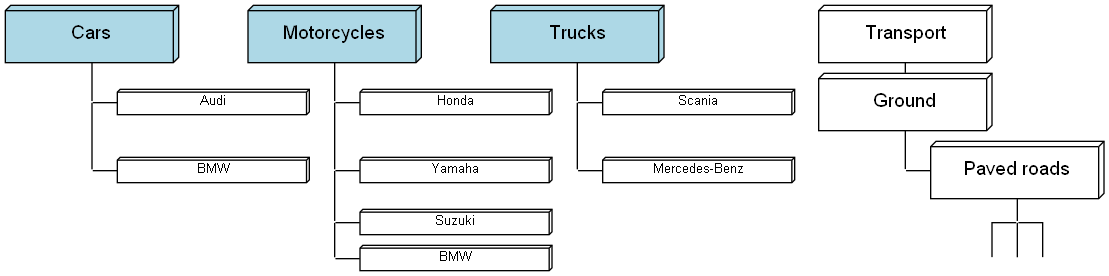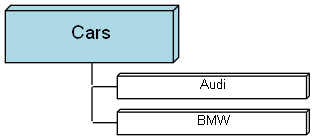
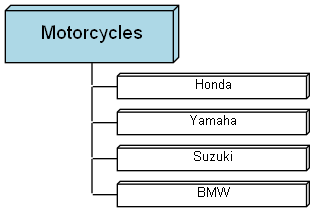
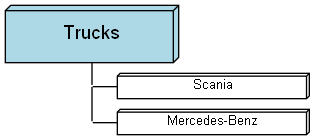
The best way I found so far to merge DOT graphs is with a macro script. I've being using an M4 script that includes the graph file as a subgraph and it works (details here). The only limitation is that it gets messy if you have nodes with the same name in the included graphs (see the "BMW" node below).
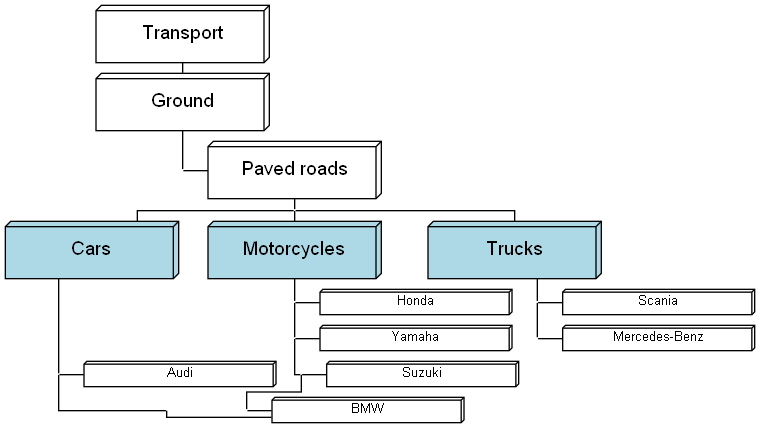
The generate scrips runs all M4 scripts to generate the .gv sources and then the dot command:
for /r %%i in (*.m4) do (
	m4 "%%i" > "%%i.gv"
)

for /r %%i in (*.gv) do (
	Graphviz\bin\dot "%%i" -Tpng -o "%%i.png"
)With gvpack nodes with same name are automatically renamed, but them the problem is that the merged graph always has unconnected nodes (since they have different names). But they can be renamed by hand, so it is not that bad.
Example: gvpack.exe -u Cars.gv Motorcycles.gv Trucks.gv MergedGV.gv > gvpack-merged.gv