This demo demonstrates shift left security pratice with Google Cloud Build, Cloud Run, Artifact Registry, Container Analysis, Bandit and Kritis, slack integraiton.
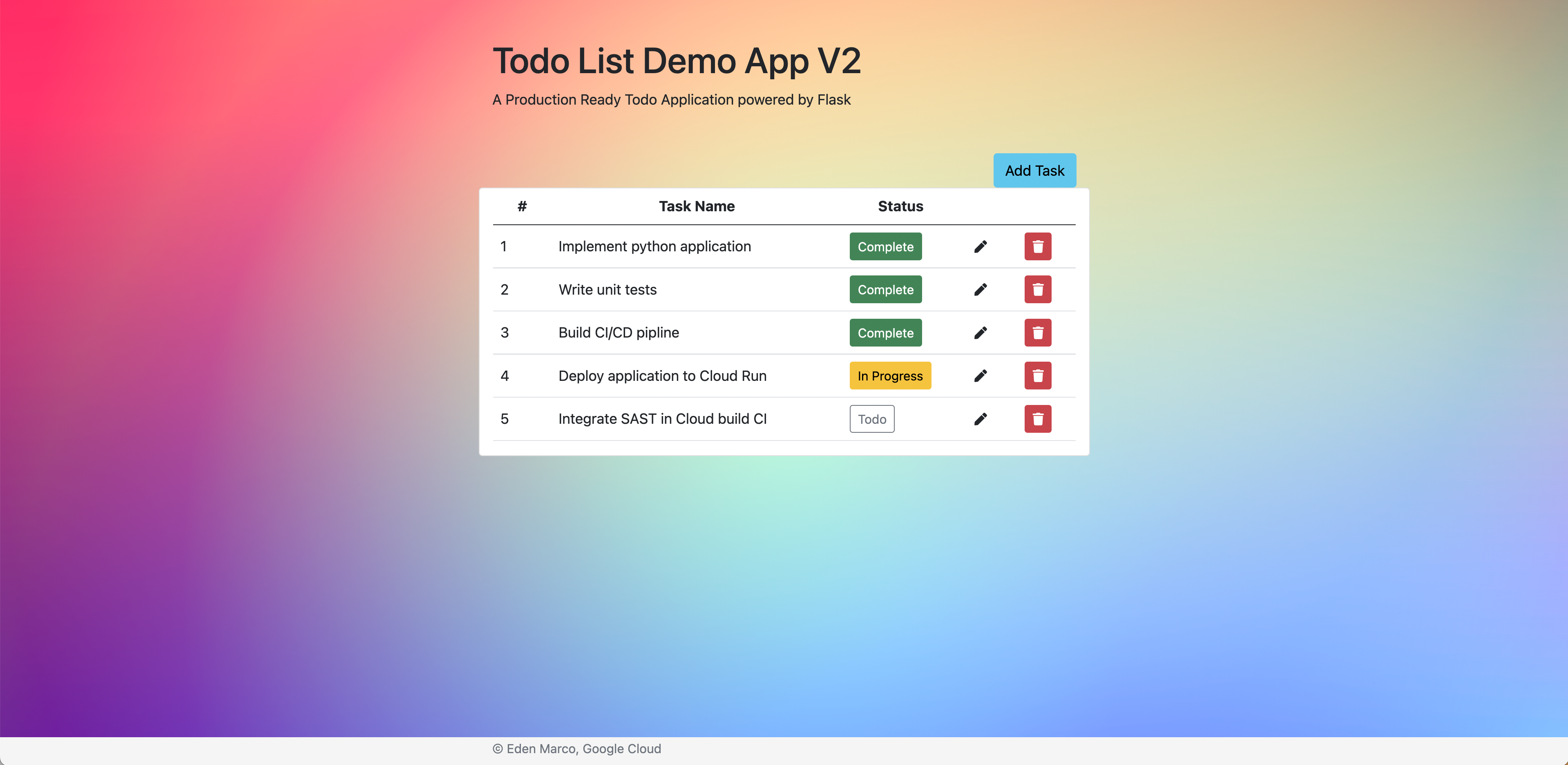
From root directory
flask runCreate a Cloud Build trigger from your desired repository and trigger method make sure to select the option of:

Create a cloud-builds topic in pubsub (Cloud Build will publish here build results)
gcloud pubsub topics create cloud-buildsCreate the Artifact Registry repository (Cloud build will push the image artifact to this repository)
gcloud artifacts repositories create todo-demo2 --location=us-east1 \
--repository-format=dockergcloud services enable cloudbuild.googleapis.com containerregistry.googleapis.com
containerscanning.googleapis.com cloudkms.googleapis.com. artifactregistry.googleapis.comprerequiste for security policy enforcment build step) Refrenced from Binary Authorization attestations tutorial.
enable Cloud Build to access Container Analysis API (so it can fetch for each image the result fo the vulnrablity scan)
gcloud projects add-iam-policy-binding $PROJECT_ID --member serviceAccount:$PROJECT_NUMBER@cloudbuild.gserviceaccount.com --role roles/containeranalysis.notes.editor
gcloud projects add-iam-policy-binding $PROJECT_ID --member serviceAccount:$PROJECT_NUMBER@cloudbuild.gserviceaccount.com --role roles/containeranalysis.notes.occurrences.viewer
gcloud projects add-iam-policy-binding $PROJECT_ID --member serviceAccount:$PROJECT_NUMBER@cloudbuild.gserviceaccount.com --role roles/containeranalysis.occurrences.editor
Clone the Kritis repository
git clone https://github.com/grafeas/kritis.gitNavigate to the kritis/ directory
cd kritisBuild and register Kritis Signer custom builder
gcloud builds submit . --config deploy/kritis-signer/cloudbuild.yamlNavigate to the cloud-functions/ directory
cd cloud-functionsCreate staging bucket for Slack Integration code
gsutil mb gs://${PROJECT_ID}_gcb-slack-integrationDeploy python Cloud function subsribed to cloud-builds topic created earler
gcloud functions deploy slack_integration
--stage-bucket ${PROJECT_ID}_gcb-slack-integration --trigger-topic cloud-builds --runtime python38
Add a new secret to Secret Manager with the identifier: slack-webhook-url
the secret value should be taken from the slack portal as the webhook URL for a created Slack application
Grant the function permission to access this secret (it is used in the python script)