



Allows you to search the database for a specific string and replace the occurences with another. You can also specify individual records to be replaced.
Before the strings are replaced in the database, a backup (via Contao's database backup functionality) will be created automatically. Keep in mind that Contao only keeps one backup of the same day by default.
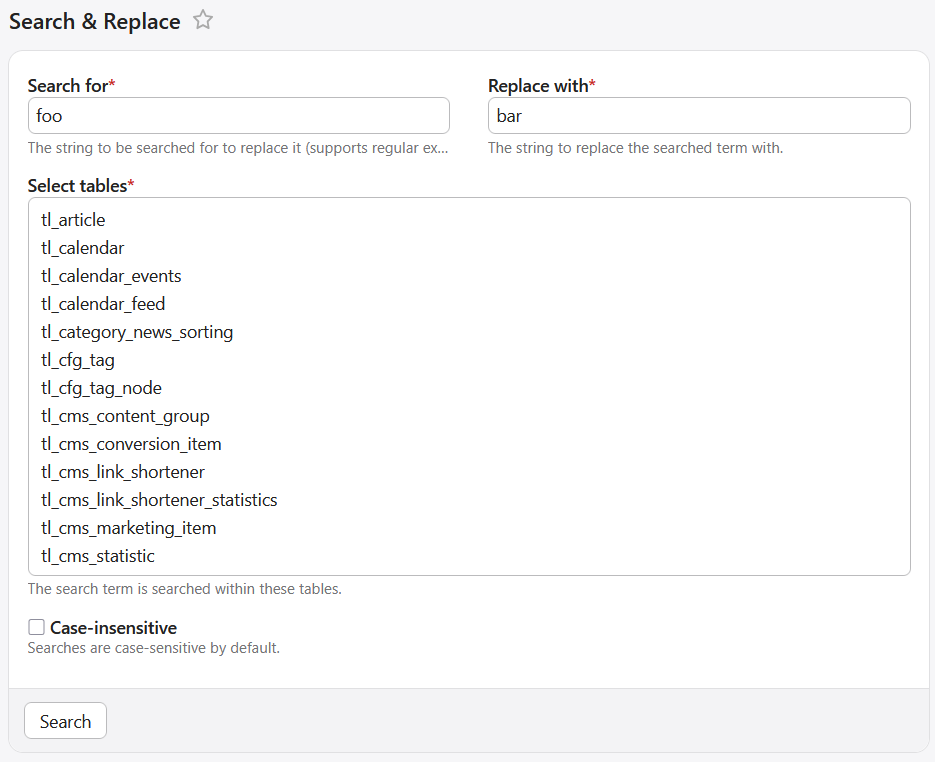
When going to Search & Replace in the back end, only the table tl_content will be selected by default. If you want
other tables to be selected by default, you can change this via the contao_search_and_replace.default_tables
parameter:
# config/config.yaml
parameters:
    contao_search_and_replace.default_tables:
        - tl_content
        - tl_news
- tl_calendar_eventsSome tables will not show up in the list of tables by default. You can change the list of tables to ignore via the
contao_search_and_replace.ignored_tables parameter:
# config/config.yaml
parameters:
    contao_search_and_replace.ignored_tables:
        - altcha_challenges
        - messenger_messages
        - rememberme_token
        - search_and_replace_job
        - tl_crawl_queue
        - tl_cron_job
        - tl_log
        - tl_message_queue
        - tl_opt_in
        - tl_opt_in_related
        - tl_remember_me
        - tl_trusted_device
        - tl_undo
        - tl_version
        - webauthn_credentials