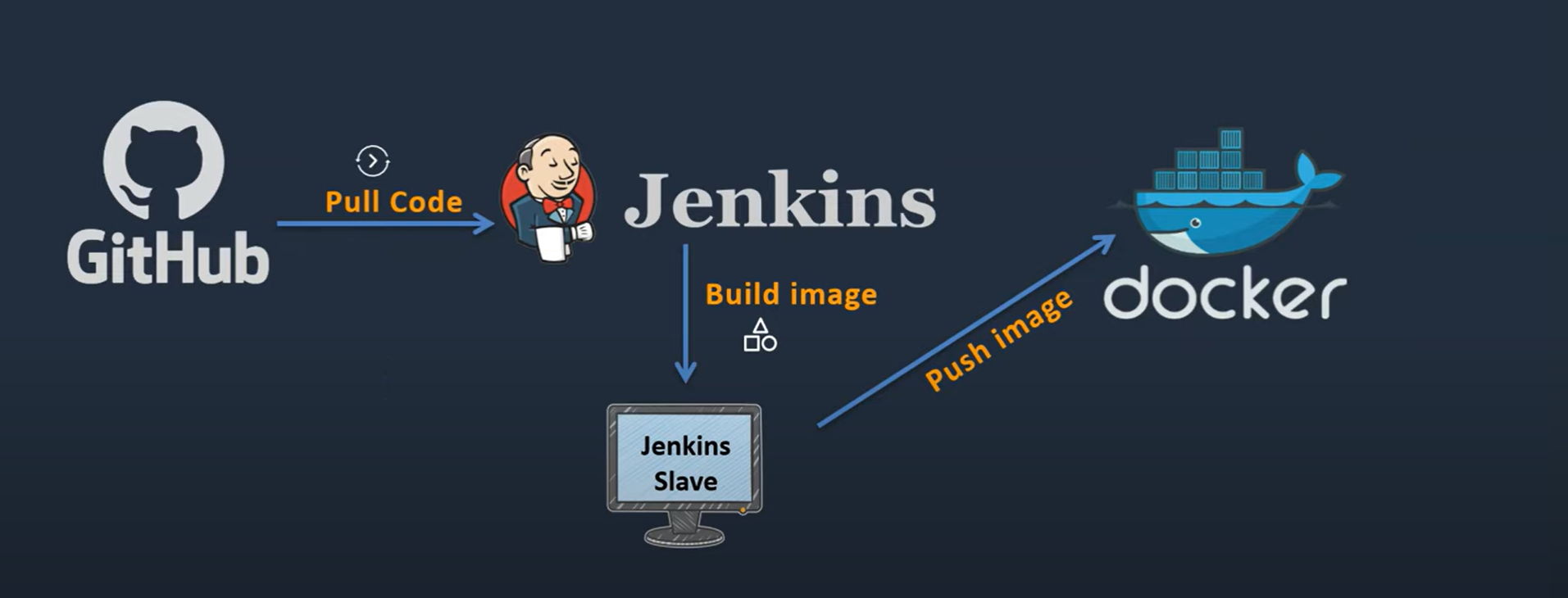
This guide walks through creating an infrastructure pipeline to deploy a Node.js application using Terraform, Jenkins, Ansible, Docker and Slack. The application will be hosted on an EC2 instance within a private VPC and exposed on port 3000 via an Application Load Balancer.
- AWS account with appropriate permissions
- Terraform installed
- Jenkins installed
- Ansible installed
- Docker installed
- Slack installed
- Git installed
- A sample Node.js application
 Create a
 main.tf file to define your AWS infrastructure.
Also create other infrastructure files,
This includes files for:
- A VPC
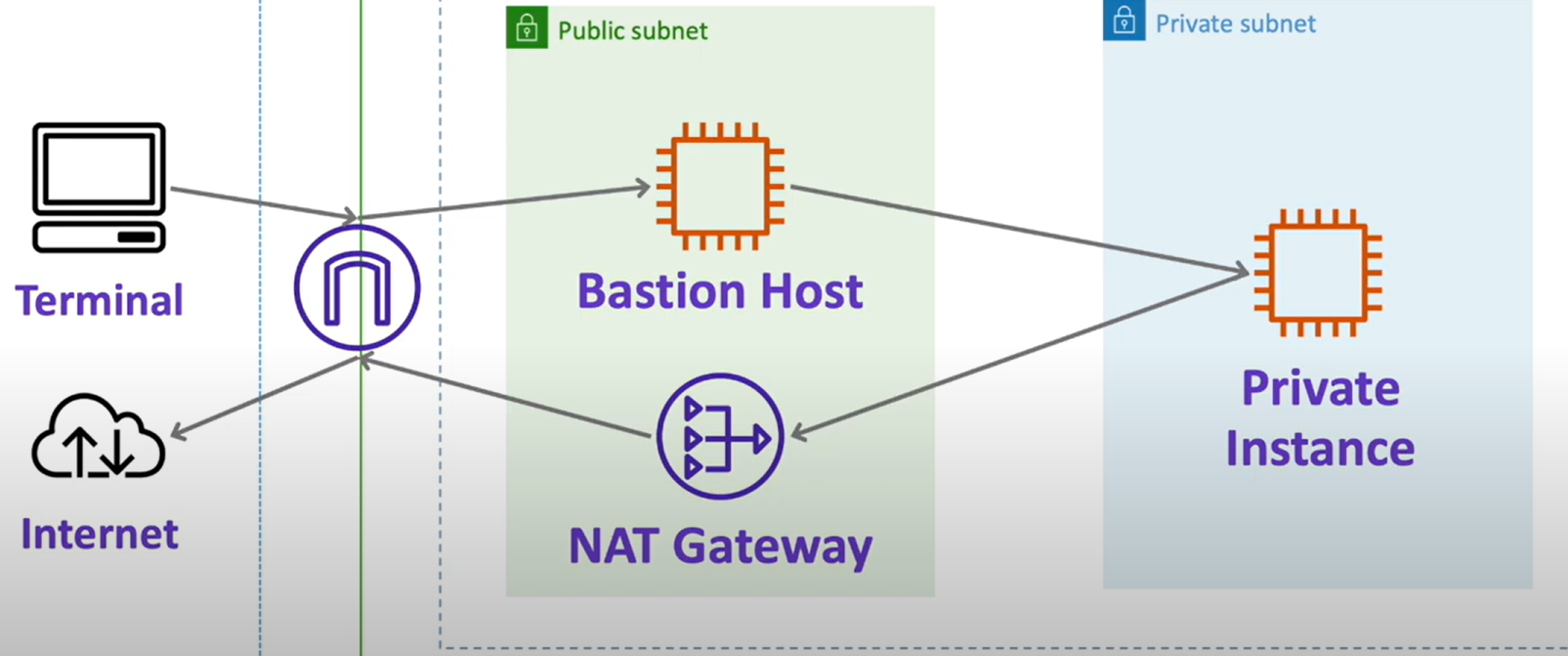
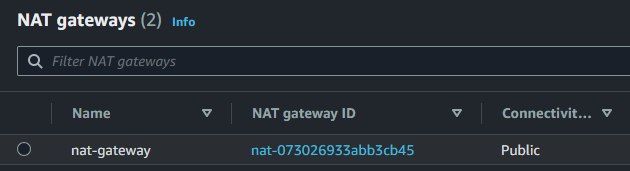
- Private and public subnets, route tables, and internet gateways, and NAT gateway with elastic ip
- Security groups for a bastion host and your application
- An EC2 instance for the bastion host, which will be used to access your private subnet
- An EC2 instance for your application server, running Amazon Linux
- An Application Load Balancer to expose your application
Create an SSH config file ~/.ssh/config to proxy into your private subnet through the bastion host.

- Create an inventory file
inventory.iniwhich will contain the IP address of your bastion host and application server (private subnet) - Create a playbook
jenkins_master.ymlto configure your bastian server as a Jenkins master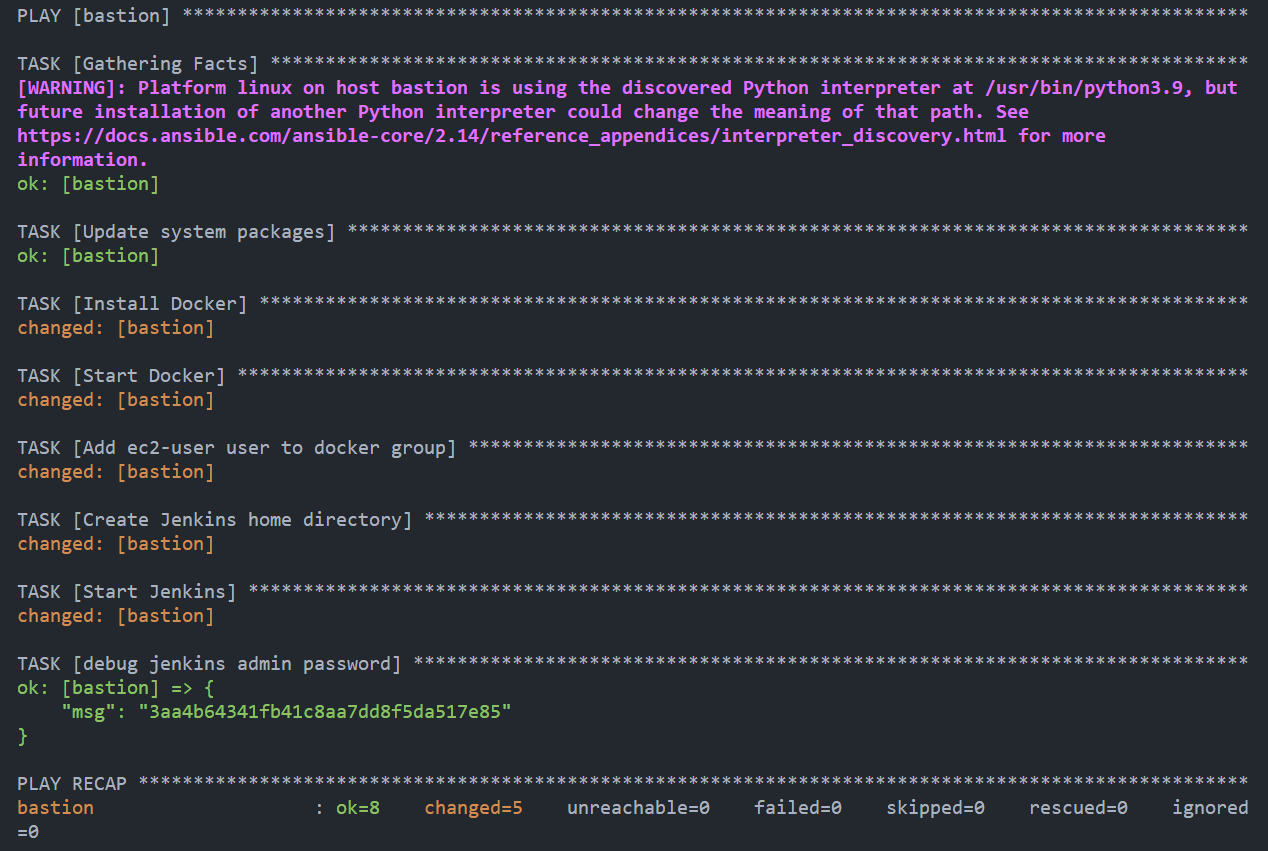
- Create a playbook
jenkins_slave.ymlto configure your application server as a Jenkins slave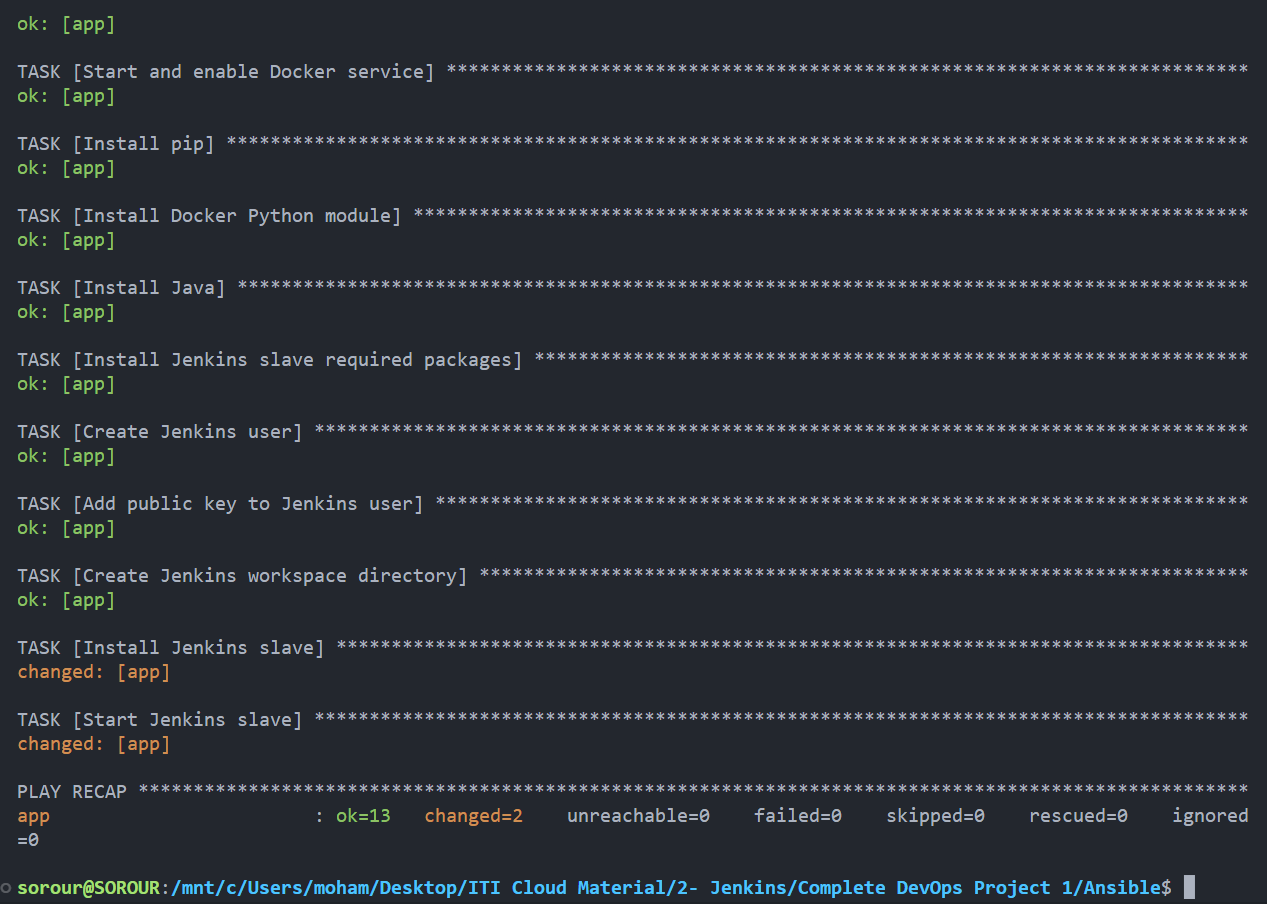
Add a new node in the Jenkins dashboard pointing to your application server.


Create a Jenkinsfile in your Node.js application repository to:
- Check out code from the
mainbranch - build the docker image for the docker file in the repository
- The docker will: Install Node.js dependencies with
npm installand start the application withnpm startexposed on port 3000 - Jenkins will push the docker image to Docker Hub
- Jenkins slack notfier will send a notification in slack that the pipline is completed successfully and the docker image is pushed to docker hub
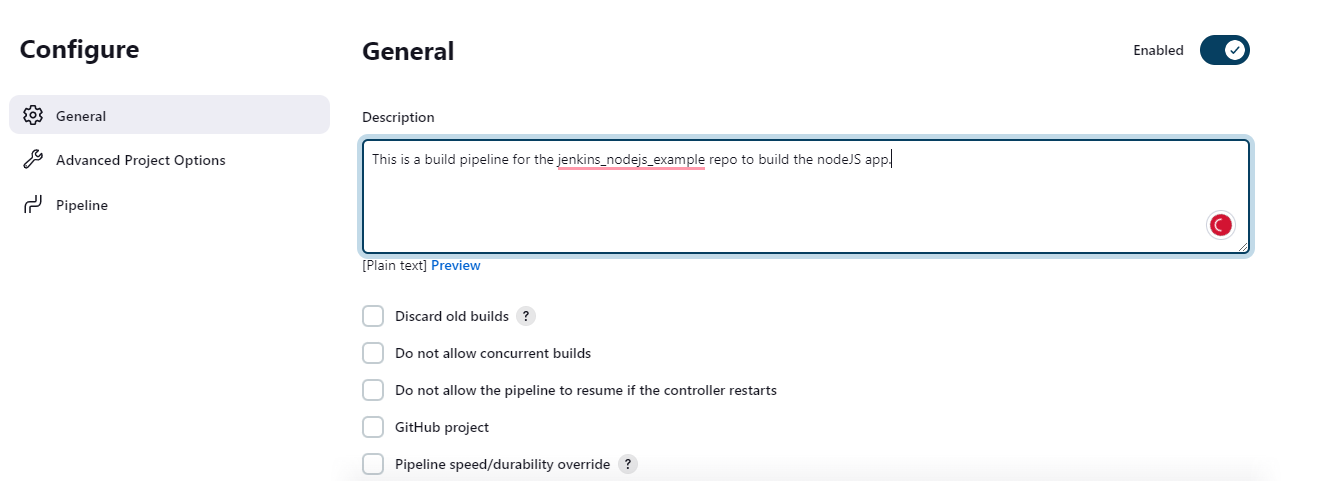
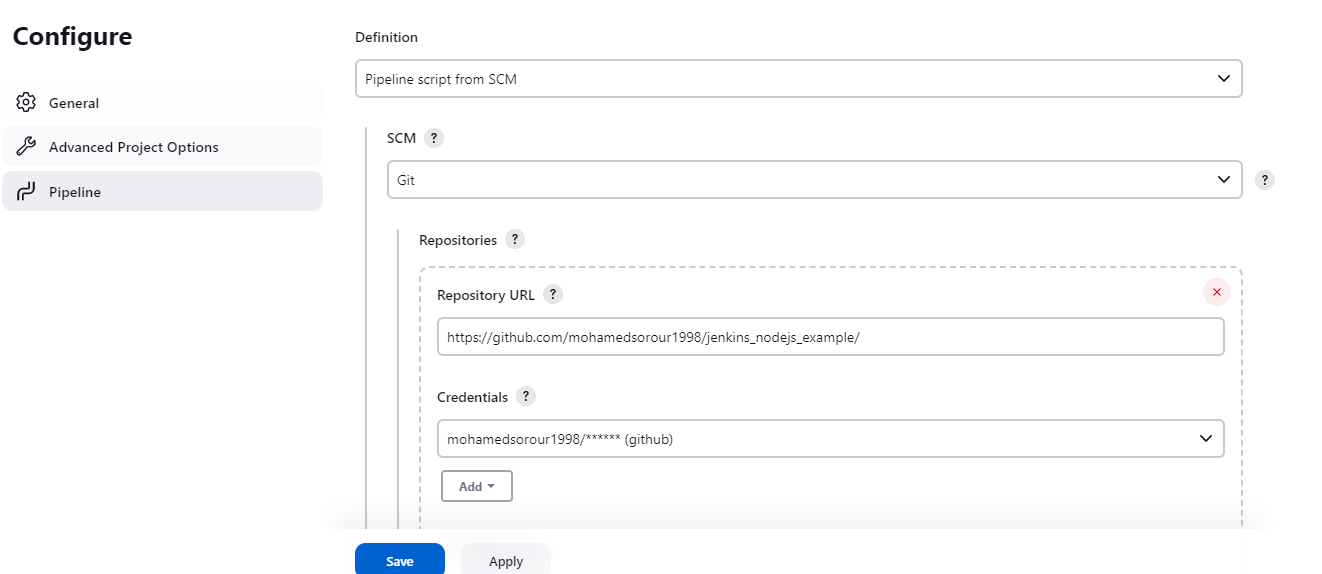
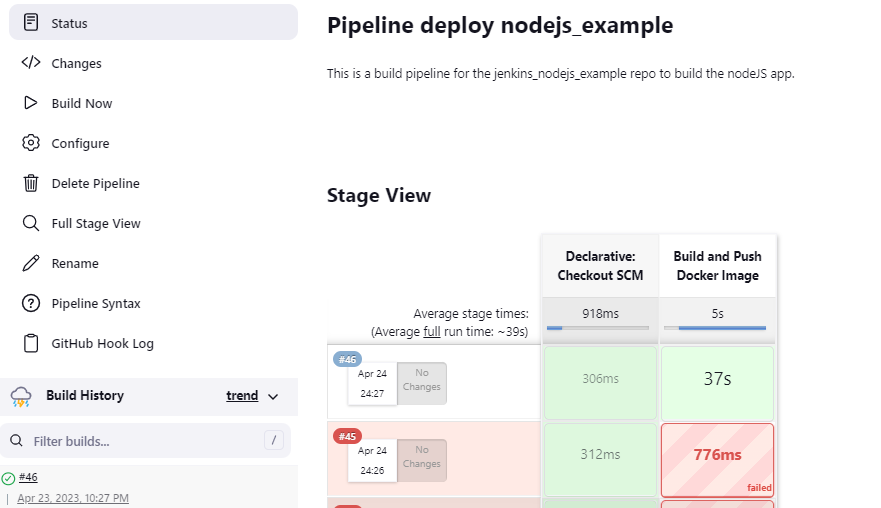
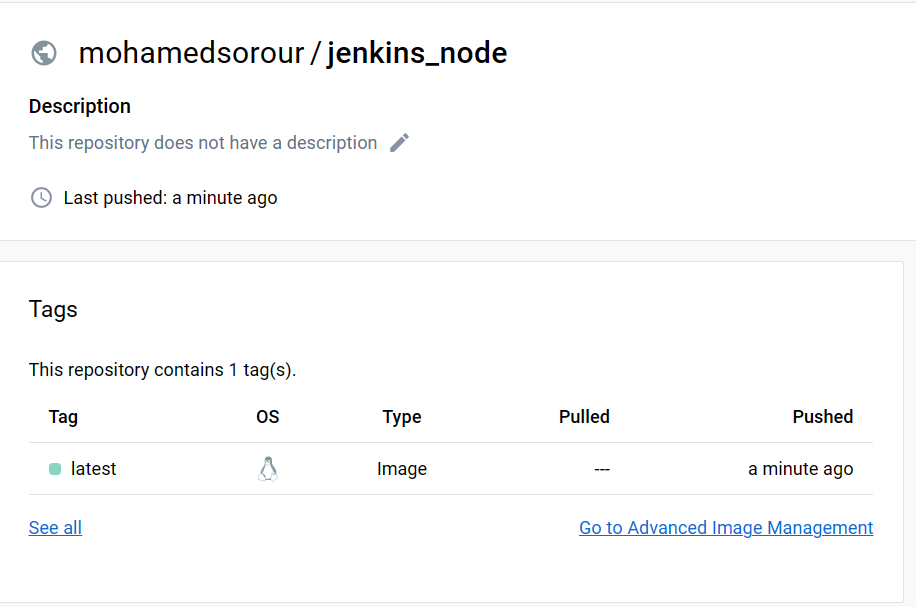
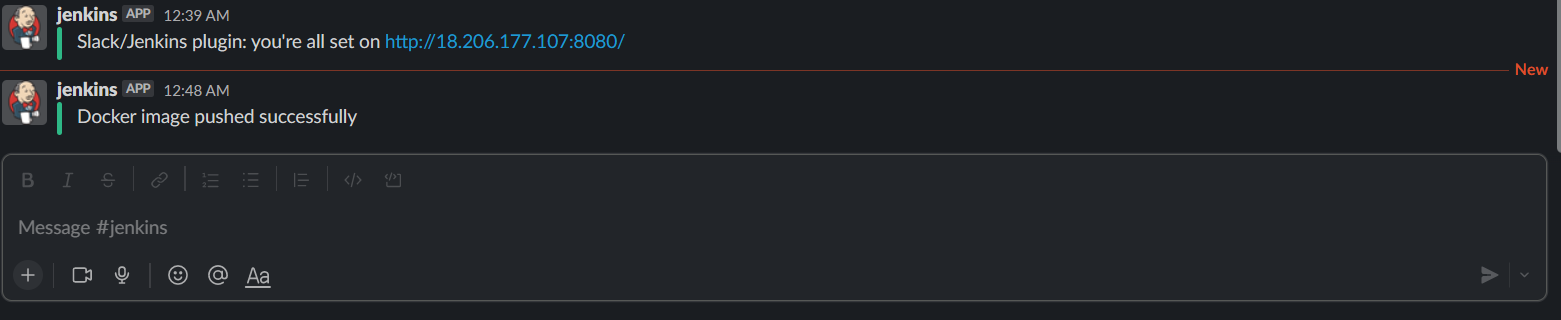
- pull the docker image from Docker Hub
- run the docker image on the application server
curl on your Application server URL to test connectivity.

See the README.MD file for full documentation.