This project demonstrates the use of Terraform to create a complete infrastructure setup, including networking, RDS instances, and Elastic Cache. The project is organized into separate environments (dev and prod) using workspaces and incorporates a Lambda function to send email notifications when the infrastructure state changes.
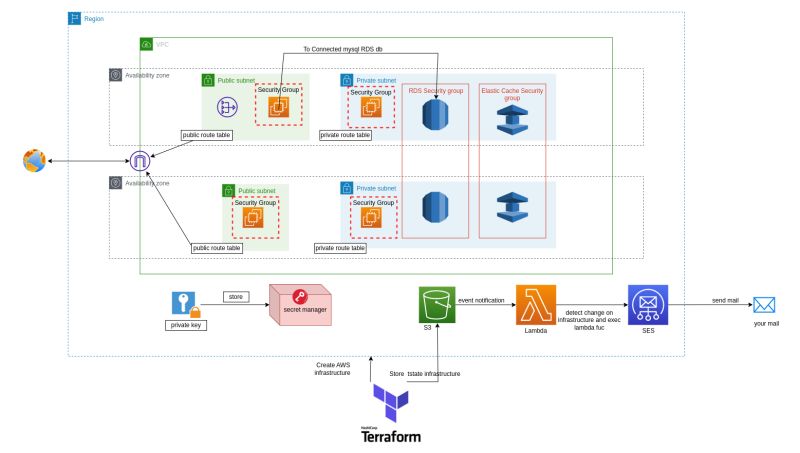
This project provisions the following resources:
- Networking components such as VPC, Internet Gateway, NAT Gateway, Route Tables, and Security Groups.
- EC2 instances for bastion and application hosts.
- RDS instance and Elastic Cache using Terraform modules.
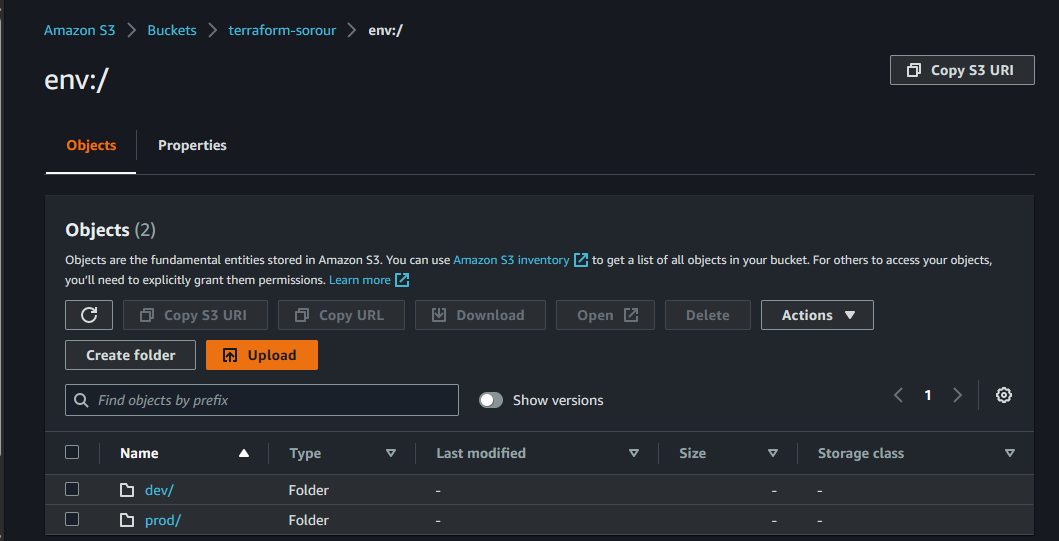
- Separate workspaces for
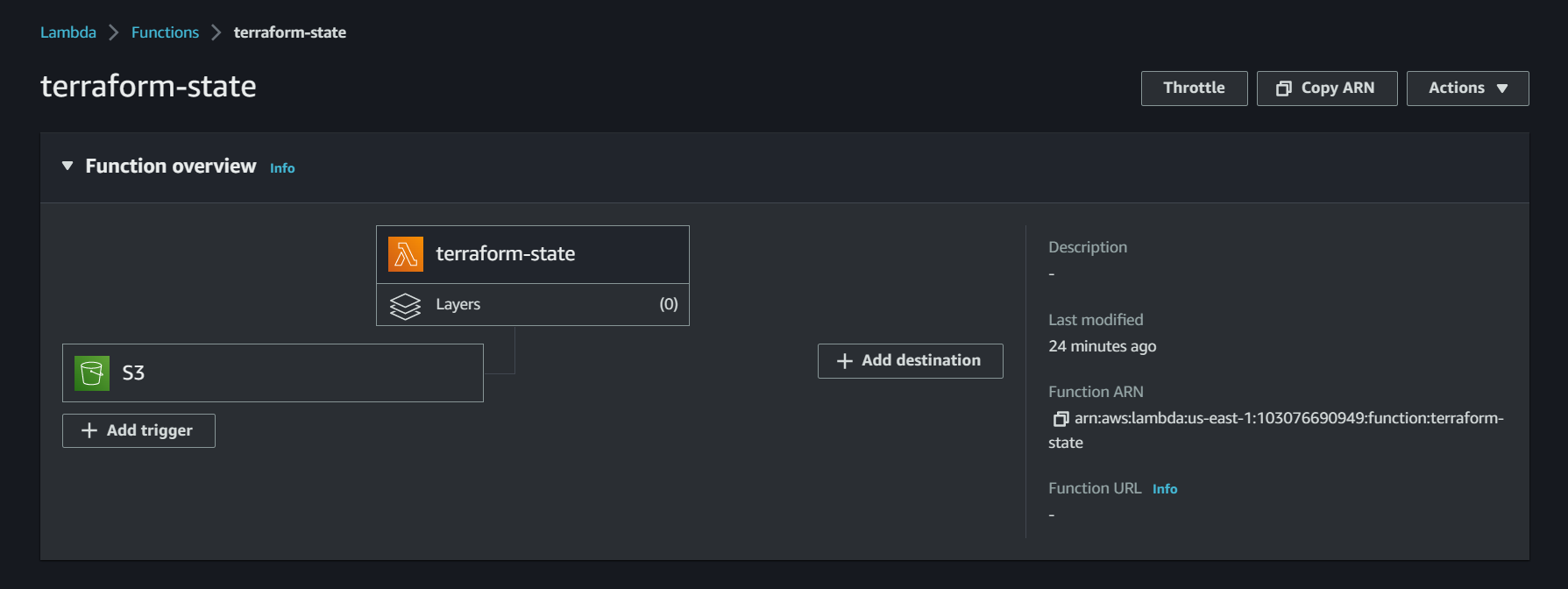
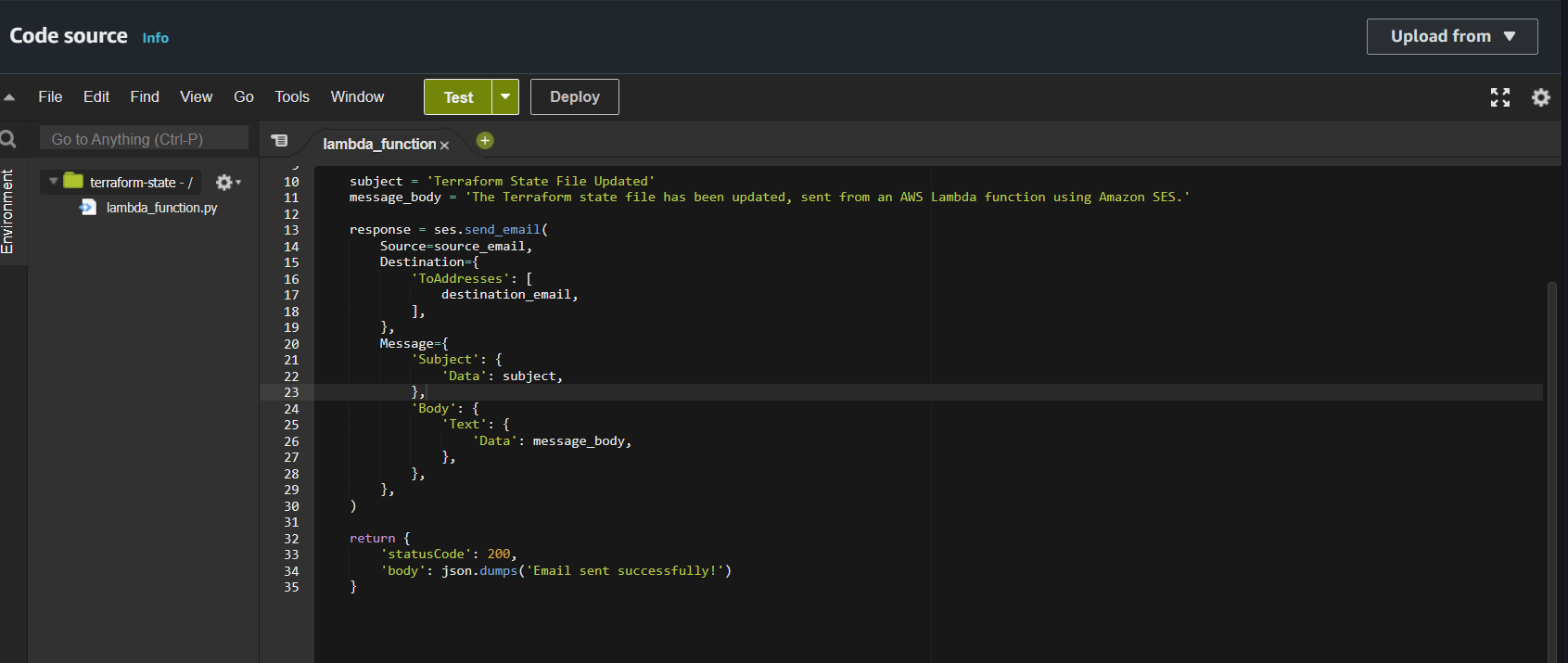
devandprodenvironments. - A Lambda function to detect changes in the Terraform state file and send email notifications.
The project creates a VPC with the following components:
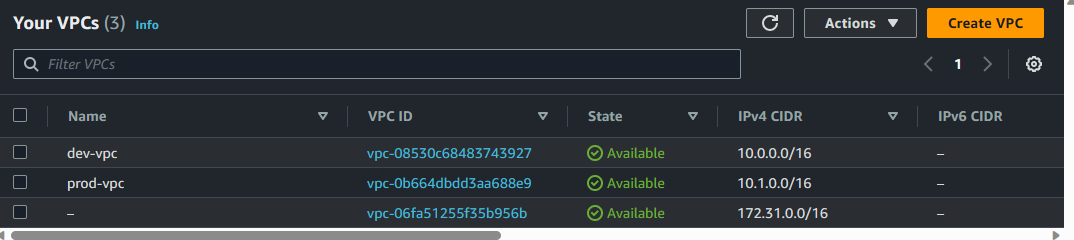
- An Internet Gateway to provide a connection between the VPC and the internet.
- A NAT Gateway to allow instances in private subnets to access the internet.
- Public and private subnets for hosting various resources.
- Public and Private Route Tables to manage traffic between subnets and the internet.
- Security Groups for allowing SSH from the public internet and application access within the VPC.
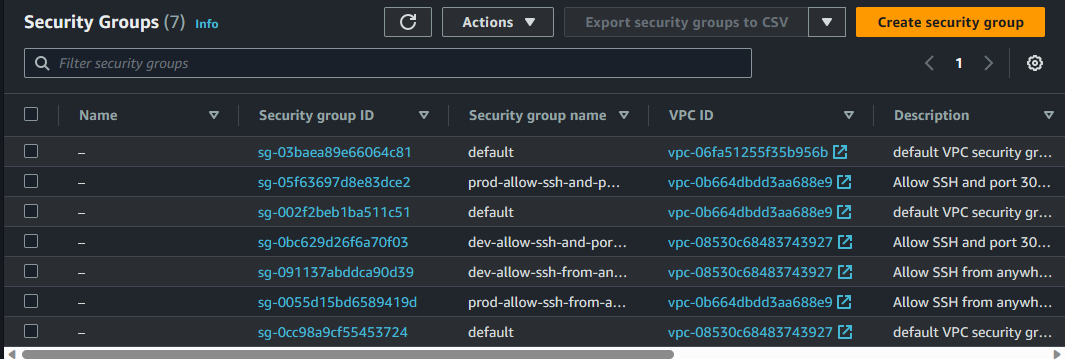
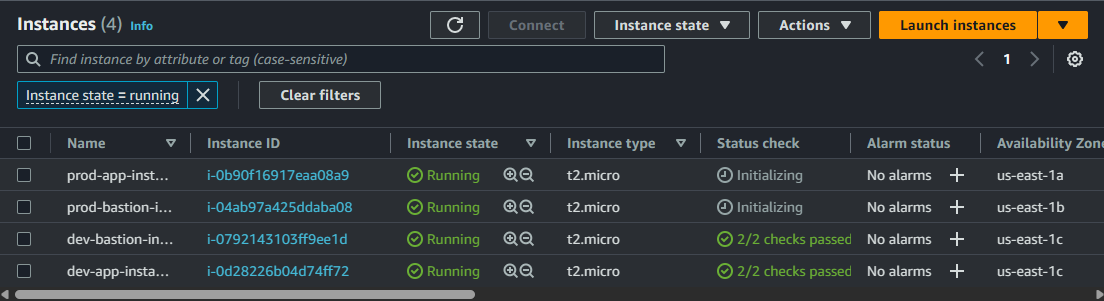
Two EC2 instances are created in this project:
- A bastion host with a public IP address and an associated Security Group for SSH access. This instance is placed in the public subnet.
- An application host with a private IP address and an associated Security Group for application access. This instance is placed in the private subnet.
An RDS instance and Elastic Cache are provisioned using Terraform modules:
- The RDS instance is created using the AWS RDS service and is managed by Terraform.
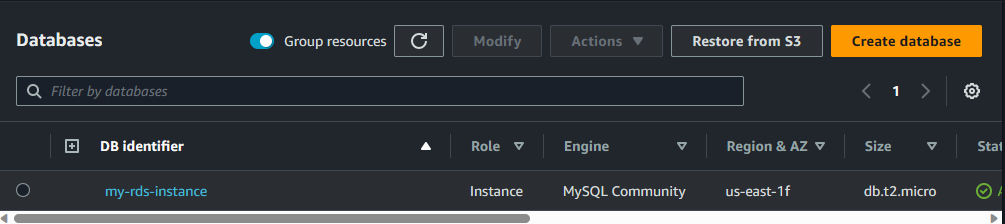
- The Elastic Cache instance is created using the AWS RDS service and is managed by Terraform.
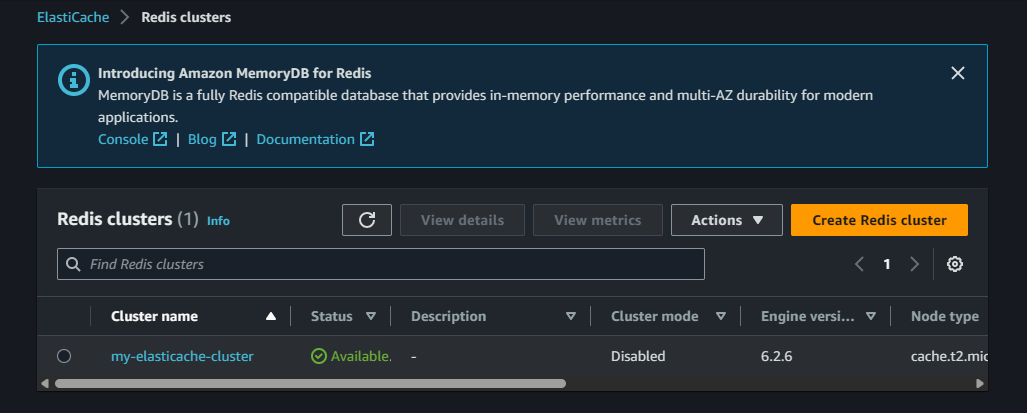
The project is organized into separate environments (dev and prod) using workspaces:
- Workspaces are created for the
devandprodenvironments.
- Variable definition files (.tfvars) are used to manage different configurations for each environment.
- A local-exec provisioner is used to print the public IP of the bastion host.
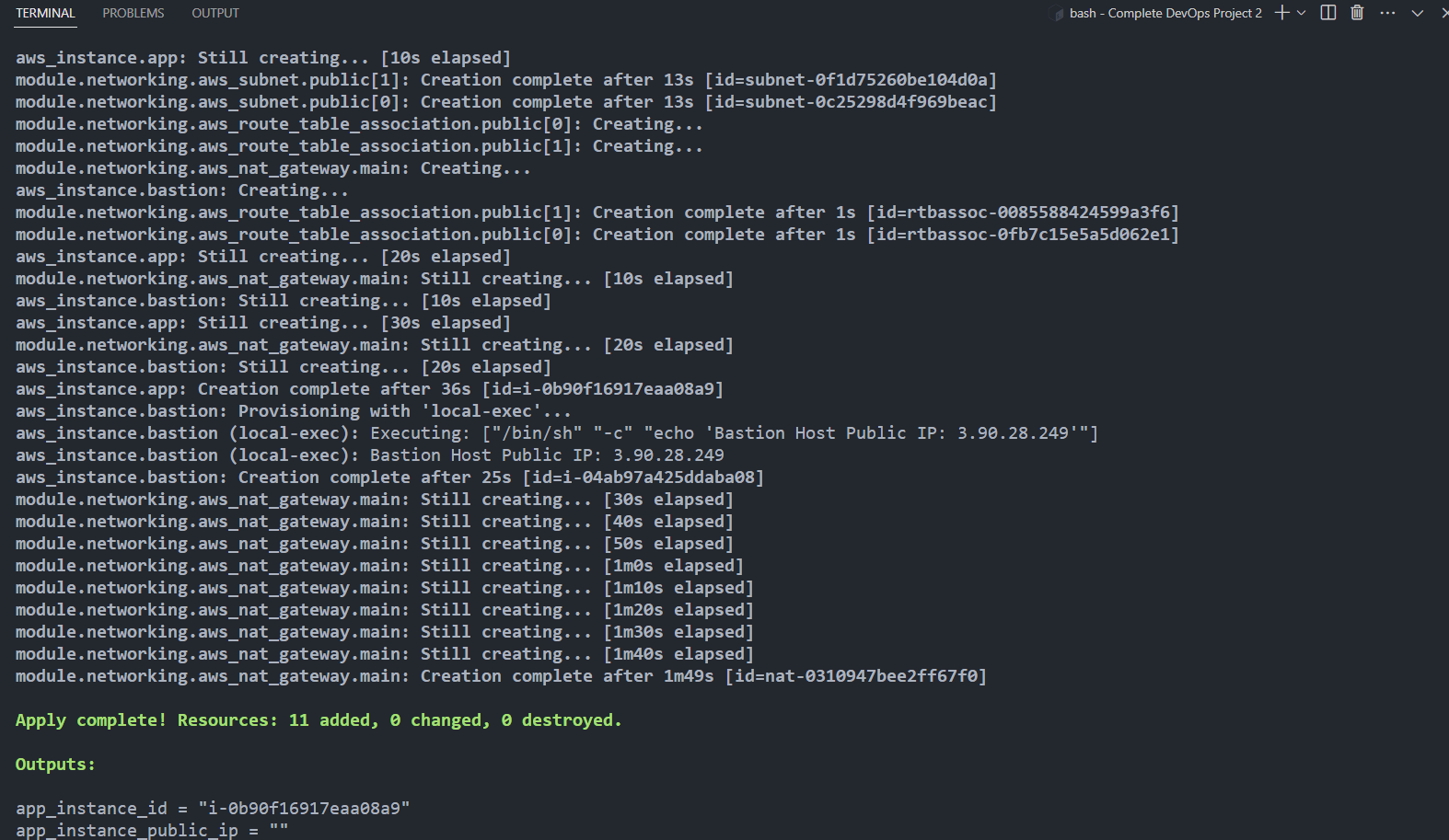
- The infrastructure code is uploaded to a Github project.
- A Lambda function is set up to trigger when changes are detected in the Terraform state file. The function sends email notifications for these changes.

- Clone the repository:
git clone https://github.com/yourusername/complete-devops-project-2.git
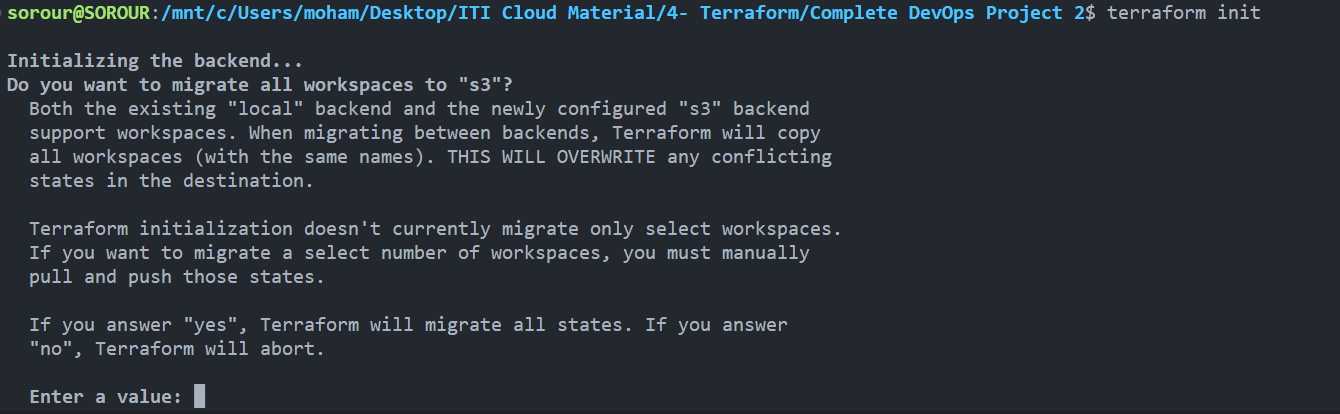
cd complete-devops-project-2- Initialize Terraform:
terraform init- Create a new Terraform workspace for the desired environment (
devorprod):
terraform workspace new <workspace_name>-
Update the respective
.tfvarsfile with the required values for your environment. -
Apply the Terraform configuration:
terraform apply -var-file=<environment>.tfvars- To destroy the infrastructure, run:
terraform destroy -var-file=<environment>.tfvarsThis project is licensed under the MIT License. See the LICENSE file for details.