If you want to do add it manually, use the following URL to add this repository:
https://github.com/netscout2001/ha-filaman-system
- Add the repository to your Home Assistant add-ons.
- Install the Filaman System add-on.
- Configure if you want HTTP or HTTPS (use of your HomeAssistant Cert or it will generate a self signed)
- Start the add-on.
- Access the WebUI at:
http://<HOME_ASSISTANT_HOST>:<PORT:8000>. (If you configure SSL it will automatically forward you from Port 8000 to 8443) - Login: Default Email: admin@example.com Default Password: admin123
- HTTPS Support: Optional HTTPS support via nginx reverse proxy. SSL can be enabled or disabled via the add-on options.
- Self-signed Certificate: If SSL is enabled and no certificate is found at the configured path, a self-signed certificate is automatically generated.
- Let's Encrypt Support: Certificates managed by the Home Assistant Let's Encrypt add-on are supported via the /ssl/ volume mapping.


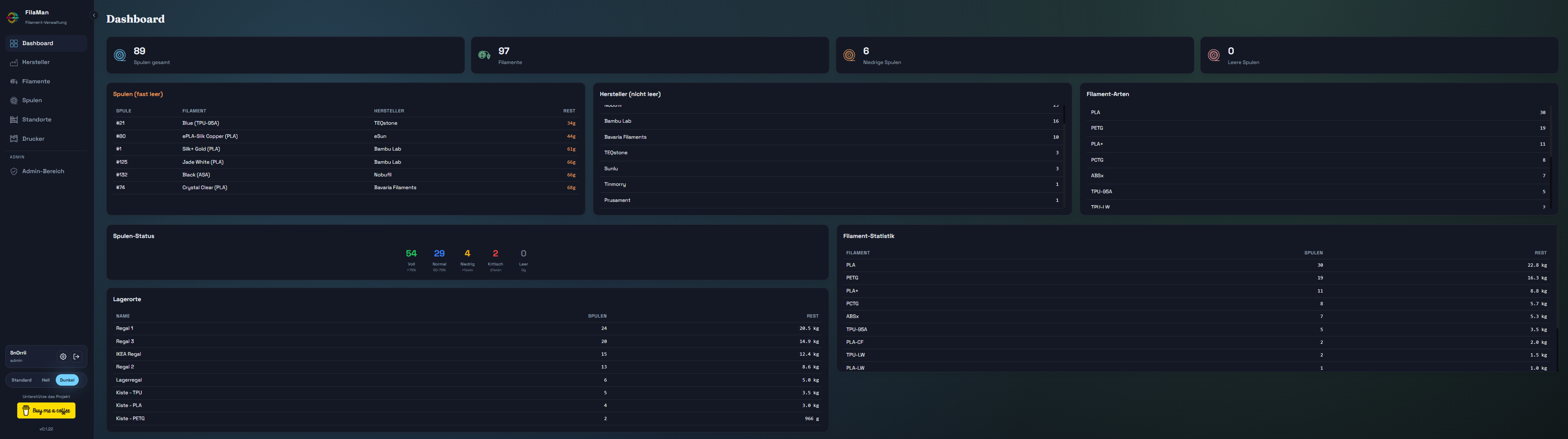
A filament management system for 3D printing with spool tracking, AMS integration, and multi-user support. This add-on is based on FilaMan - Filament Management System.
- Version numbering
- Using x.x.x-x format.
- The first three numbers match the official Filaman System version (e.g.,
0.1.9). - The number after the dash (
-X) is for changes specific to this Home Assistant add-on (e.g.,0.1.9-0).
- None so far.
| Problem | Possible cause | Solution |
|---|---|---|
| Add-on not starting | Port 8000 or 8443 already in use | Make sure no other add-on is using port 8000, or change the conflicting add-on port. |
- If you encounter any issues, please open an issue on the Netscout2001/ha-filaman-system GitHub repository.
- Include your add-on logs and a brief description of the problem.
- This helps to diagnose and fix problems faster.