Personal budget app, to register incomes expenses and keep track of the balance.
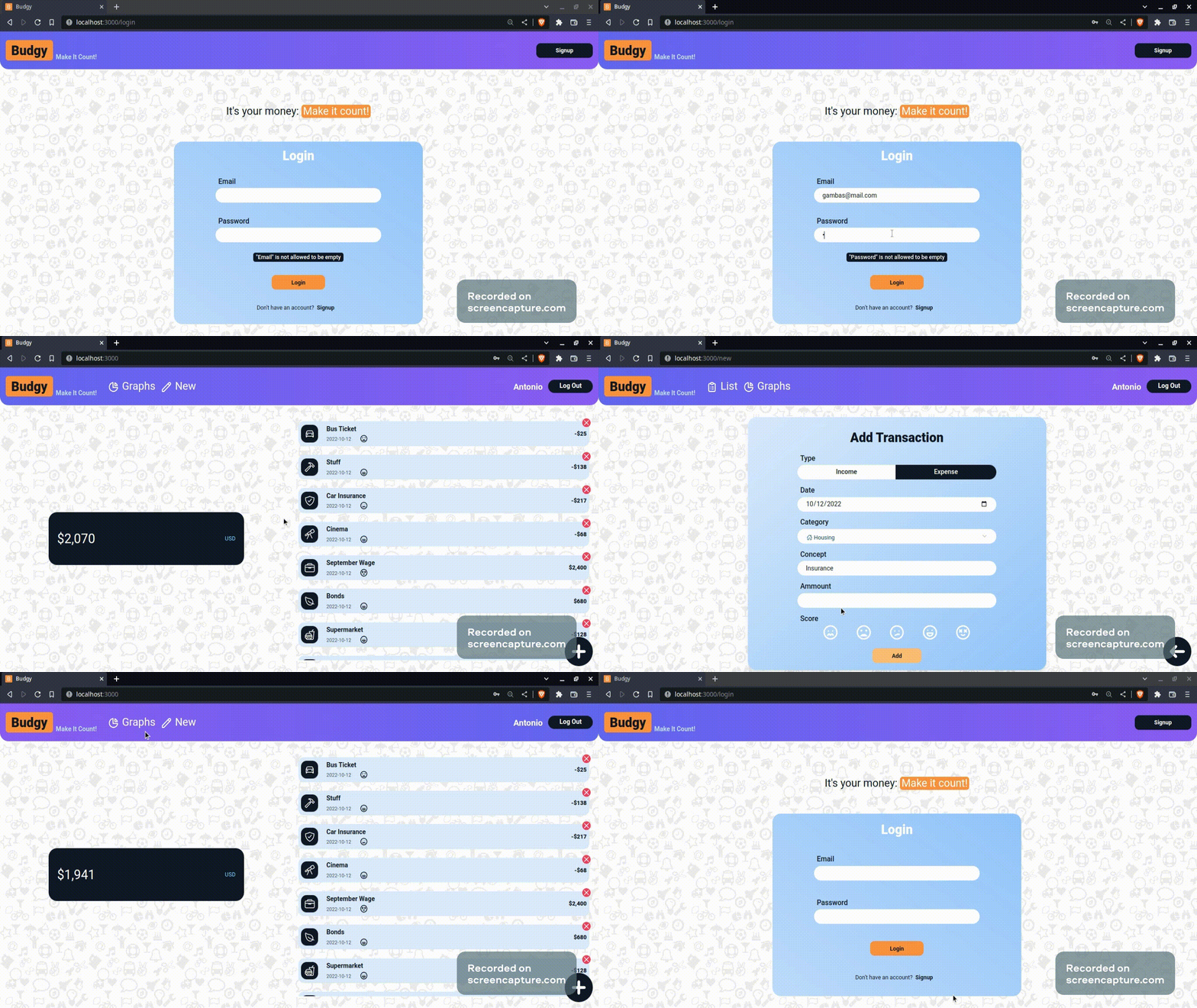
The Budgy application helps to keep track of your incomes, expenses and balance. Making it easy to create and update transactions and friendly to visualize the categories sources and destinations of your money with a graphic dashboard. All this for every registrated and autenticated user. Is developed to a challenge of Alkemy with the tecnologies of MySQL, Nodejs and React. This project is not meant to get to get to production, just to create an MVP.
-
git clone https://github.com/pablopastorino/budgy.git -
Run the script
create-budgy-db.sqlplaced into theserverfolder to set up your database. -
Create an
.envfile into theserverroot folder and provide your database connection string (PORT and SECRET are already declared). Note: when running MySQL locally the connection string, typically looks like the example. And if that is the case, you only have to change the PASSWORD placeholder in the example.
# DB Connection String ("mysql://USER:PASSWORD@HOST:PORT/DATABASE")
DATABASE_URL="mysql://root:PASSWORD@localhost:3306/budgy_db"

# Server Port
PORT=4000

# Secret JWT Password
SECRET=alkemy
The client is ready to fetch to http://localhost:4000 host so I would recomend leaving it as the port number. If you want to change it, you must do it inside the package.json file in the client (proxy property) also. Feel free to change the default SECRETvalue.
-
Into the
serverfolder runnpm installoryarn installandnpm/yarn startto run the server. -
Into the
clientfolder runnpm installoryarn installandnpm/yarn startto run the application.