





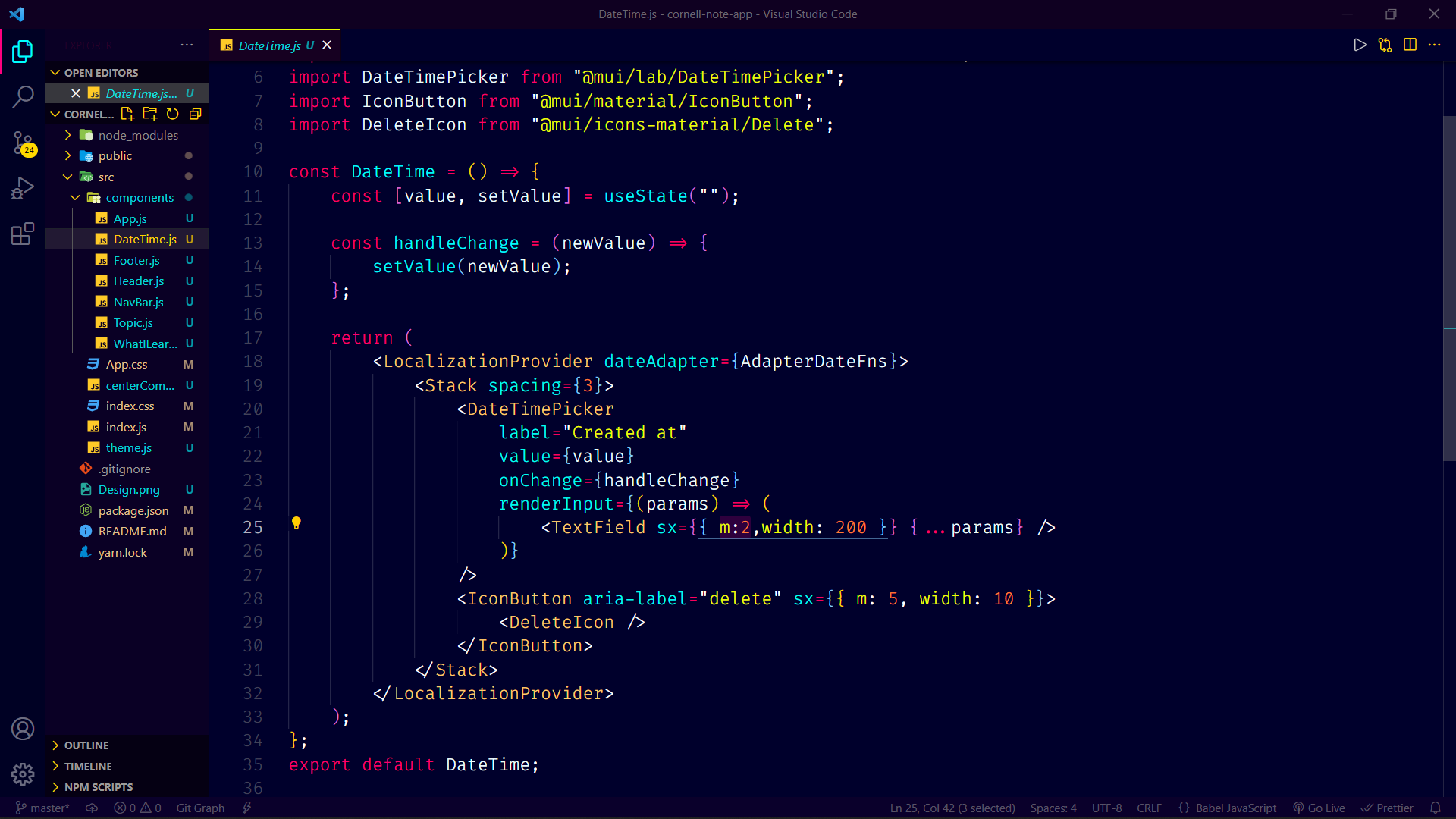
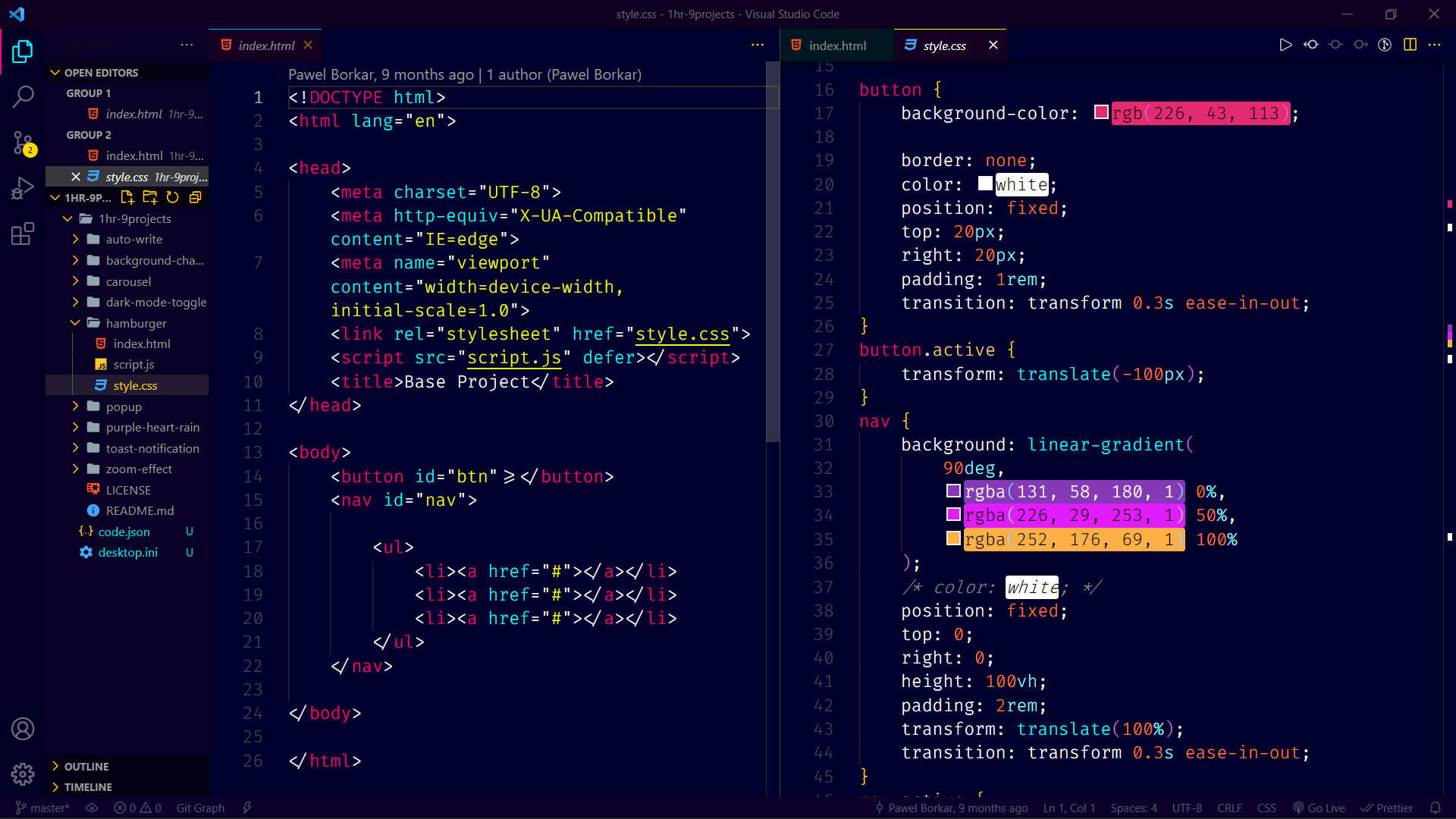
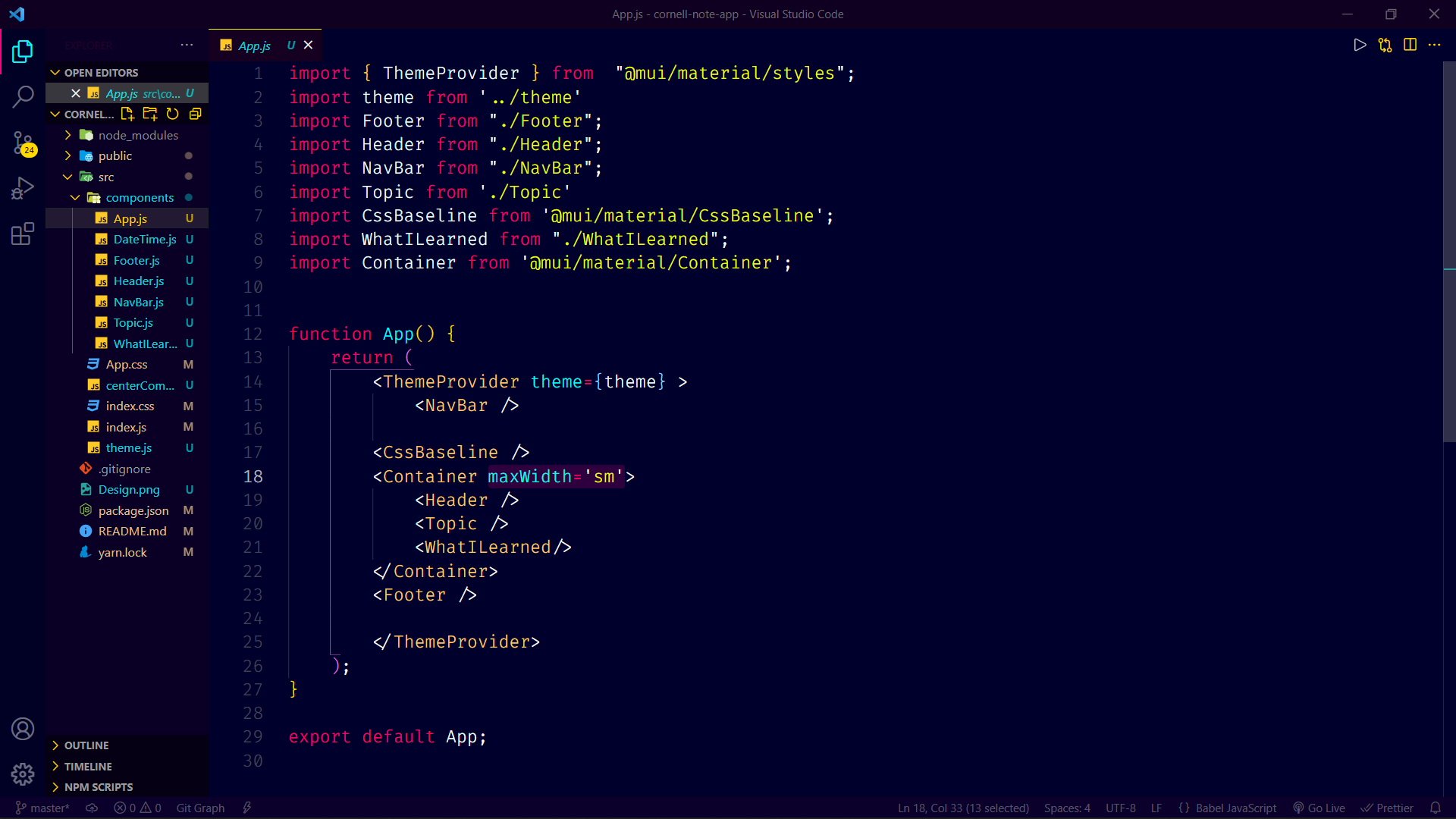
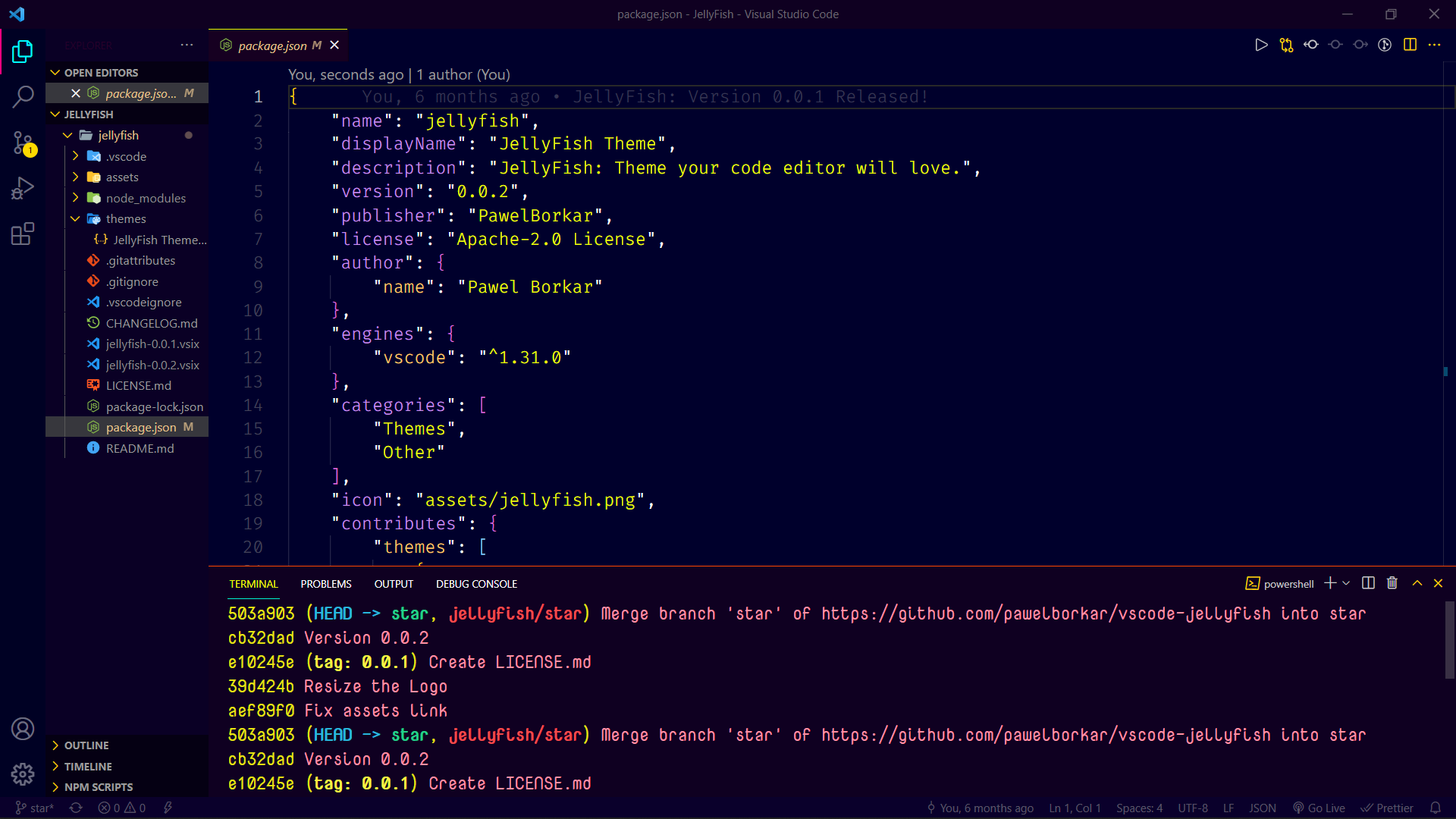
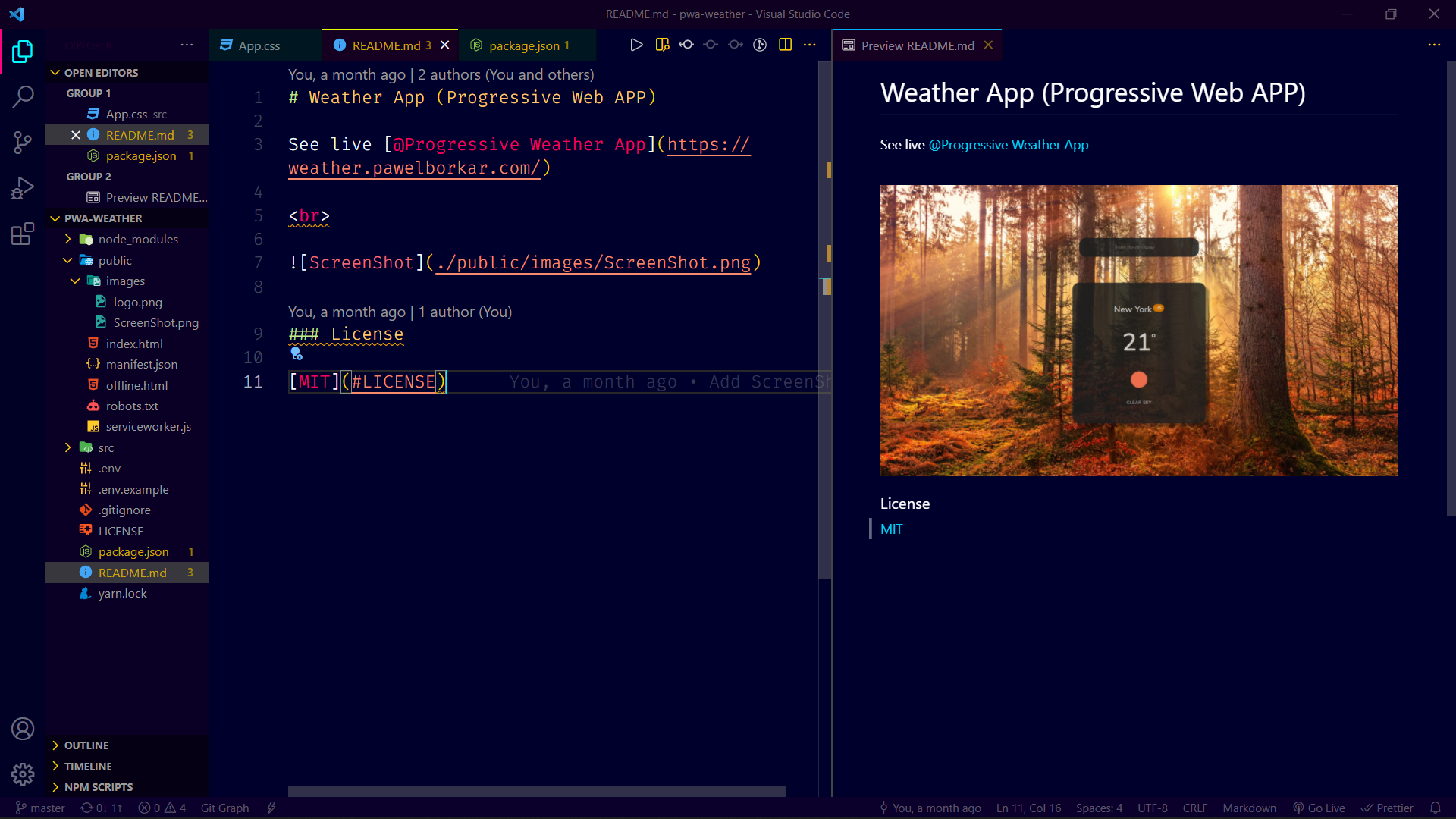
- Open Extensions from the Activity Bar in VS Code.
View → Extensions - Search for
JellyFish, choose "JellyFish Theme" by Pawel Borkar - Click Install
- Navigate to File > Preferences > Color Theme >
JellyFish
Copyright (c) 2022 Pawel Borkar
| Name | Name | Last commit date | ||
|---|---|---|---|---|
View → ExtensionsJellyFish, choose "JellyFish Theme" by Pawel BorkarJellyFishCopyright (c) 2022 Pawel Borkar