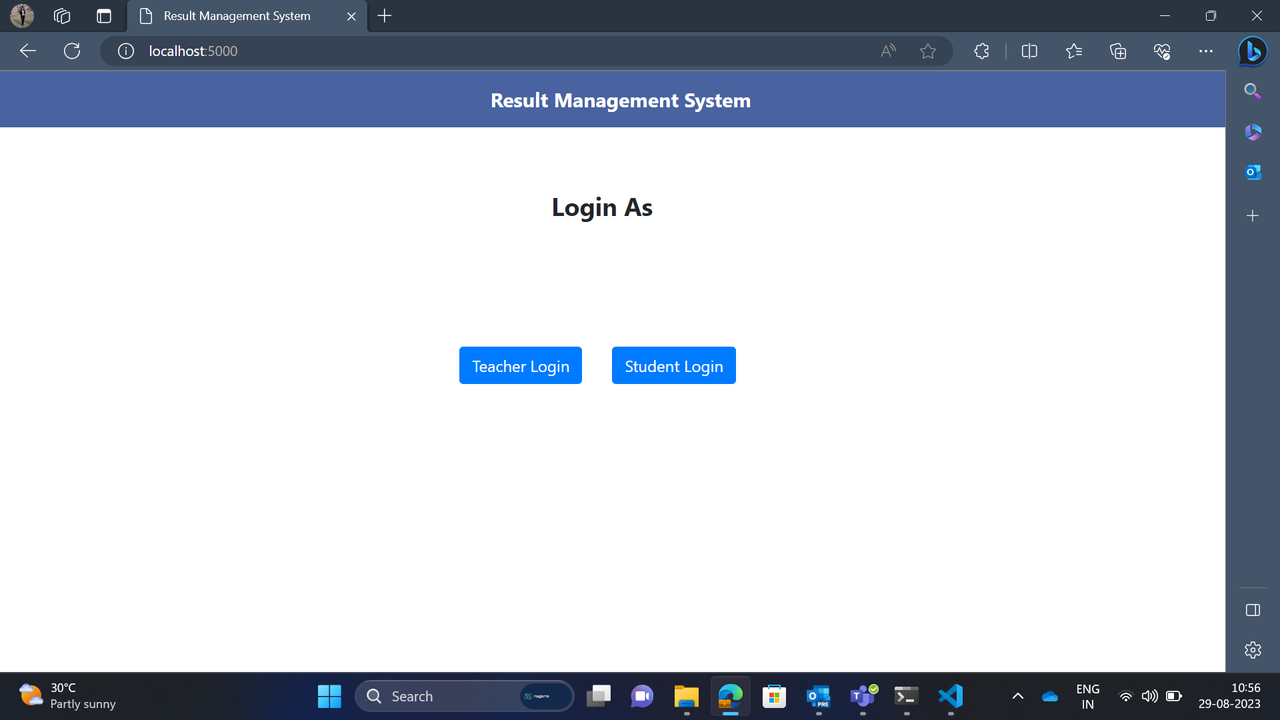
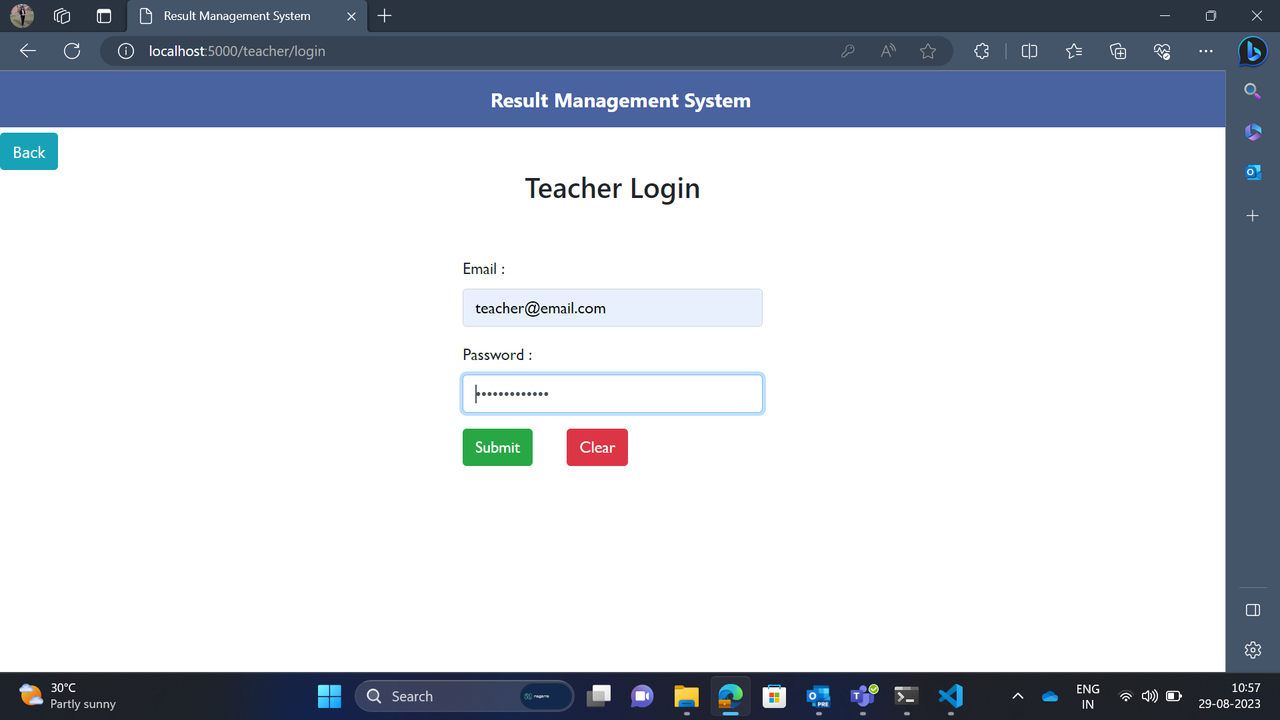
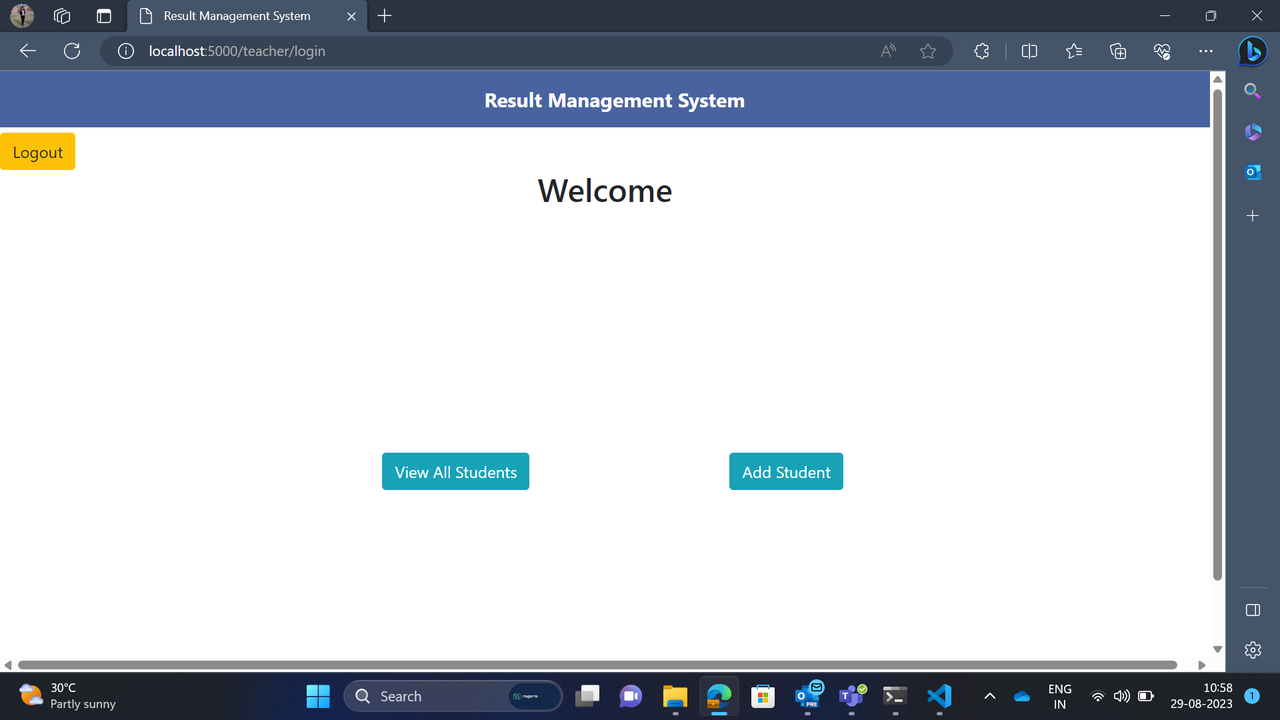
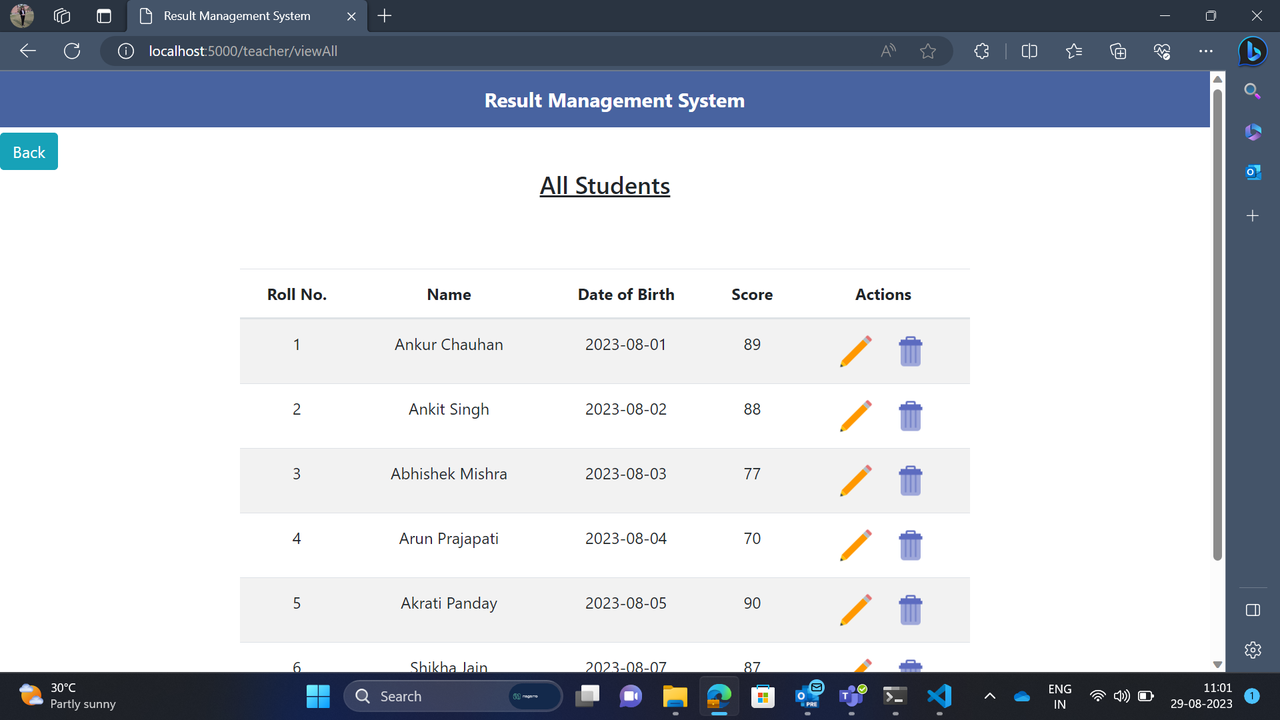
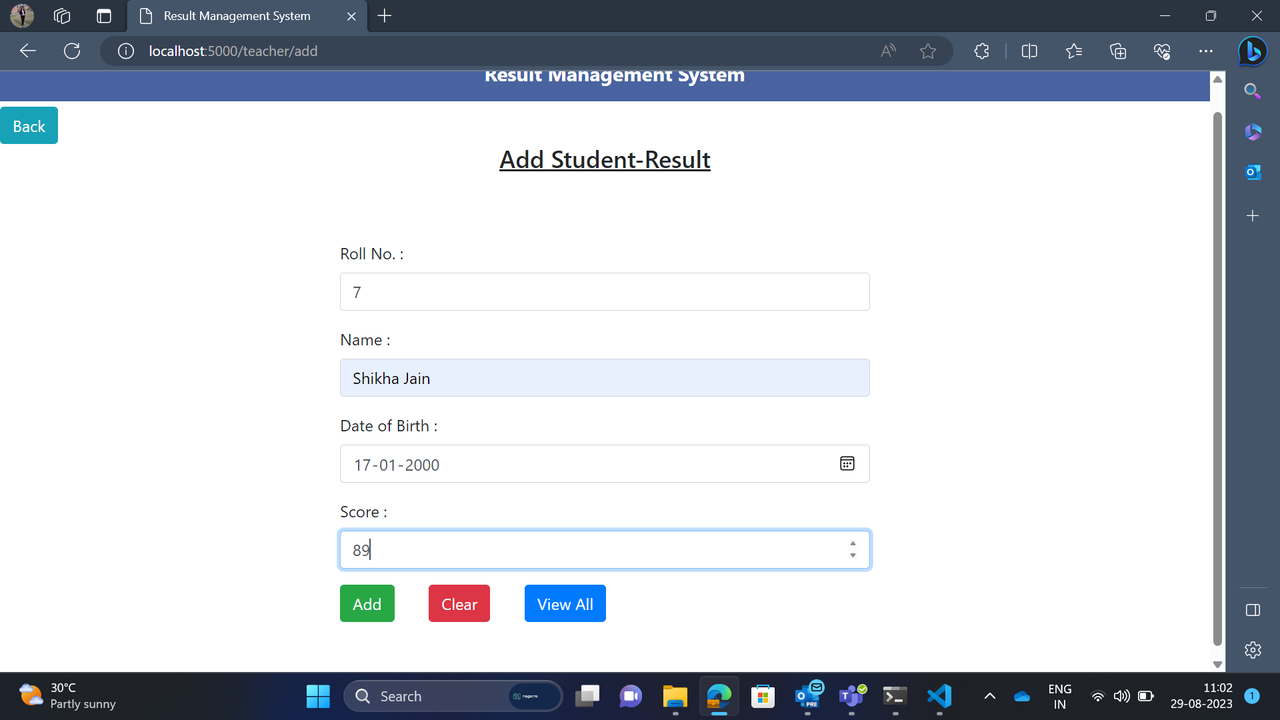
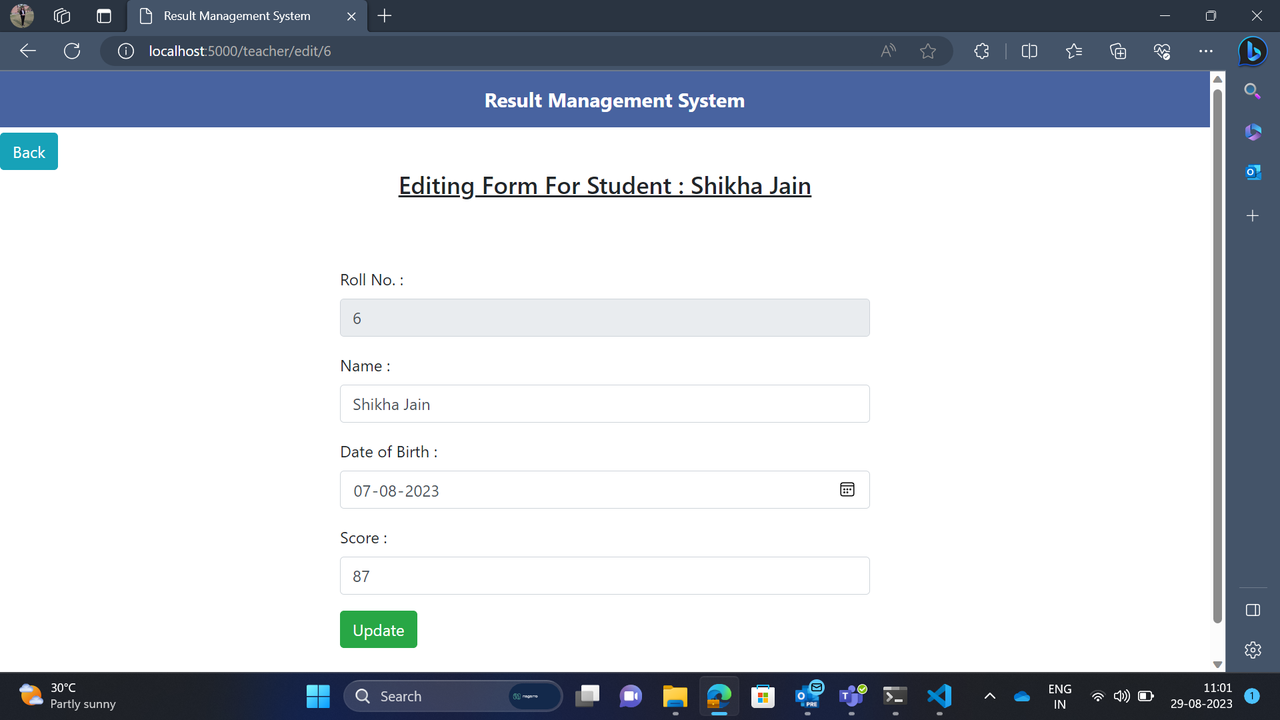
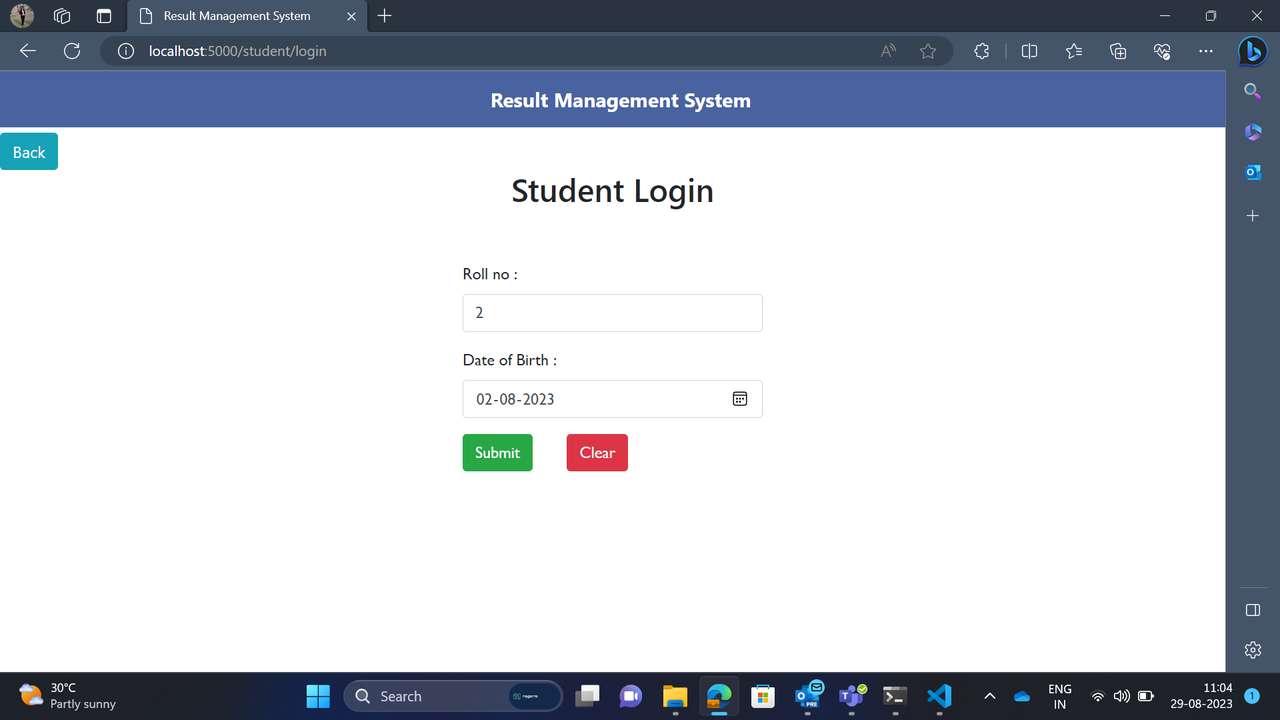
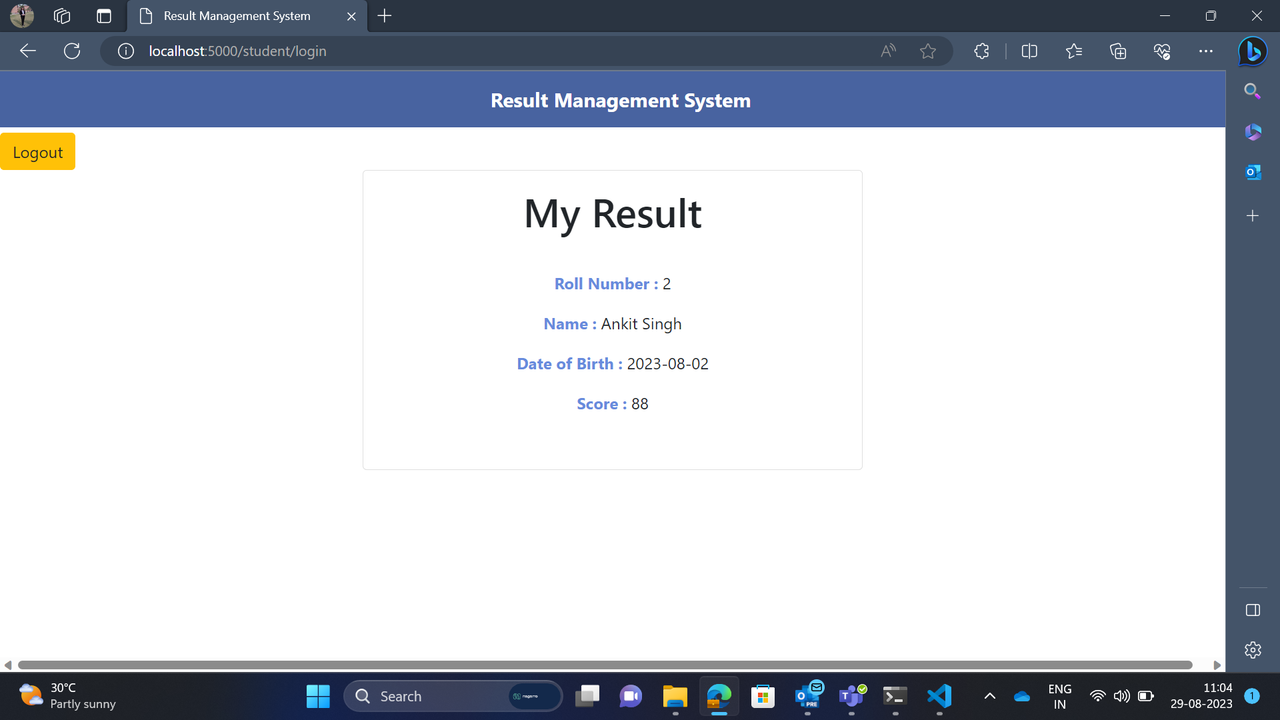
The "Result Managment Application" is a node js application in which students result is added, updated and deleted by the teacher and result is seen by the student. This application is developed using HTML, CSS, Node Js and has following:
- Two types of users can login to application by clicking a button on homepage
- Students can enter their roll number and date of birth to view their result
- If roll number and D.O.B. does not match, an error should be shown on screen.
- Teachers can View all records, add new record, edit and delete the records.
- Open the project in Visual Studio Code.
- Go to toolbar --> terminal --> Open new terminal.
- Run this command in the terminal to install the dependencies.
npm install- Create a database named "result_management_db" in MySQL Workbench or run the SQL command.
CREATE DATABASE result_management_db;- After creating the database run this command in terminal.
npm install sequelize-cli -g- Run this command in the terminal for migration.
sequelize-cli db:migrate- To start the application run following command in the terminal.
npm startOR
node app.js- Open URL "http://localhost:5000" on a browser to access this application.
- Teacher login details:-
   Email: [email protected]
   Password: Teacher@12345