
Home page
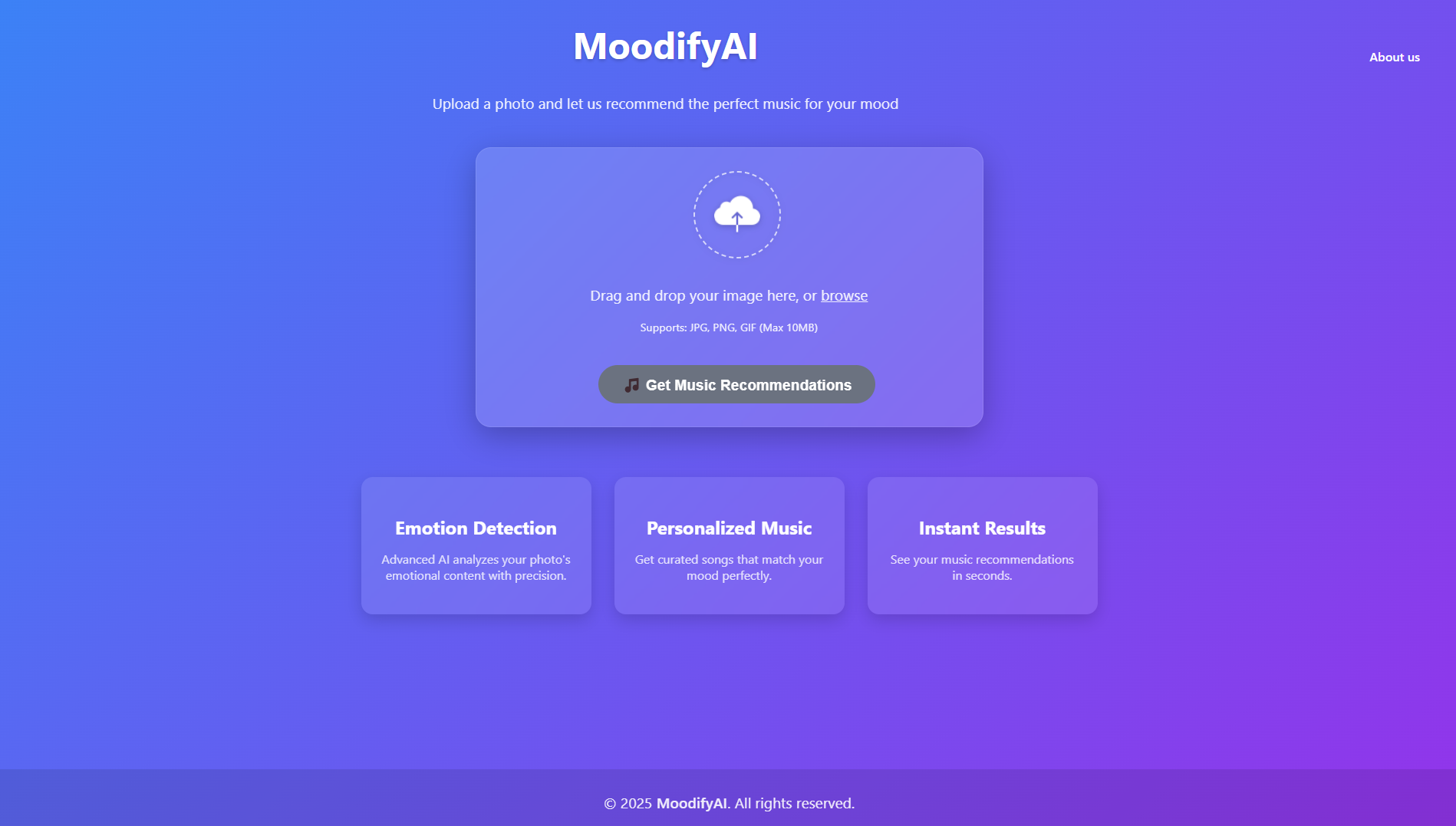 Result page

An AI-powered music recommendation system that detects emotions from facial expressions and suggests songs tailored to the user's mood.
- Detects emotions from facial expressions using a pre-trained deep learning model.
- Recommends songs based on the detected emotion by integrating with Spotify.
- Provides a user-friendly web interface for interaction.
- Backend: Python, Flask, TensorFlow/Keras
- Frontend: HTML, CSS, JavaScript
- Spotify Integration: Spotify Web API
- Model: Pre-trained emotion detection model (
facial_EmotionClassifer.h5)
-
Emotion Detection:
The system uses a deep learning model to analyze facial expressions and classify them into emotions such as happy, sad, angry, neutral, etc. -
Spotify API Integration:
Based on the detected emotion, the app queries Spotify's API for songs that match the mood and displays the results. -
User Interface:
Users interact with the system via a web interface where they can capture or upload images to detect emotions and get music recommendations.
- Python 3.x
- Spotify Developer Account
- Flask (
pip install flask) - TensorFlow/Keras
- Other dependencies listed in
requirements.txt.
git clone https://github.com/shivamprasad1001/MoodifyAI.git
cd MoodifyAIpip install -r requirements.txt- Visit Spotify Developer Dashboard.
- Log in or create an account.
- Create a new application and note down the Client ID and Client Secret.
- Add a redirect URI for authentication (e.g.,
http://localhost:5000/callback).
Create a .env file in the root directory and add:
SPOTIFY_CLIENT_ID=your_client_id_here
SPOTIFY_CLIENT_SECRET=your_client_secret_here
SPOTIFY_REDIRECT_URI=http://localhost:5000/callbackpython app.pyOpen your browser and go to http://localhost:5000.
The app uses the Spotify Web API to fetch songs:
import spotipy
from spotipy.oauth2 import SpotifyClientCredentials

# Authenticate with Spotify
sp = spotipy.Spotify(auth_manager=SpotifyClientCredentials(
    client_id="your_client_id",
    client_secret="your_client_secret"
))

# Fetch songs based on genre or mood
results = sp.search(q="genre:pop", type="track", limit=10)
for track in results['tracks']['items']:
print(f"{track['name']} by {track['artists'][0]['name']}")- Fork the repository.
- Create a new branch:
git checkout -b feature/your-feature-name
- Commit your changes:
git commit -m "Add some feature" - Push to the branch:
git push origin feature/your-feature-name
- Open a pull request.
This project is licensed under the MIT License. See LICENSE for details.
- Spotify API Documentation
- TensorFlow/Keras for the emotion detection model.