Referee Support
To facilitate the progression of the tournament and assist referees in tracking scores, it is possible to project the current match status using a projector, screen, or any device capable of mirroring the live score panel.
Open a new browser window (preferably in incognito mode) and navigate to the tool. Within the tool, select the ongoing tournament and open the score panel. Filter the shiaijo as needed by consulting Shiaijo Selection, then configure it according to your requirements. Once configuration is complete, activate the projector mode option:
Projector mode This function conceals all control elements from view.

To exit from this mode, please press the ESC key.
Additionally, projector mode automatically hides any completed matches to prevent confusion among referees.
Tip: After enabling projector mode, press F11 on your browser to enter full-screen mode and hide the navigation bar.
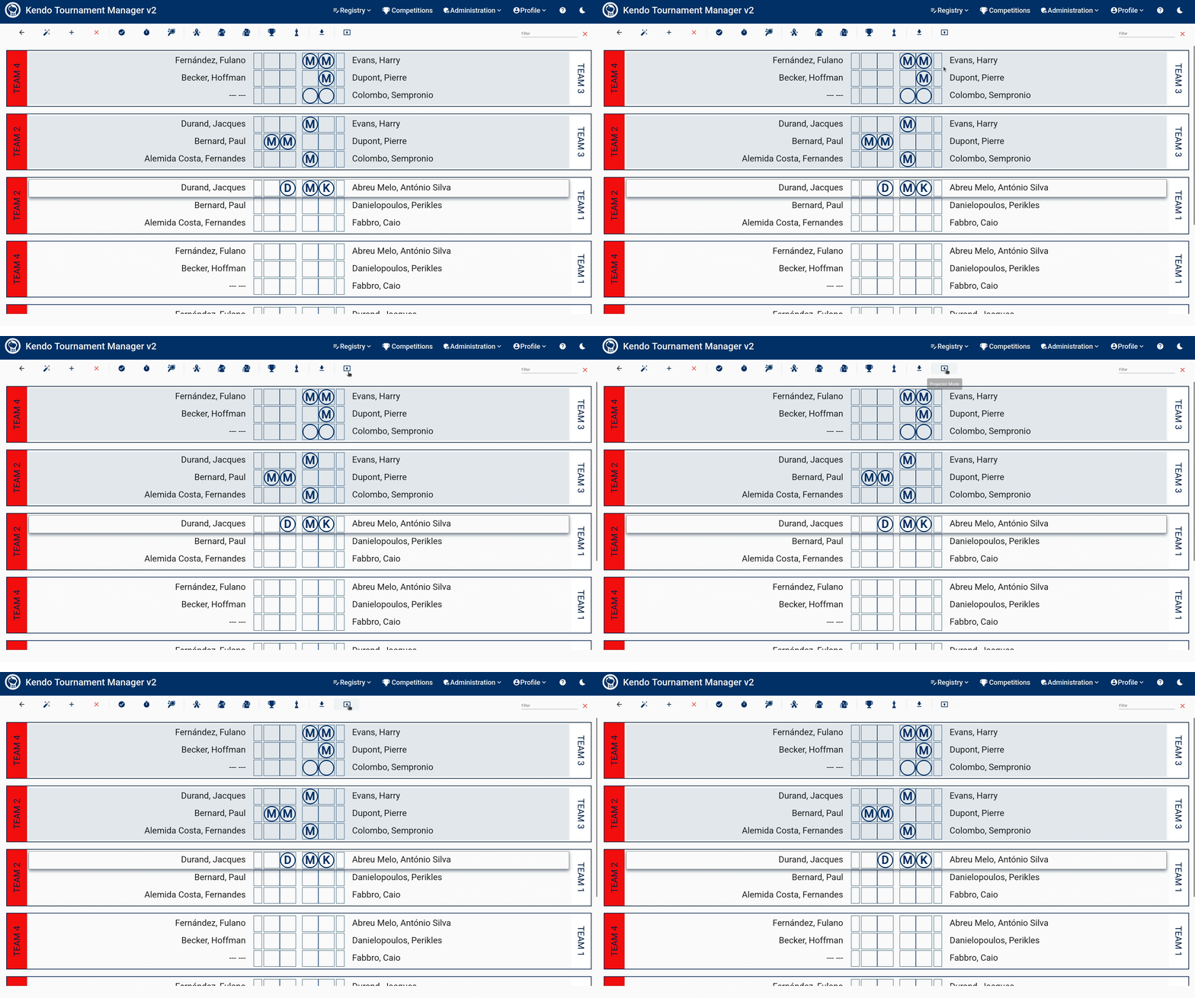
Please note that you can swap colors and team positions on the display to provide a more accurate perspective relative to the referees’ location. You are encouraged to experiment with these options to find the most suitable configuration.
 Created by: softwaremagico